
Plans and billing
Billing has two parts: the plan sets the limits of your workspace, and connected business modules are charged monthly to the company balance. Both live on one screen — Administration → Plans & billing.
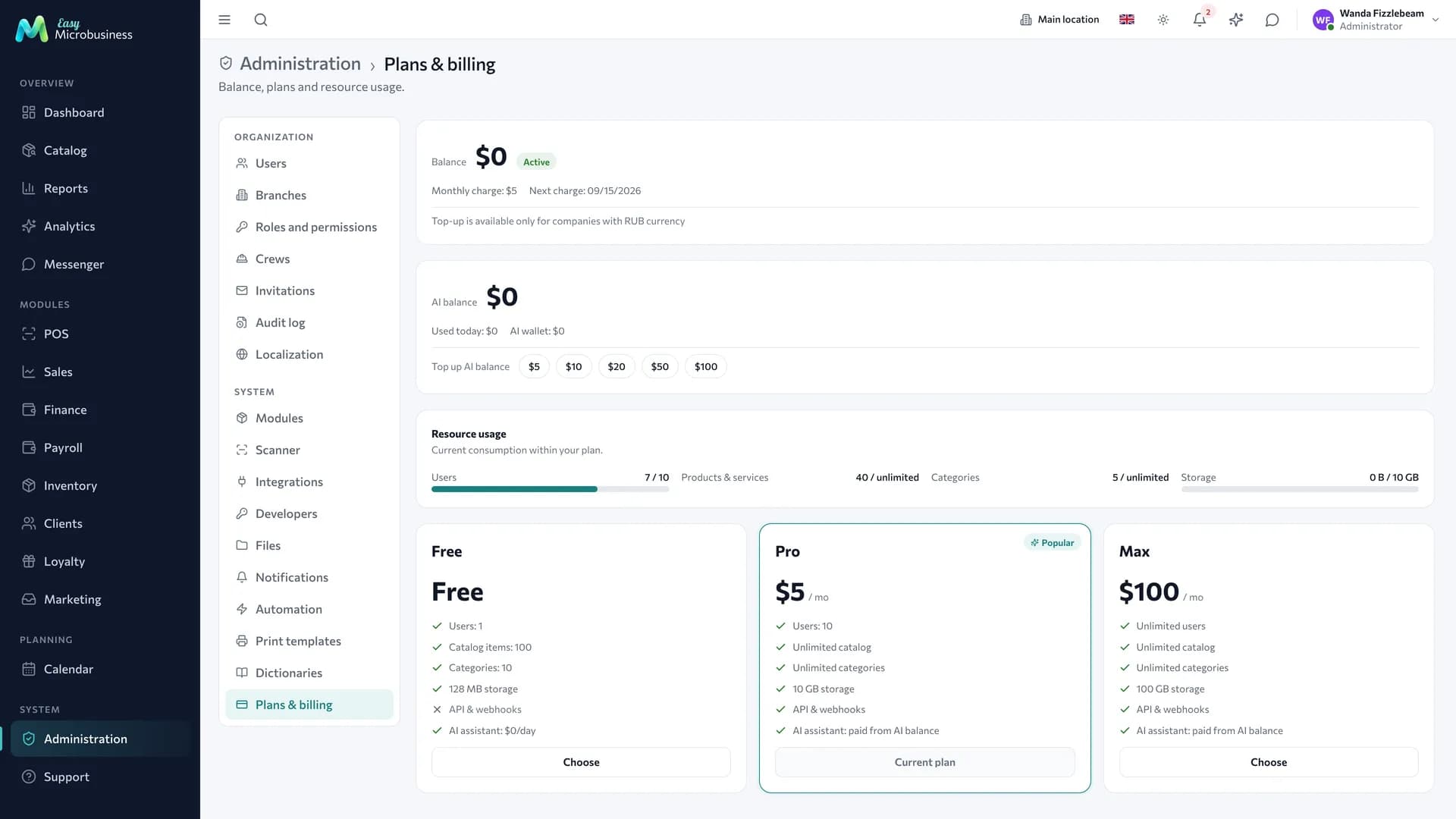
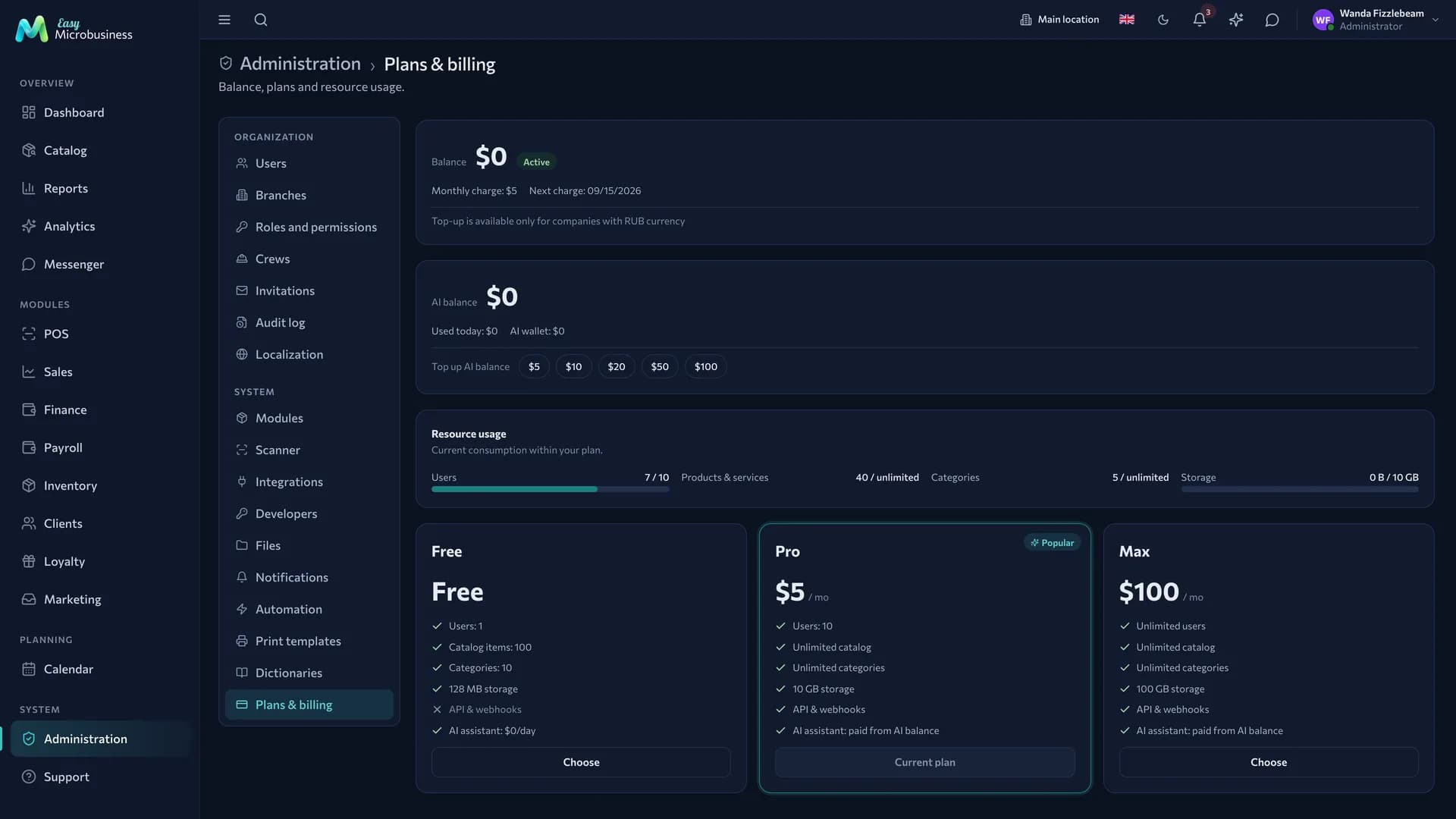
Company balance
The balance is the wallet of your workspace. The cost of connected modules is charged from it every month.
The screen shows three things:
- Monthly charge — the total for all active modules.
- Next charge — the date it leaves the balance.
- Top up — quick buttons for 100, 500, 1 000 and 5 000 ₽, or any amount.
To top up:
- Press Top up and pick an amount.
- Pay in the payment provider window that opens.
- Return to the page — the balance updates itself.
If a payment does not go through, the invoice stays pending and the money is not taken twice. A second attempt creates a new invoice.
How modules renew
Each module has its own 30-day period: it starts on the day you connect and renews automatically.
| Situation | What happens |
|---|---|
| You connect a module on the Free plan | The module starts for free, nothing is charged |
| You connect a module on Pro with an empty balance | The module starts in trial mode for 30 days. Trial mode is given once per module |
| Renewal comes due and there is not enough money | The module pauses and its sections leave the menu |
| You top up the balance | The system checks paused modules every hour and resumes the ones the balance covers |
Data stays where it is: a pause closes access to a screen, not the records. Sales, customers and stock are kept in full.
If the balance does not cover the plan
The plan is charged separately from modules. When there is not enough money for it, the company gets 3 days to top up. Top up within those days and the debt is settled.
If the three days pass, the workspace goes into a waiting state:
- the plan becomes Free, purchased storage is released, the AI token package expires, catalog items above the Free limit are hidden;
- login stays with the administrator: they pay, and they restore access;
- public pages answer "page unavailable" — the storefront, online booking, the client portal and the buyer cabinet.
To bring everything back:
- Top up the company balance.
- Pick a plan again on the same screen.
Employees get access immediately, hidden catalog items return, public pages open.
Plans
A plan sets the limits of the workspace and the price of business modules.
| Plan | Price | Business modules | Users | Catalog | AI assistant | Storage |
|---|---|---|---|---|---|---|
| Free | ₽0 | all free | 1 | up to 10 products and services, 5 categories | ~100k tokens a day | 128 MB |
| Pro | ₽690/mo | from ₽590 per module | up to 100 | up to 1000 items, 100 categories | 3M tokens a month | 10 GB |
| Max | ₽4,490/mo | all included | no limit | no limit | 20M tokens a month | 100 GB |
External API and webhooks work on the Pro and Max plans.
The price of a business module depends on the plan, not only on the module itself:
- on Free any module connects for free — a way to see the whole system while staying within the catalog and single-user limits;
- on Pro every module is billed separately: ₽590 (retail store, beauty, education, fitness), ₽890 (online store, restaurant, service, rental, CRM, studio, printing) or ₽1,190 (construction, wholesale, manufacturing, events, field service);
- on Max all modules are already part of the plan price. It pays off from roughly the fifth connected module.
Moving from Free to Pro makes connected modules paid: they are charged at their next renewal. The confirmation dialog warns about this before the switch.
The Resource usage block shows current consumption: how many users are taken, how many catalog items there are, how much space files occupy. When a figure approaches the limit, the bar changes colour — a signal to change the plan before you hire the next person.
How to connect a business module
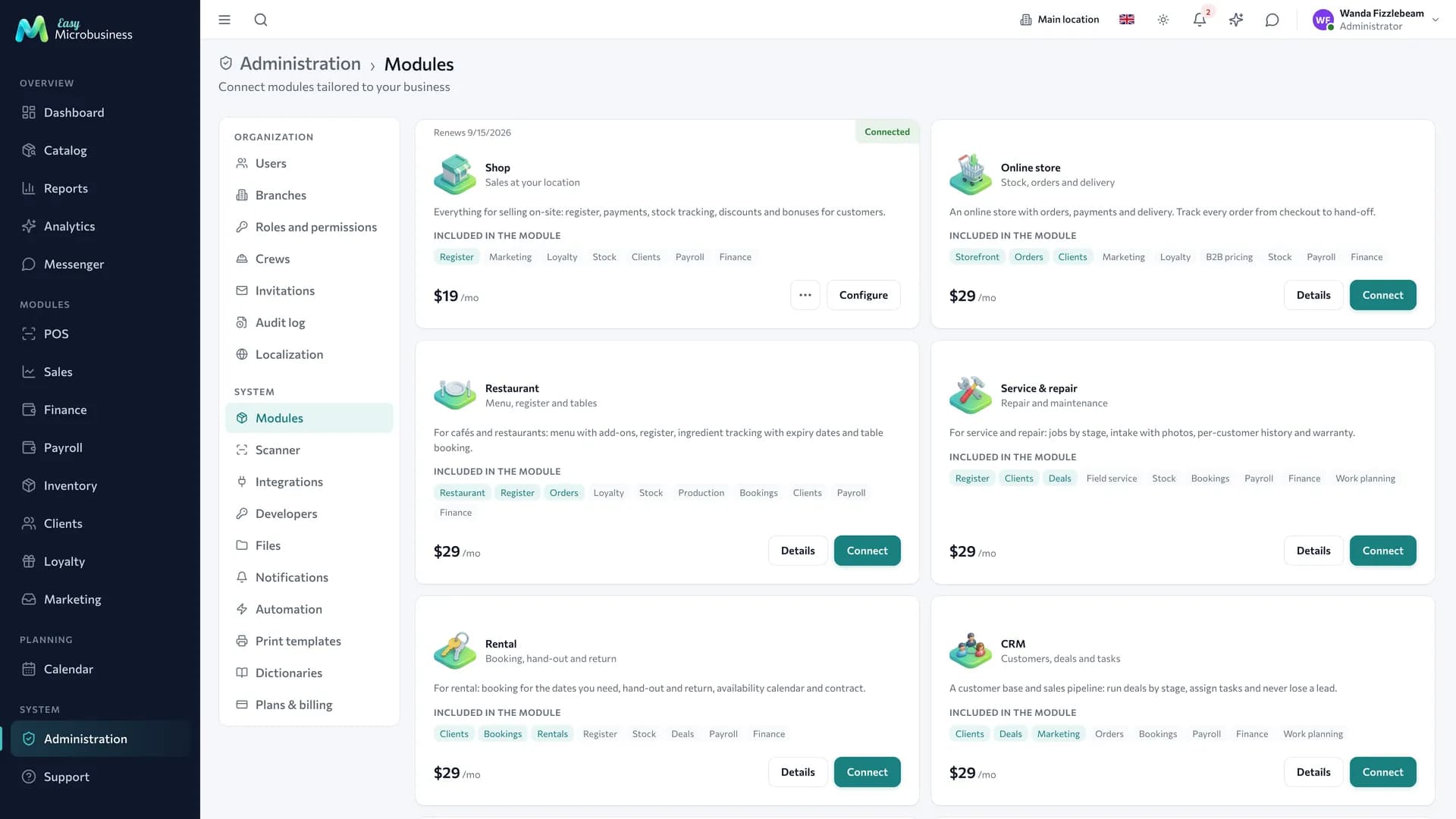
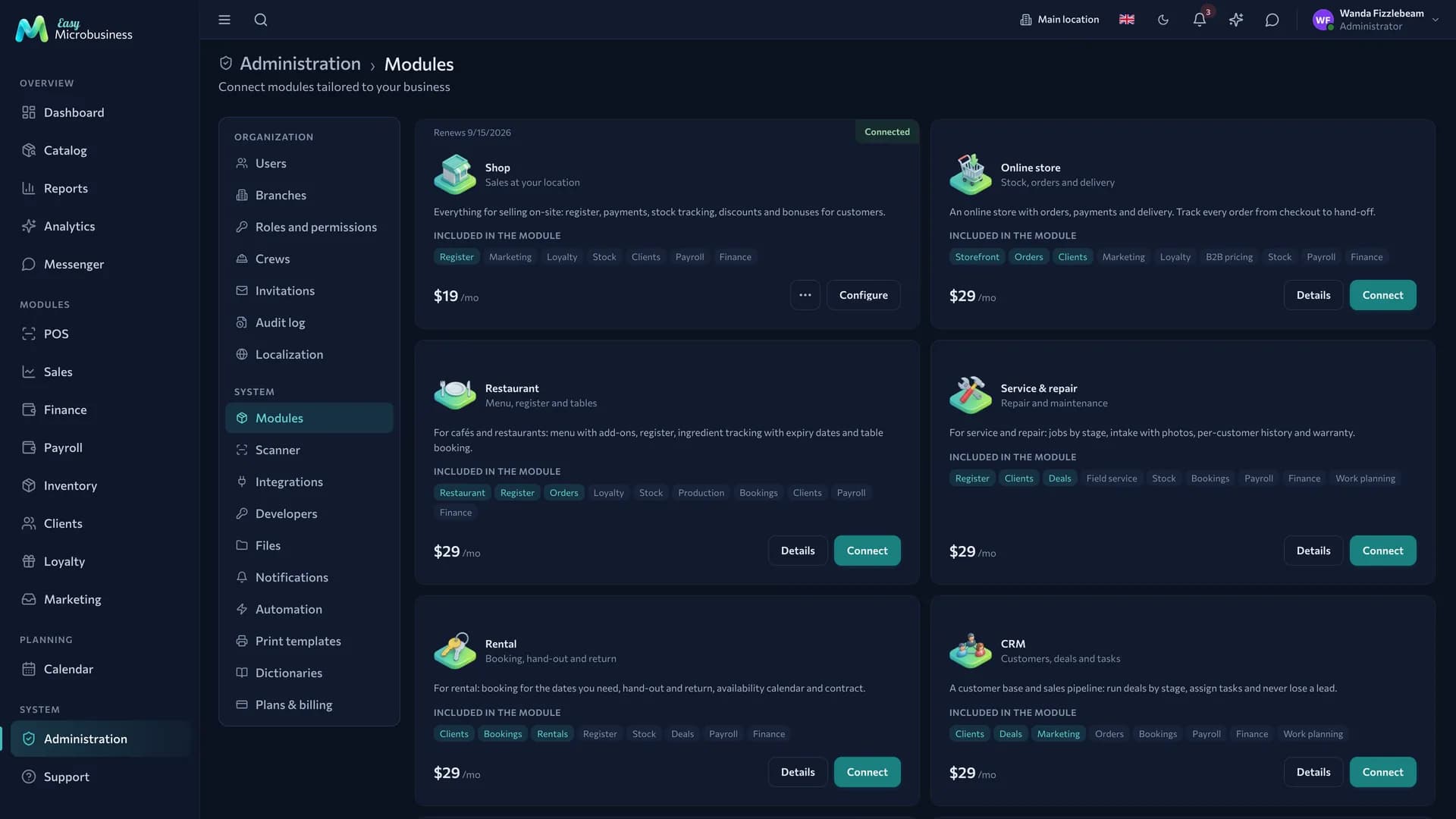
- Open Administration → Modules.
- Find the module card: it shows the monthly price, the set of components and a description.
- Press Connect — the screens appear in the menu right away, without a page reload.
Worth knowing:
- Components are not charged twice. Two modules may use the POS — you pay for the modules, and the POS stays one.
- A module can be disconnected at any time. Sections hide immediately and no further charges are made; the paid remainder of the month stays with the module.
- Trial mode on an empty balance is given once per module, for 30 days. It is a way to see the process from the inside. Free does not consume it: modules are free there anyway, so the trial stays untouched until you move to Pro.
More detail on what each module gives is in Business modules.
AI assistant balance
The AI assistant is charged separately, because the cost depends on the number of requests rather than the number of employees.
The assistant spends three sources strictly in order:
- Plan package — the tokens included in the price of Pro and Max. It is granted anew at every subscription renewal and expires with the paid period: an unused remainder does not carry over.
- Free daily quota — the safety valve of the Free plan, reset every 24 hours. Paid plans do not have it.
- AI balance — a separate wallet for requests beyond the package. Topped up by transfer from the company balance.
The screen shows the package remainder with its expiry date, today's usage and the AI balance. The token figure is an estimate: analytical requests cost more than ordinary ones, so the package drains faster when the assistant crunches reports.
When everything is spent, the assistant says so and offers to top up the AI balance. It does not need connecting — every company has it, and nothing is charged if you do not use it.
Who sees this
The plans and billing screen is open to the company administrator. Who sees what in other sections is in Roles and permissions.
In short
- The company balance pays for both the plan and the modules; the plan sets workspace limits and module prices.
- Each module has its own 30-day period; trial mode is given once.
- A shortfall on the plan gives 3 days to top up, after which you pick a plan again.
- The AI assistant spends the plan package first, then the Free daily quota, then its own AI balance.