
Audit log
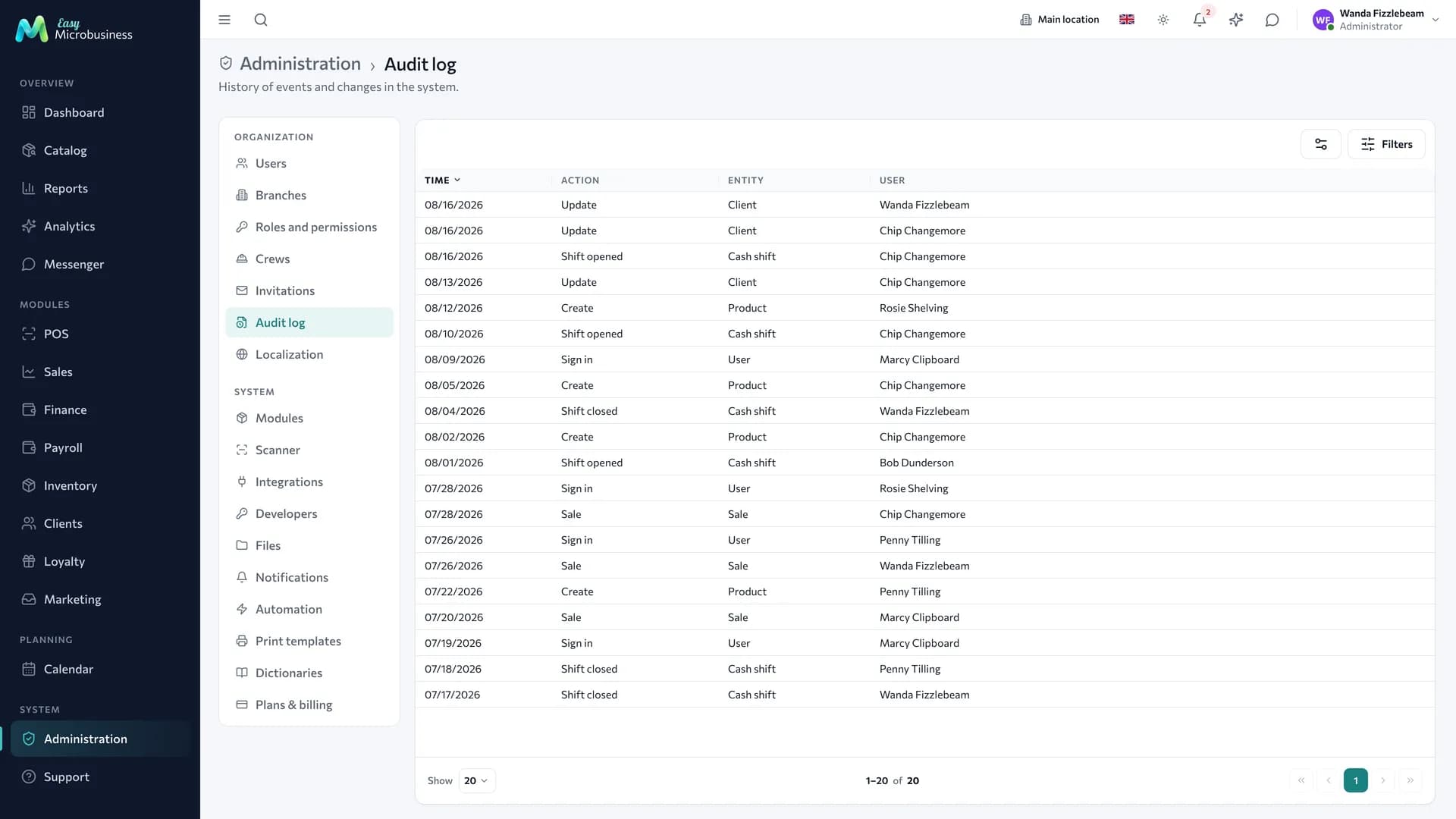
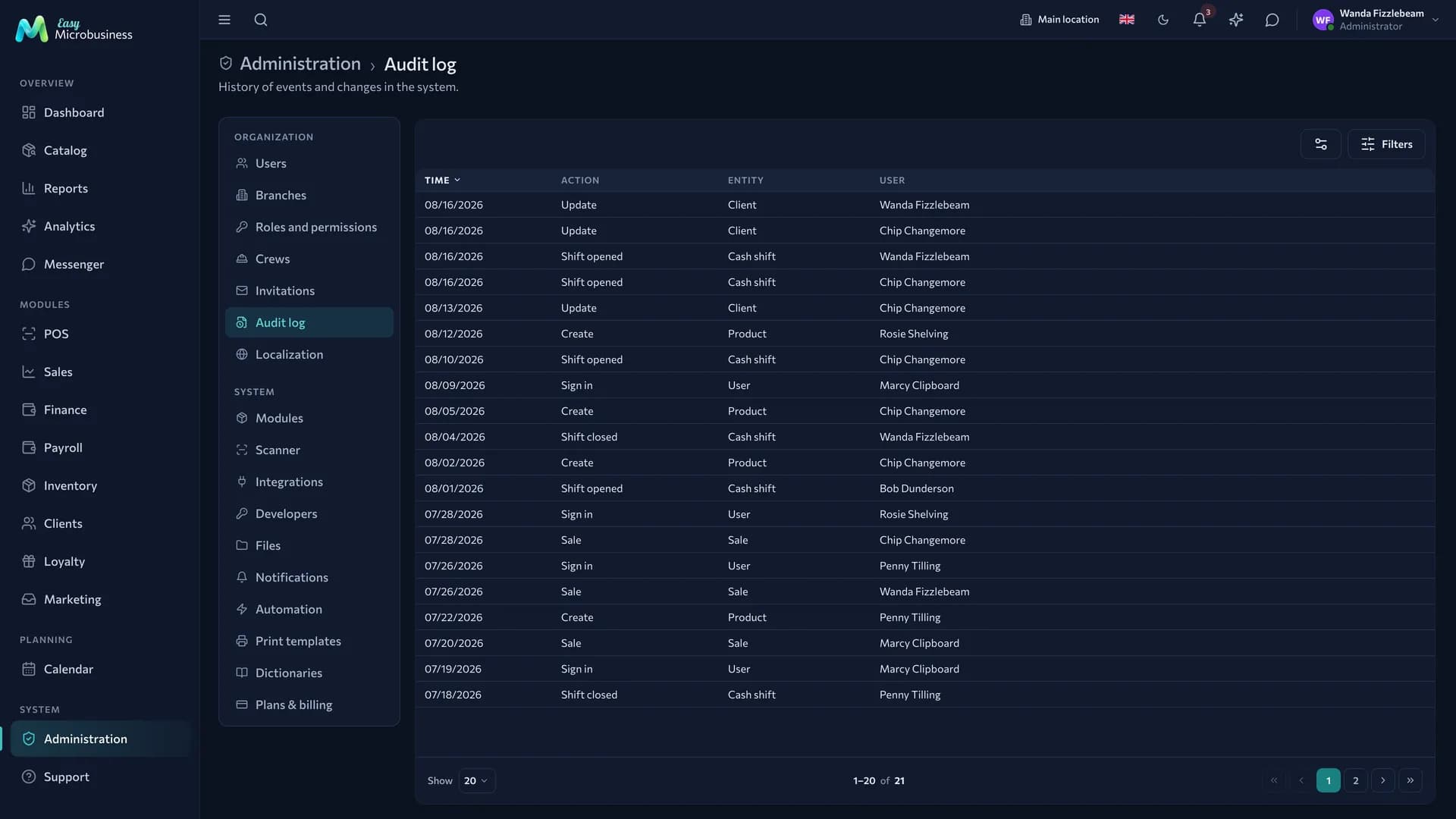
The log shows what happened to the company data: who changed what and when. It is the first place to look when settling a dispute.
What goes into the log
- logins;
- invitations, role and permission changes, blocking and restoring employees;
- sales, refunds, opening and closing shifts, cash operations;
- orders: creation, changes, status changes, cancellation, payment;
- deals: creation, changes, stage transitions, closing with a receipt;
- inventory operations: receipts, adjustments, transfers, stock counts;
- wholesale: price lists and bulk fills, customer group operations, creating, posting and cancelling shipments, issuing and revoking a buyer cabinet link, orders placed by a customer from the cabinet;
- production: recording a run and cancelling it — with the run number, product, quantity and reason;
- site work: crews, work orders and their closing with accruals, issuing and returning materials, fixing and approving an estimate version;
- file approvals: "File sent for approval", "Customer approved the file", "Customer sent the file back" with a comment;
- creating, changing and deleting products, services, customers, warehouses and suppliers;
- changes to integration, connector and plan settings;
- connecting and disconnecting modules.
A receipt and a deal keep their own detailed history inside the card. The log gives a single stream where the order of events across sections is visible.
A login by Easy Microbusiness support into your account also lands here, as a "Login" entry. It stays in the log alongside the rest.
How to find what you need
Entries are filtered by period, user, action type and object, and there is a text search.
Questions the log answers in a minute:
- "Who deleted a product from the catalog last Tuesday?"
- "When was inventory switched off and by whom?"
- "Who gave an employee access to finance?"
- "Who refunded a large receipt?"
How to read an entry
| Column | What it means |
|---|---|
| Date and time | When the action happened |
| User | Who performed it. Empty means the action came from outside: a customer cabinet, a buyer cabinet or a public link |
| Action | What exactly was done: creation, change, deletion, a section-specific action |
| Object | Which record was affected, with its number or name |
| Details | What changed: before and after values where that makes sense |
Entries without a user record actions by customers who have no account in the system. For example, "Customer approved the file" is the customer's own mark made through a link.
Entries do not change
The log is not edited or deleted — not by an administrator and not by support. That is why it can be trusted when investigating an incident.
What to do about a suspicious entry
- Look at the "Login" entries for that user: when and how often they signed in.
- Block the account while you look into it.
- Check permission changes over the same period.
- Restore deleted records — they are marked as deleted and stay in the system.
In short
- The log collects actions from every section into one stream with filters by period, person and object.
- An empty user means an action taken by a customer through a public link.
- Entries are not edited or deleted.
- For an incident: check logins, block the account, review permission changes.
Related sections
- Users and invitations
- Roles and permissions
- Integrations — keys and connectors, whose changes are logged too