
Company and branches
This is where the data that concerns the whole organisation lives: locations, time zone, currency and language, shared reference books, files and notifications. In the administration menu these are separate items — Branches, Localization, reference books, Files and Notifications.
Branches
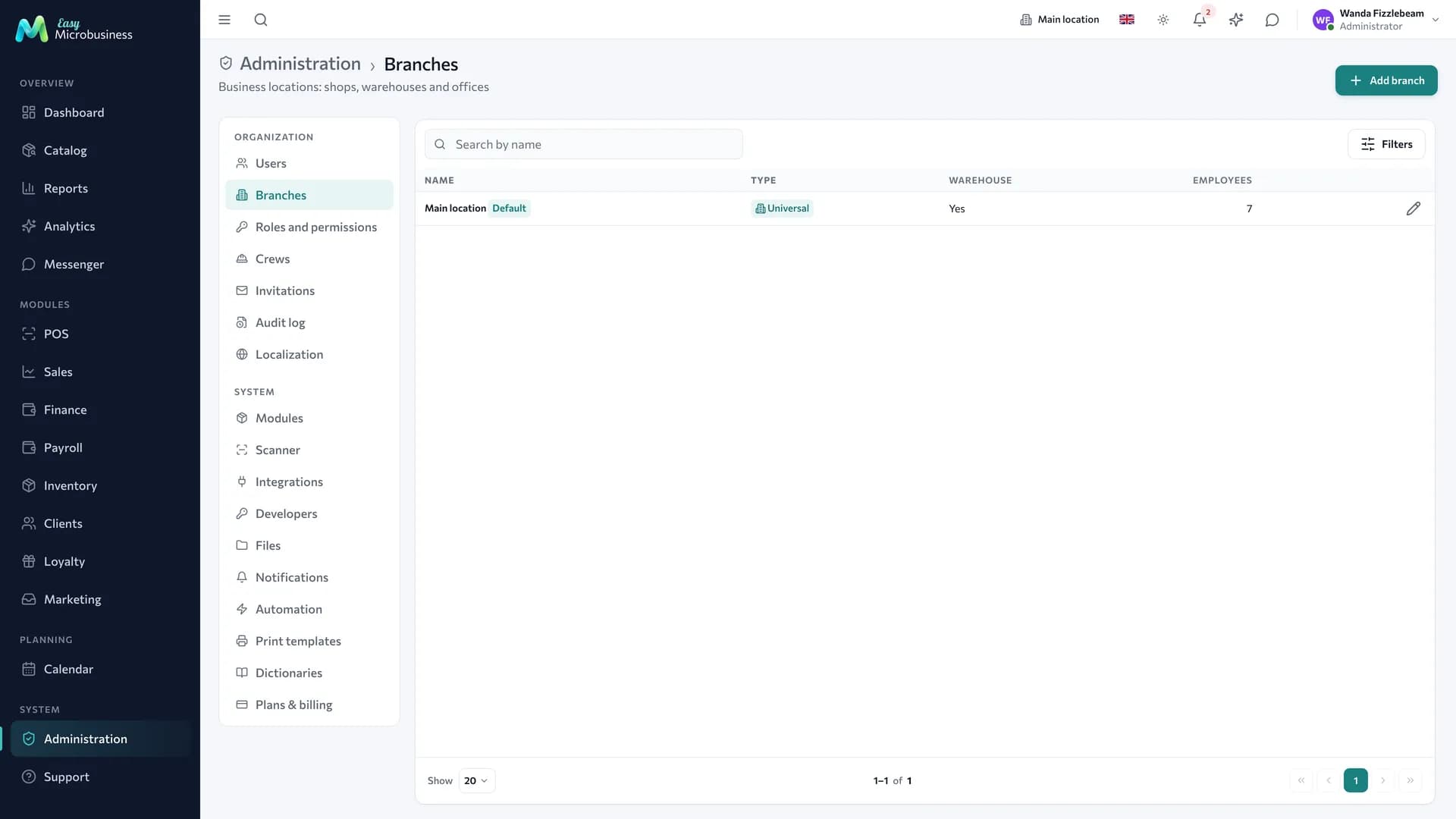
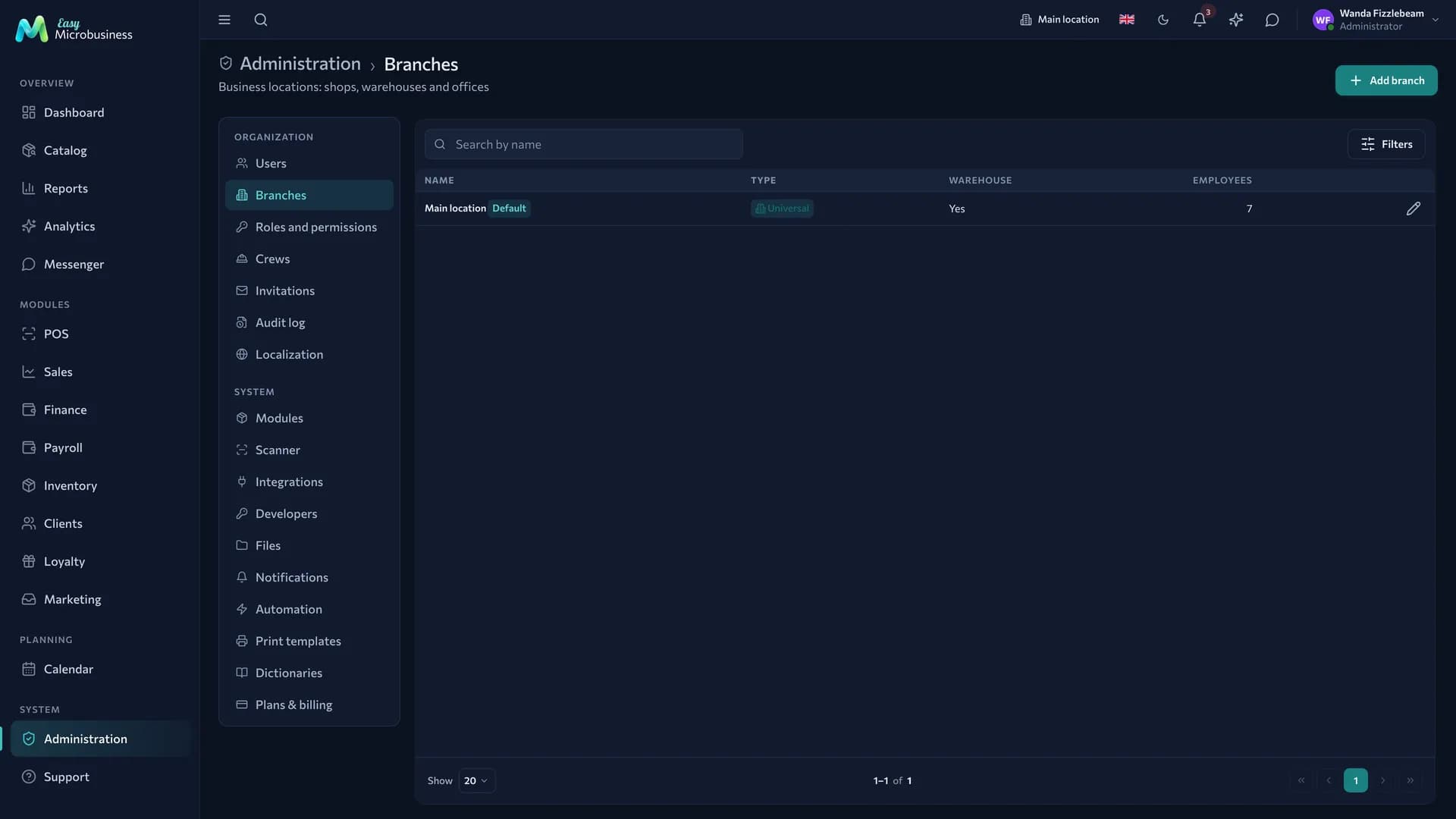
A branch is a place where work happens: a salon, a workshop, a warehouse, a coffee shop. Tied to a branch are:
- product stock;
- cash shifts and revenue;
- staff schedules and customer bookings;
- orders and shipments.
The branch switch sits in the top bar and changes what you see. An employee can be assigned to a specific location.
Create a branch when a location has its own stock or its own till. A neighbouring room does not need one.
Localization
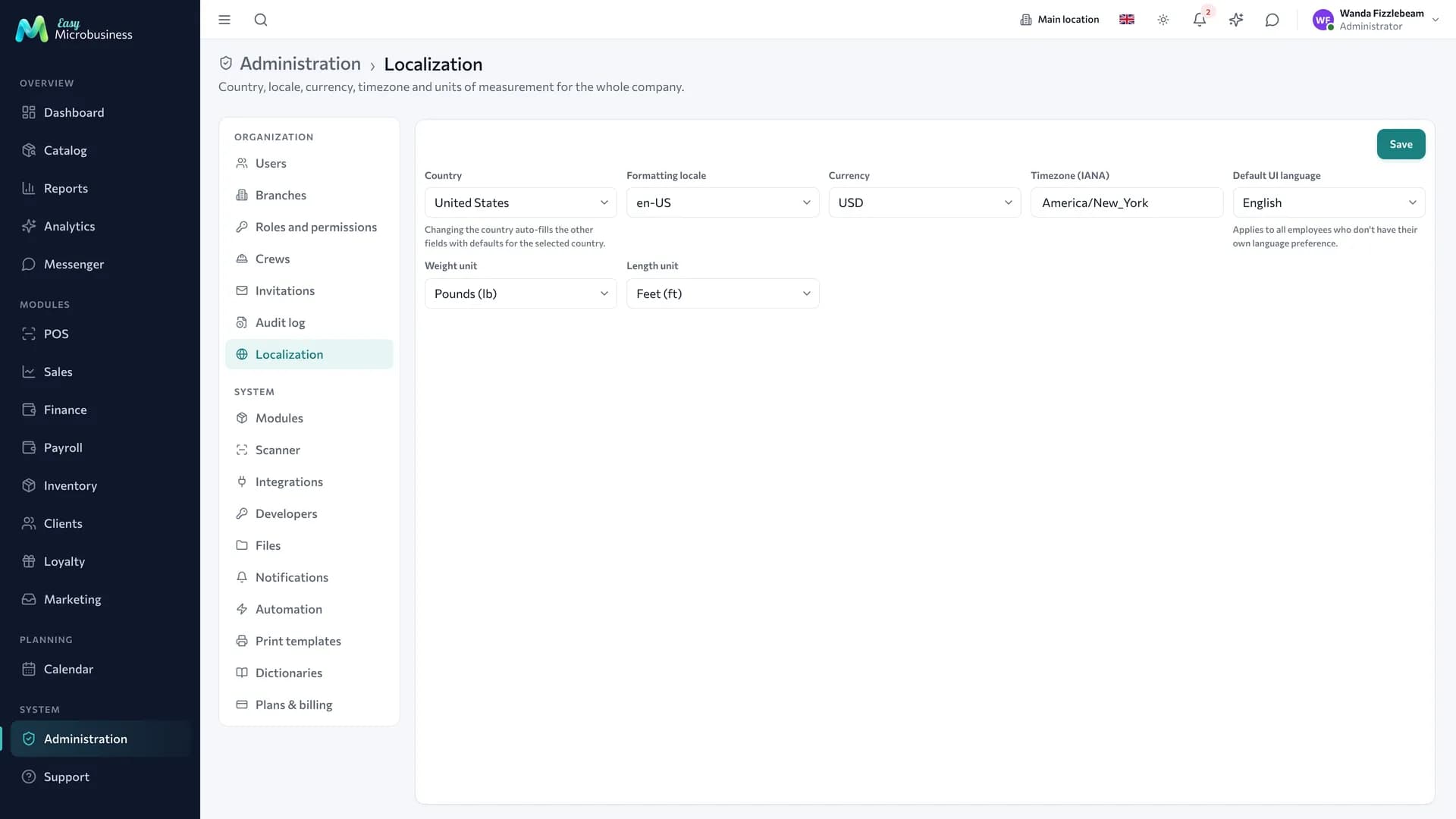
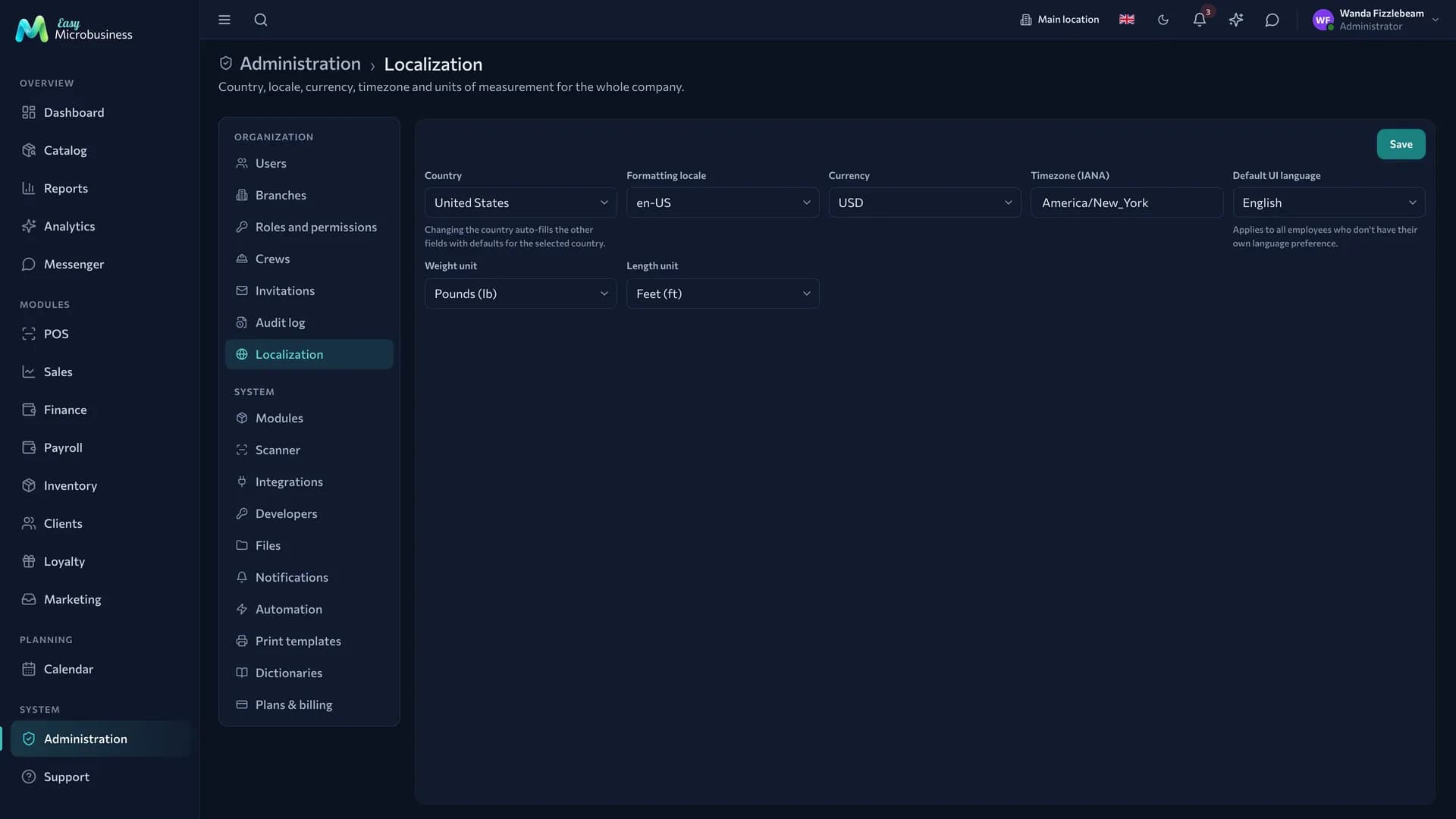
The section sets the country, formatting locale, currency, time zone, default interface language and units of weight and length for the whole company. Changing the country fills in typical values for the rest.
The list has nineteen countries: Russia, Kazakhstan, Belarus, Ukraine, Uzbekistan, Tajikistan, Kyrgyzstan, Georgia, Turkey, Germany, France, Italy, Spain, Portugal, Finland, the USA, India, China and Japan. The interface is translated into the languages of all nineteen, and there are fourteen currencies.
The interface language here is a default. It applies to employees who have not picked their own language in their profile.
The company time zone sets the boundary of the day. "Today" on the events screen, in Dispatch, in the field job list and in deal task counters is counted in company time, so a morning booking in Tbilisi or Tashkent stays in its own day.
Changing the currency and locale changes the display only. Prices and stock keep the same numbers: 100 ₽ will show as $100. The system warns about this in a separate window.
Legal details for documents
There is currently no separate screen for legal details — name, tax number, address, bank data. In contracts, acts and invoices the fields without data are printed as a blank line to fill in by hand. More detail is in Print templates.
Company files
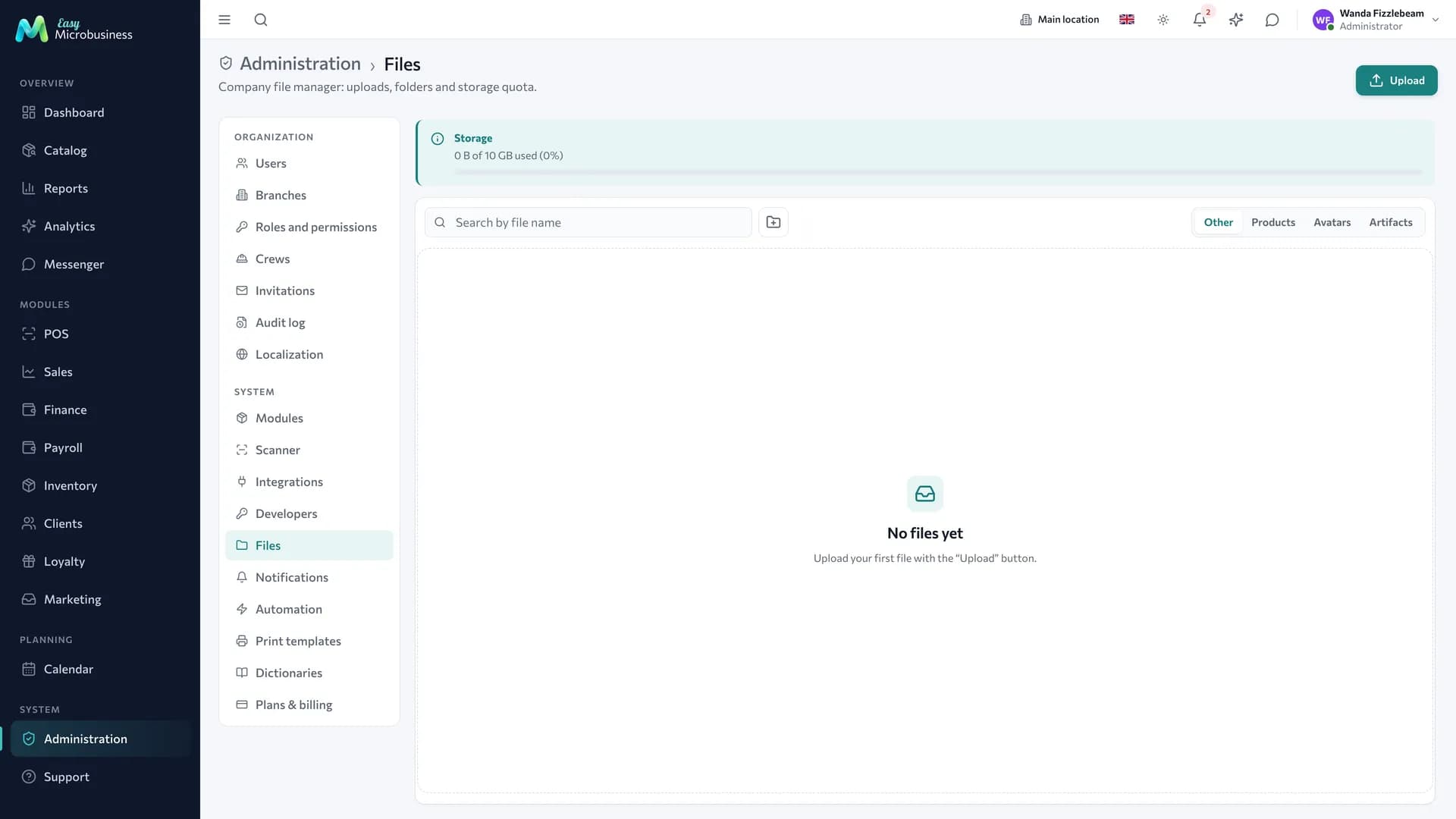
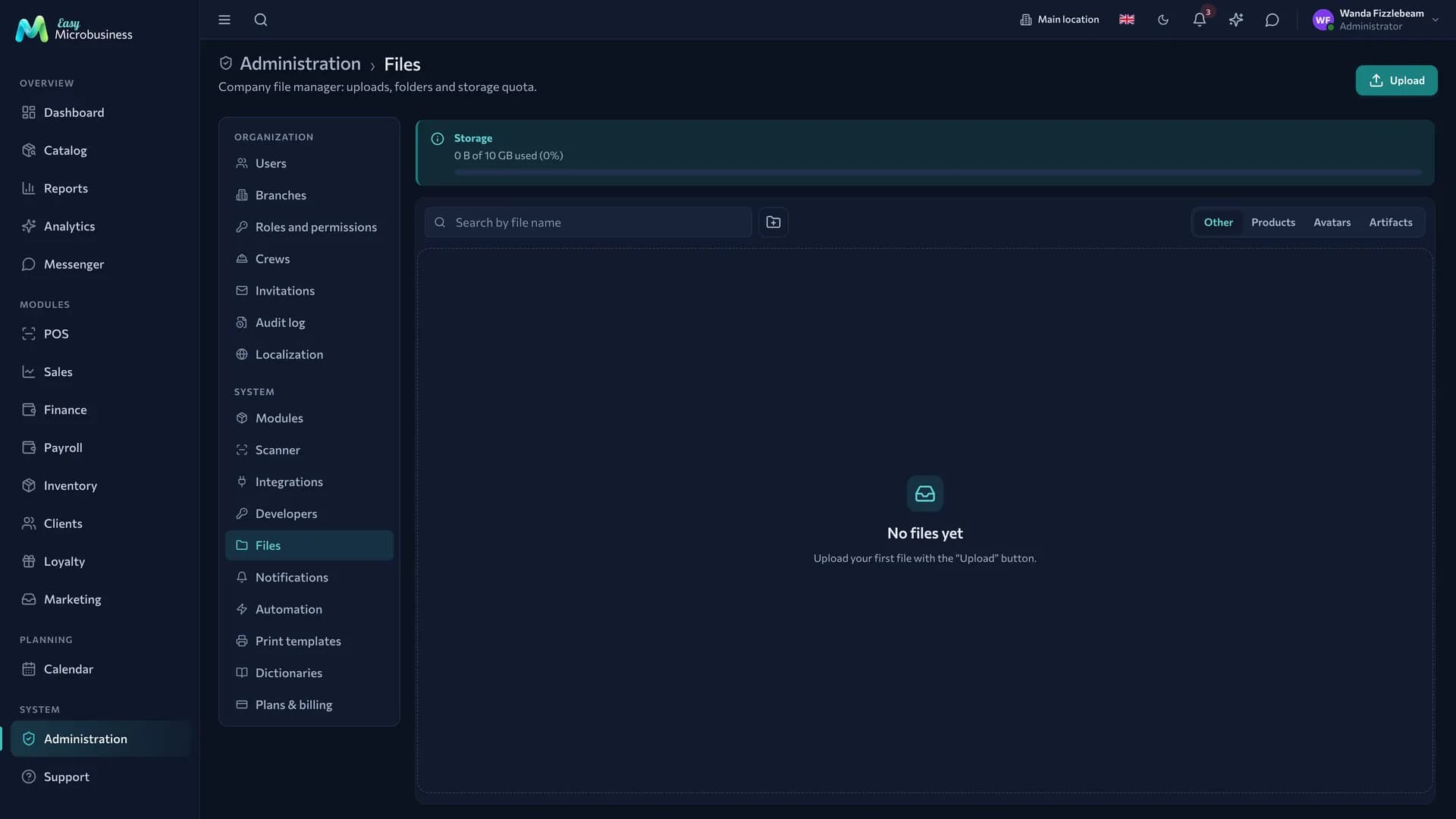
Every uploaded document, photo and attachment is collected in one section: you can see what takes up space and what it belongs to. Files are deleted from here when storage approaches the plan limit.
Reference books
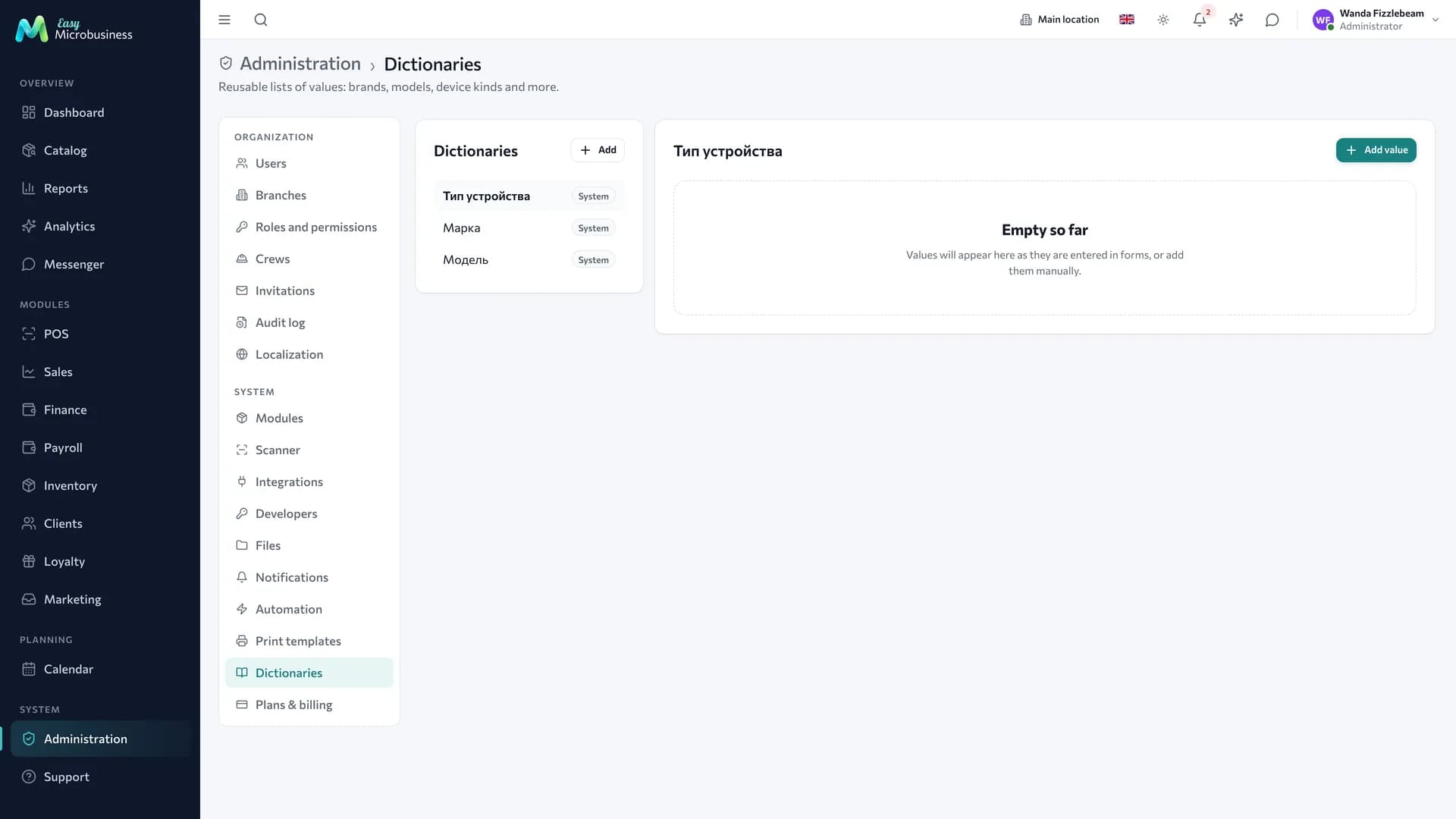
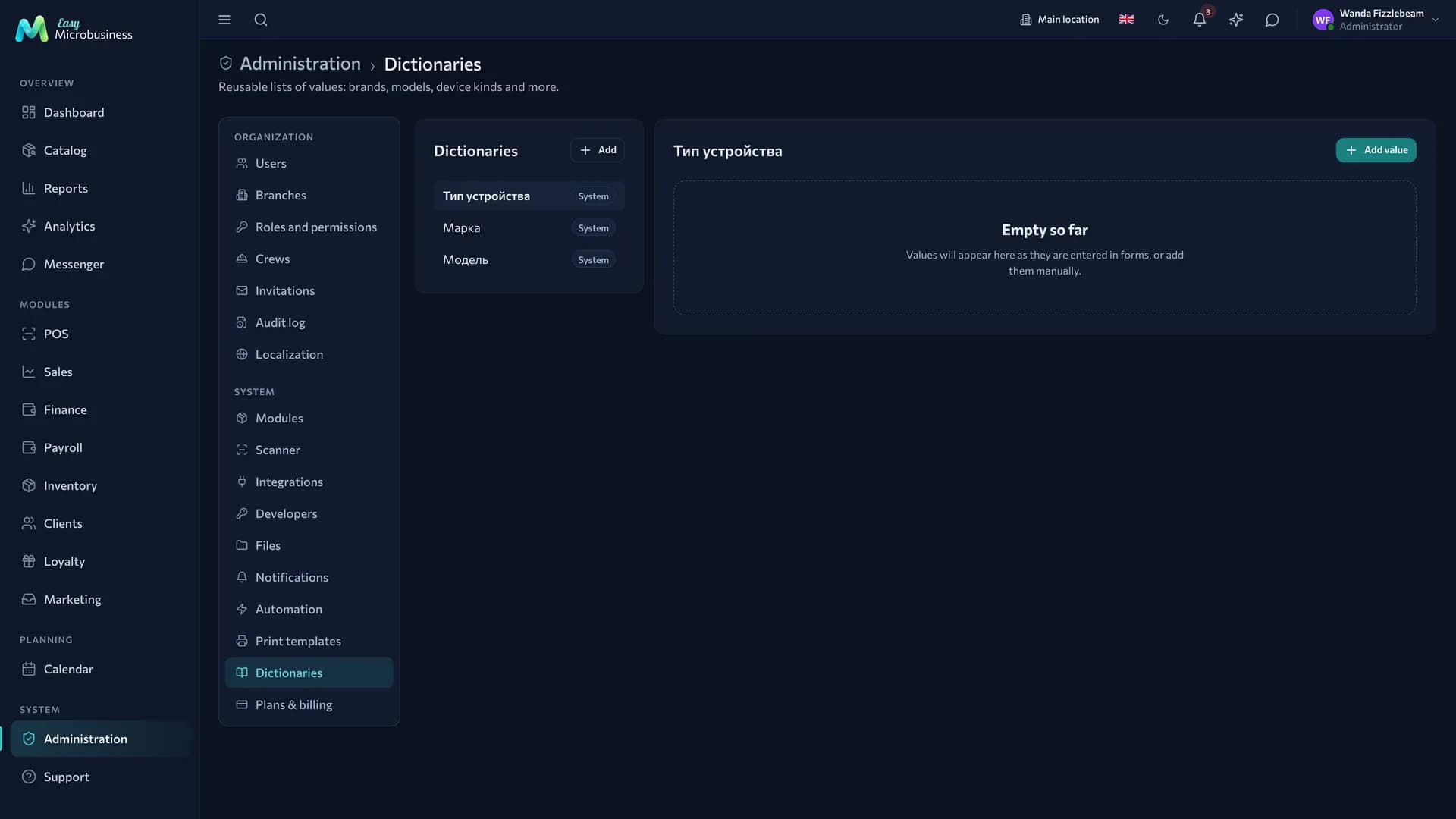
Reference books are shared lists of values for forms: equipment makes and models, types of work, loss reasons. They remove the "Samsung / samsung / SAMSUNG" mess and make reports usable.
Reference books can be hierarchical: pick the make, and the next field offers only its models.
Notifications
This section holds the company policy: a list of events by section — "New order", "Order status changed", "Order cancelled" and others — each with its own set of channels.
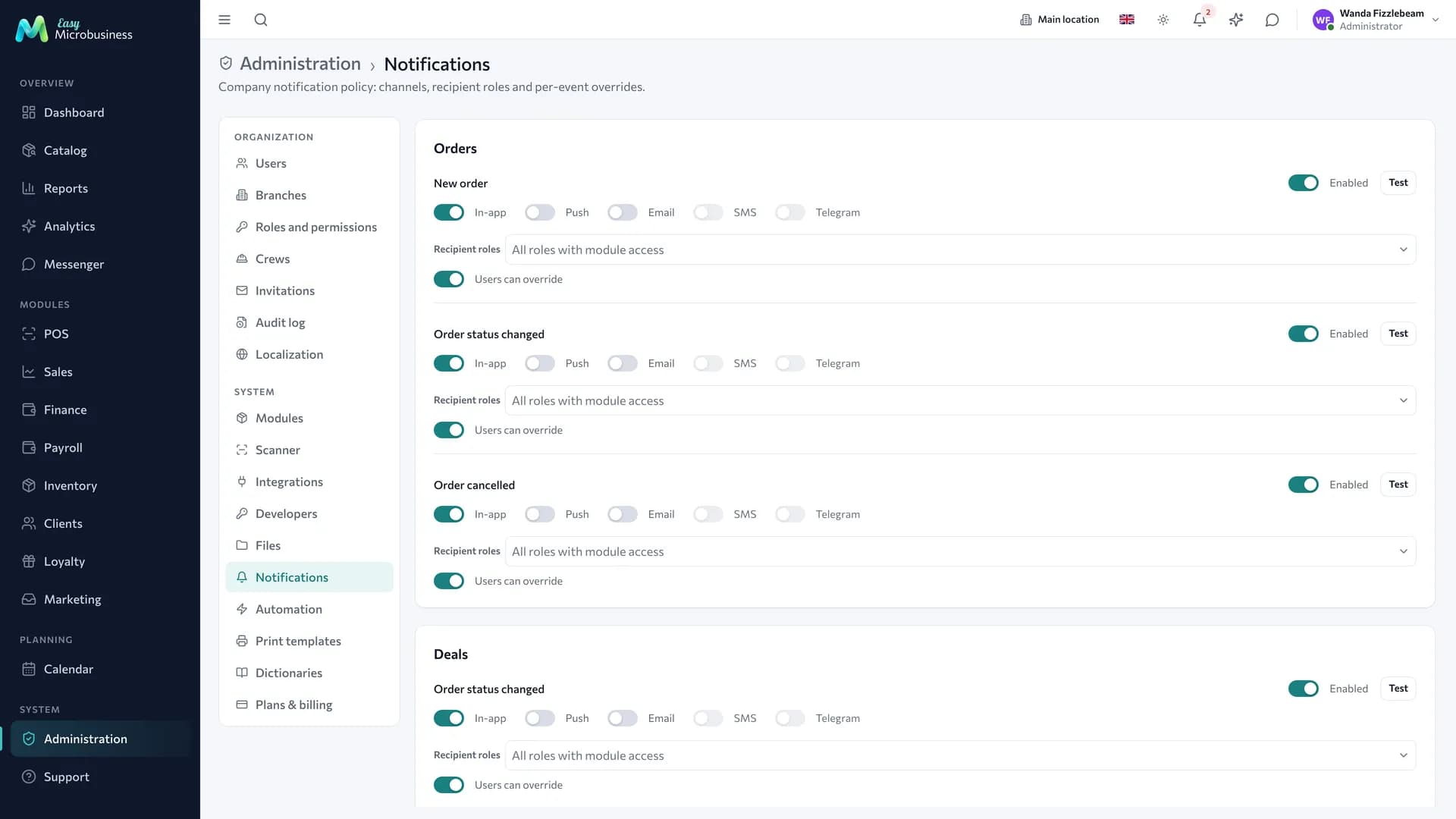
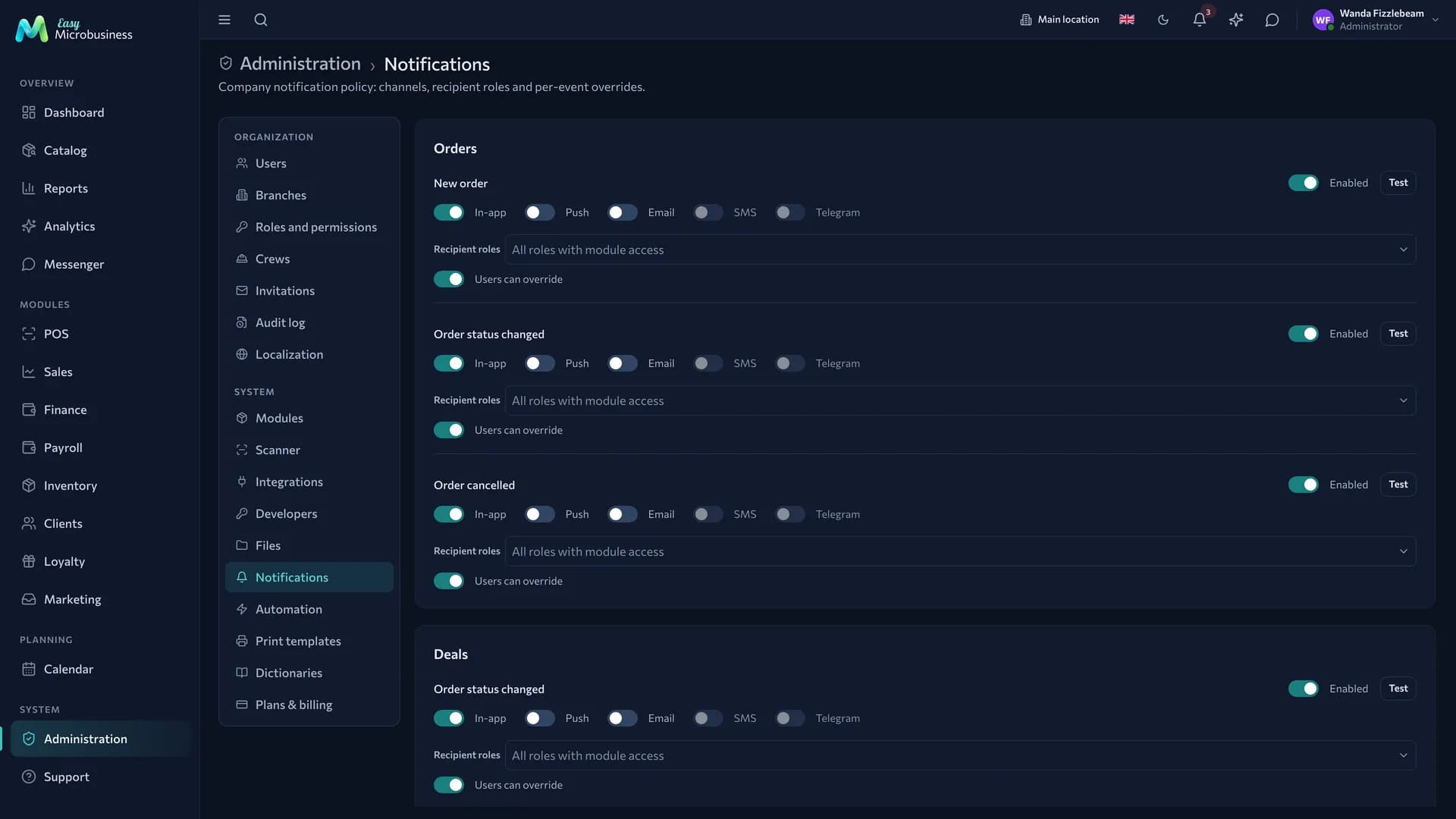
To set an event up:
- Find it in the list of its section.
- Turn the event on and press Test — the notification arrives right away so you can check delivery.
- Tick the channels: in-app, push, email, SMS, Telegram.
- Pick the recipient roles. By default these are all roles with access to the section.
- Decide whether to enable Users can override so an employee can turn this notification off for themselves.
External channels open once a connector is set up in Integrations. Until then the toggle is labelled "Available after connecting a connector".
In short
- A branch is needed where stock or a till is separate.
- Localization sets country, currency, language and time zone; "today" is counted in company time.
- Changing the currency changes the display, not the amounts.
- Every notification has its own channels and recipient roles, and the Test button checks delivery.