
Integrations
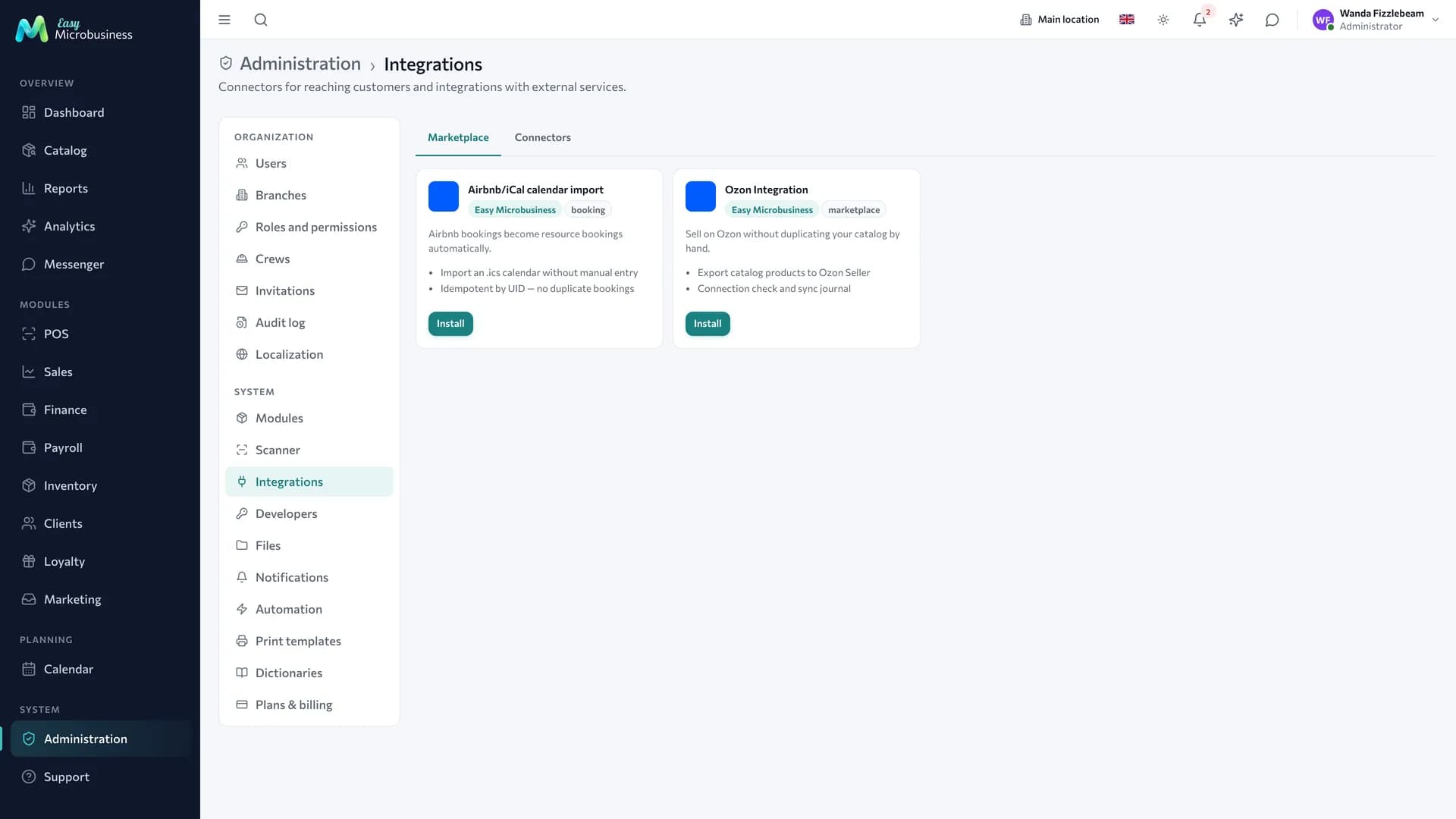
Integrations link Easy Microbusiness with the outside world: payments, customer communication channels, hardware, delivery, accounting systems. The section is available to every company and needs no connecting.
There are two different things inside: connectors — your own communication channels, and integrations — installable add-ons.
Connectors: your communication channels
A connector is a channel configured on behalf of your company: a mail server for customer letters, an SMS sender, a messenger bot. Until a connector is set up, letters and messages do not reach customers, and the system shows the "Communication channels are down" signal.
| Connector | What it is for | What you need |
|---|---|---|
| Letters to customers: confirmations, reminders, campaigns, a receipt by email | SMTP access from your mail provider | |
| SMS | Short messages: a booking reminder, an order ready | A contract with a gateway and its key |
| Hardware | A link to tills, printers and scales on your computers | An agent installed at the workplace |
One connector of each type is set up per company. System letters from the platform — an employee invitation, a password reset — go out separately and need no connector.
How to set up a channel
- Open the integrations section and pick the connector you need.
- Enter the server address, the login and the password or the gateway key.
- Press the check — the system sends a test message and shows the result.
- Save. From then on campaigns, reminders and customer notifications go through this channel.
Passwords and keys are stored encrypted and shown masked after saving.
If a channel stops working, that channel is marked: letters may be going out while SMS is not.
Integrations: add-ons
An integration is an installable add-on that extends the system: it adds a screen, an event handler or an exchange with an external service. It is installed from the catalog, runs in an isolated environment and reaches only the data it has been granted.
Installation, permissions and updates are described in Integration platform, and building your own add-ons in the SDK.
Exchanging data yourself
If there is no ready add-on, there are two ways:
- External API — read and write data from your own program.
- Webhooks — receive notifications about events: a new sale, an order, a deal stage change.
Both need an access key created in Administration → Developers.
Request capture forms
A request from a website or social media does not have to be typed in by hand: create a public form and put the link wherever you like. A filled form creates a request with a source tag and advertising parameters, so you can see which channel brings customers.
More detail is in Marketing.
Hardware at the workplace
A cash drawer, a receipt printer, scales and a label printer are connected through an agent program on the computer at the location. It links to the system with a one-time pairing code and then carries out print and weighing commands.
What exactly runs on your computer is described in the agent settings. The system passes only the device name, the action and its parameters.
Outgoing request safety
Requests to external addresses are checked: the system works only with public addresses and follows redirects carefully.
Who works with this
The section is open to the administrator. Access keys and connectors are sensitive settings, so their changes are recorded in the audit log.
In short
- A connector is your channel to customers: mail, SMS, a messenger.
- Until a connector is set up, customer messages do not go out and the system signals it.
- An integration is an add-on from the catalog with a limited set of permissions.
- Your own program exchanges data through the External API and webhooks.
Related components
- Clients — campaigns go through connectors.
- Messenger — external channels are connected here too.
- Online storefront — online payment through a payment provider.
- Reports — the signal when a channel stops working.