
Clients
The base of everyone who buys from you: the card, the history of interactions, segments, loyalty and campaigns. The component belongs to almost every business module: without a customer base, repeat sales rest on what employees remember.
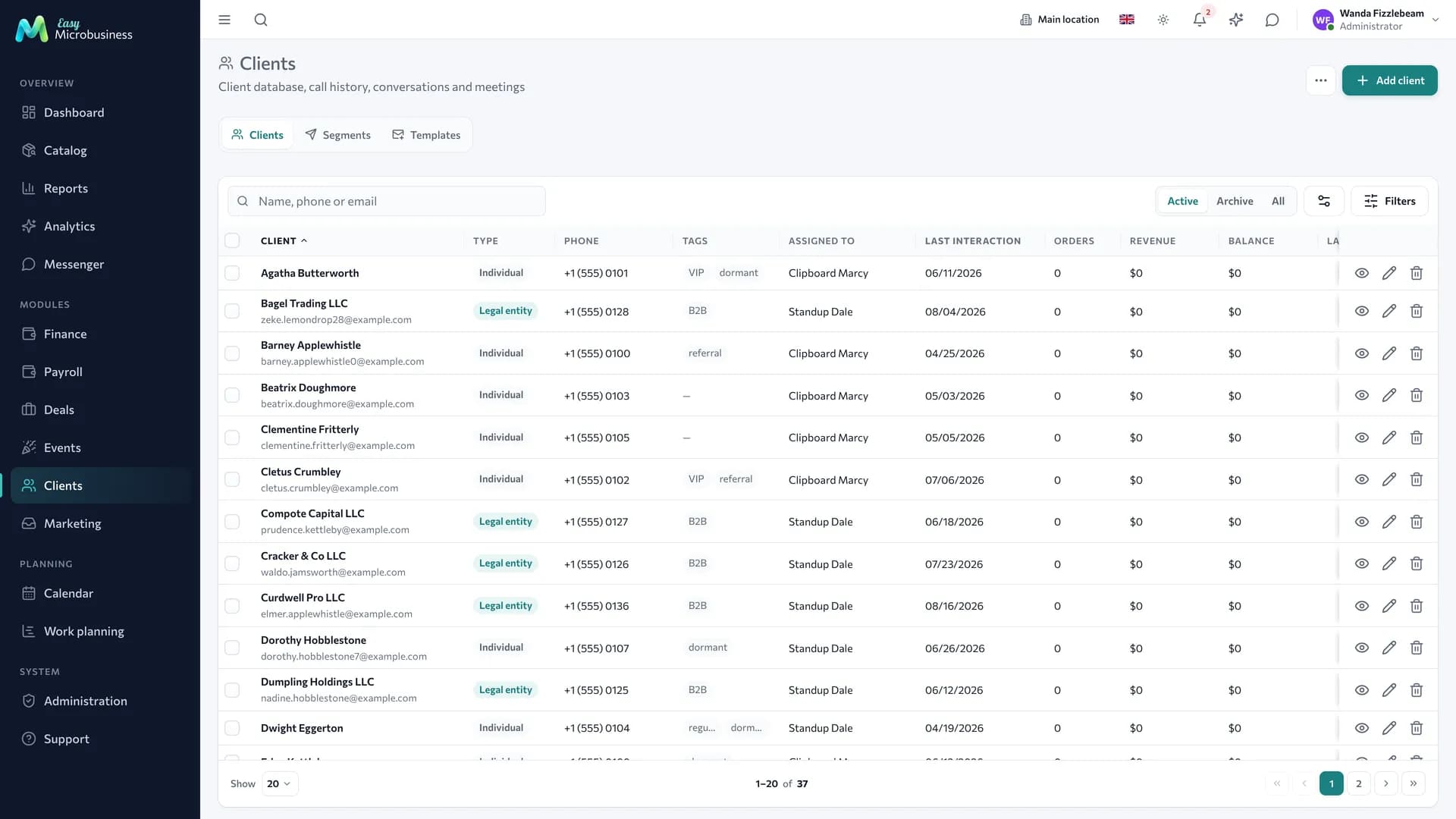
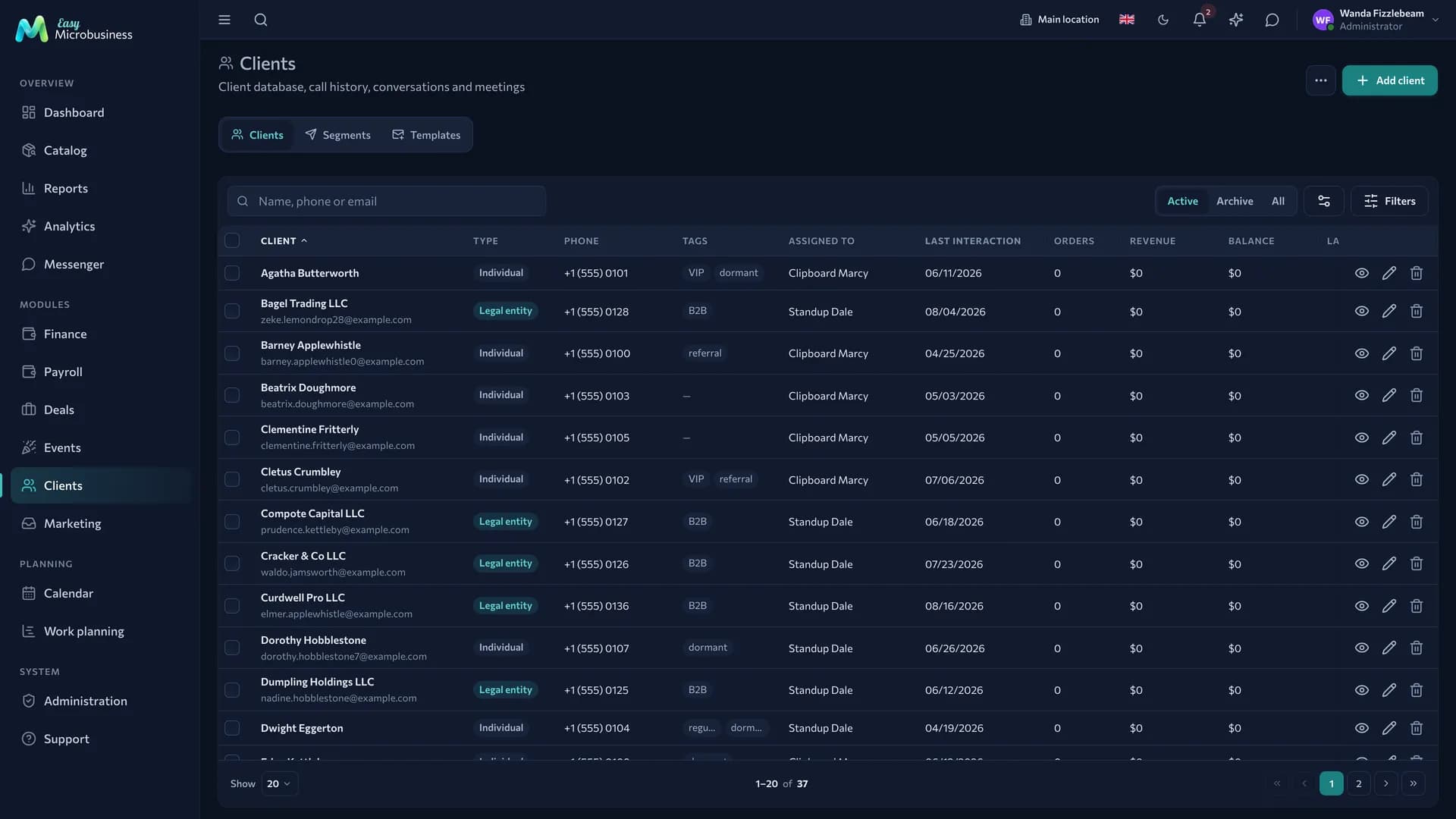
The section switches with the bar above the list: Customers · Segments · Loyalty · Templates. The middle items appear together with the Marketing and Loyalty components. Import and export of the base sit under "…" in the header.
What is in a customer card
- name, phone, email and, where needed, company details;
- consent to communications: without it campaigns do not reach the customer;
- staff notes: preferences, agreements, details of past visits;
- the Wholesale terms block — customer group and personal price list. It is there for any customer, because sole traders and individuals buy wholesale too;
- for a company — the Contract block: details, contract number, "Payment terms, days" and "Credit limit, ₽";
- extra fields from the business module: discount card, delivery address, favourite master;
- files: contracts, measurements, photos.
History is collected automatically from every section: receipts, orders, bookings, deals, conversations, points earned and spent. It is not edited by hand.
Customer cabinets
The Prices and interactions tab holds two links, each opening its own cabinet.
Buyer cabinet — the customer sees their prices and stock and places orders themselves. It works with the Orders setting "Buyer cabinet by link" on.
Client cabinet — the person sees the balance and expiry of their package, their classes and visit history, books and cancels a session. It works with the Scheduling setting "Client cabinet" on. The full scenario is in the Fitness and sports module.
Both blocks have the same buttons — Issue link, Reissue, Revoke — and the date of the customer's last visit. The cabinets are separate: the package link shows no price list, no debt and no orders.
Documents for a business customer
The Customer documents block on the "Balance and packages" tab issues two forms: a reconciliation act for a chosen period and a price list with this customer's own prices. In the act, an order with delivery notes appears by shipment dates: the customer signs for goods received.
Message templates
The Templates tab keeps the standard texts you send to customers: a reminder, an invitation, a greeting.
- Press Add template.
- Give it a name and pick the channels: Email, SMS, Telegram, WhatsApp.
- Choose the category — Transactional or Marketing. It decides whether the message falls under campaign unsubscribes.
- Fill in the subject (for email) and the body.
Customer data is inserted into the text: {{client.name}}, {{client.firstName}}, {{client.phone}}, {{client.email}}. A ready template is picked in the message window and in a segment campaign.
Activity feed
The card shows what happened with the customer over time: came for a booking, bought, refunded, wrote in the chat, placed an order. That is enough for a new employee to get the context.
Family and payer
Customers are linked to each other in the Family and payer block on the "Prices and interactions" tab.
- Press Add relation.
- Pick the second customer.
- Say who they are: parent, child, payer or other.
The relation is two-way: it appears in the other customer's card by itself, and removing it clears both sides.
This matters where one person receives the service and another pays and answers the phone: a children's centre, a club, a tutor. Class reminders and package expiry warnings reach both the student and the parents; with a shared phone the message arrives once. How this works in a school is in Education and courses.
Visits
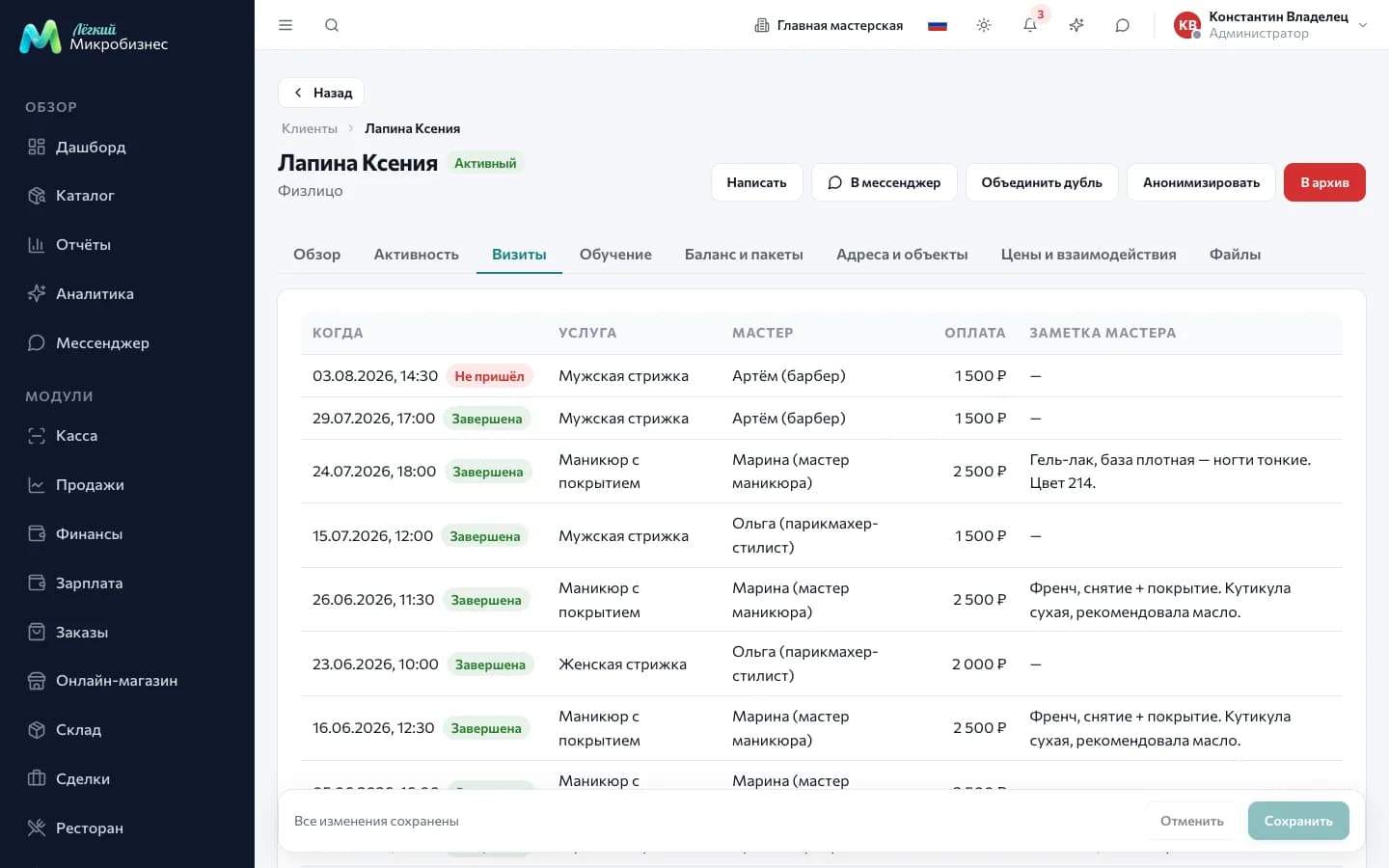
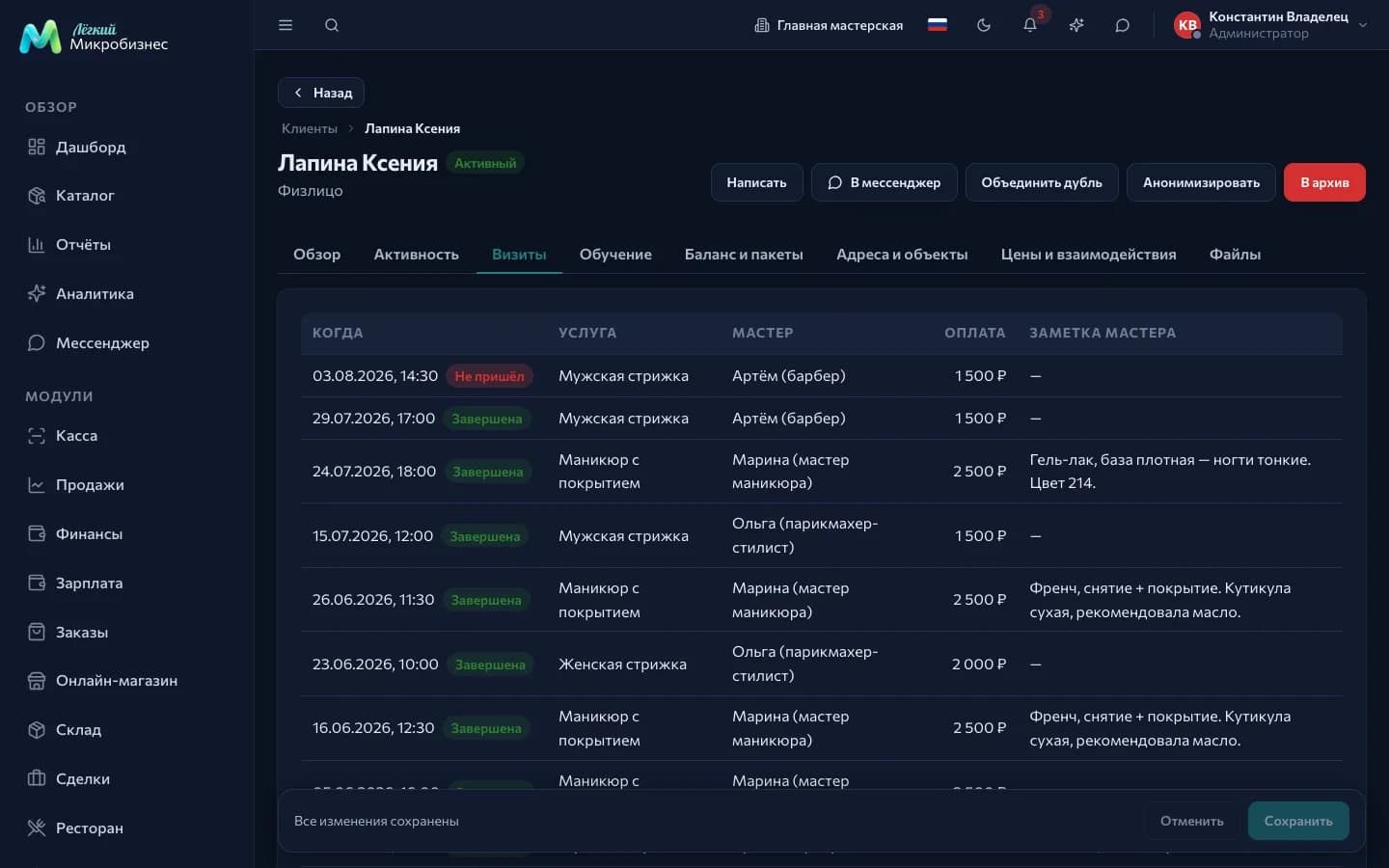
The Visits tab appears together with the Scheduling component. Every appointment shows the date and status, the service, the master, how it was paid — an amount or the name of the package used — and the master's note. The note is written in the booking card, including after it is finished: in a salon that is where a colour formula, a skin reaction and a customer's wishes are kept.
The tab shows past appointments. Cancelled bookings and future ones stay in the schedule, and a sale without a booking is visible in the purchase history.
Education
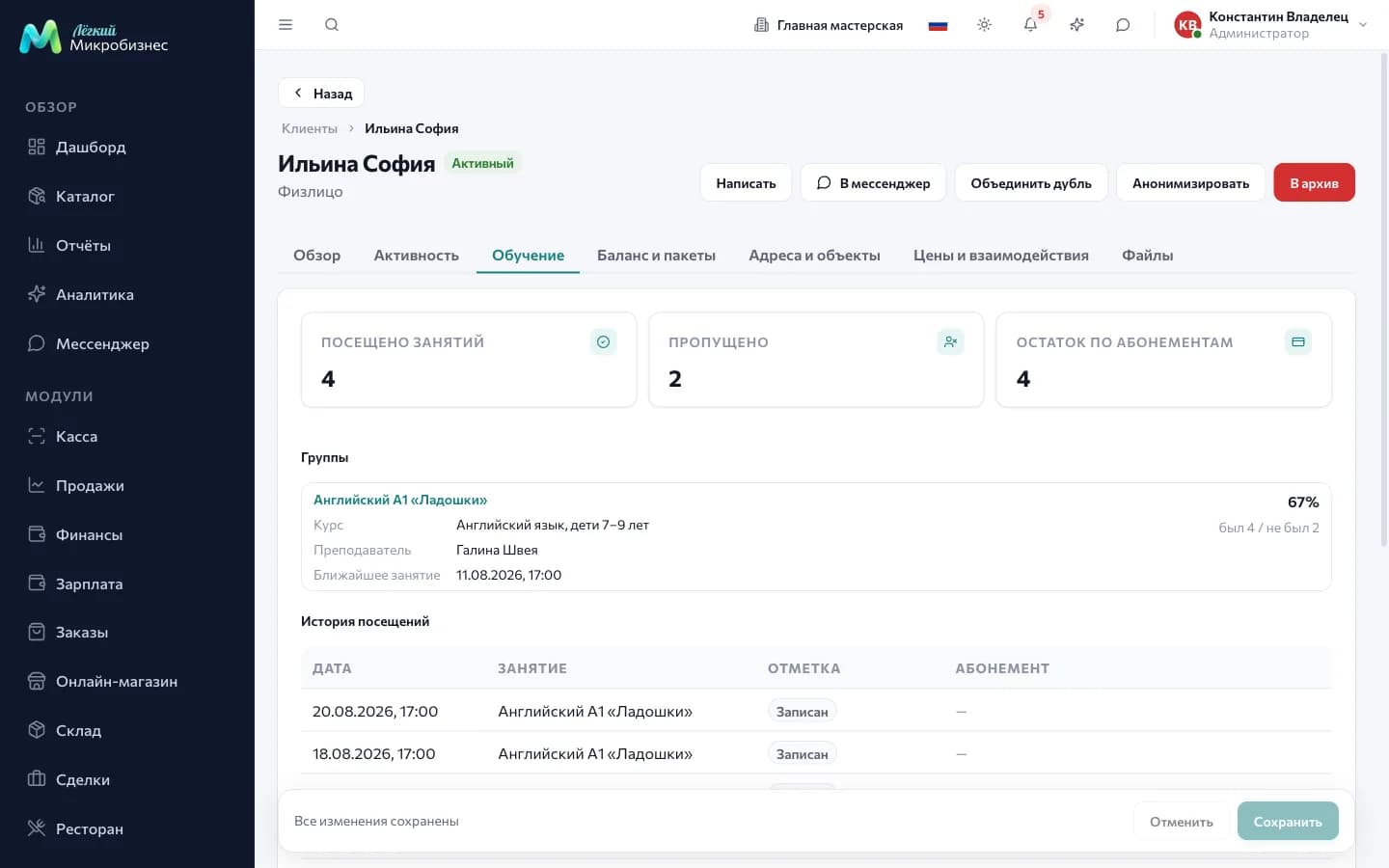
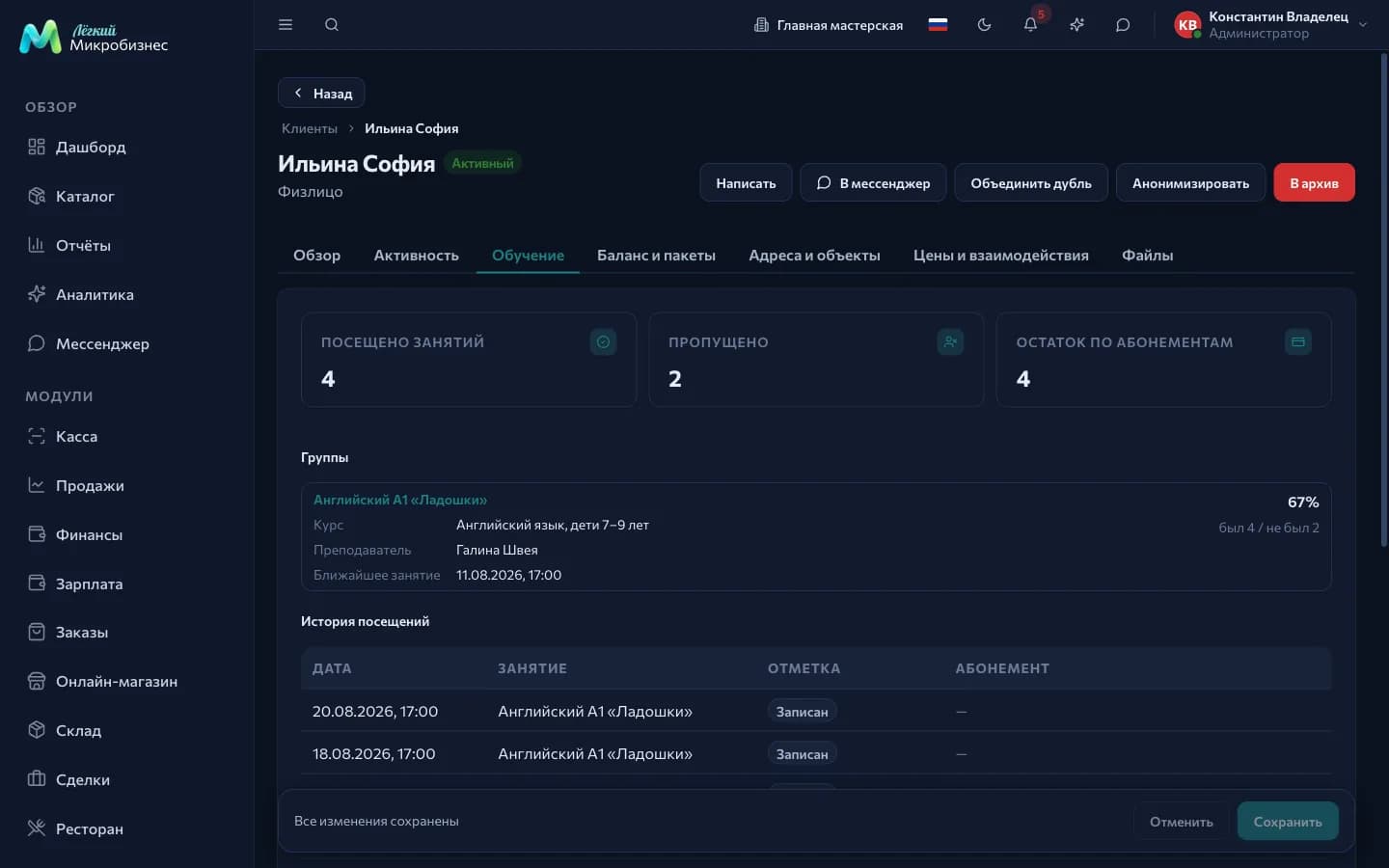
The Education tab shows attended and missed classes, the balance of active packages, the list of groups with their teacher and attendance rate, and below that the visit history with marks and deductions.
Addresses and sites
The Addresses and sites tab keeps the places you travel to: a flat, an office, a summer house, a serviced site. Every address has a comment and an "on the map" mark once coordinates are known. That is handled by the "Detect address coordinates" setting.
An address row unfolds into the history of visits to that point: how many times you came, for how much, when you were last there, who went and what was done. The All field jobs at this address link opens the deal log for one point. Completed visits count towards the total, and a branch employee sees the field jobs of their location.
You come back to the same building for years, and knowing what has already been replaced there beats any note. The full scenario is in the Field services module.
Duplicates and import
- Import from a file — when moving from another system or from a spreadsheet.
- Duplicate search by phone and email with card merging. On a merge everything attached to the duplicate moves to the surviving card: receipts, orders and their templates, bookings and repeat series, waitlist places, packages, conversations, used promo codes, points and balance.
- Export is available to administrators and directors; the export goes into the audit log.
Personal data
A customer base is personal data, so:
- access to the section is granted to roles explicitly;
- consent to communications is stored together with its date;
- campaign unsubscribes are applied automatically;
- exports and bulk operations are written to the audit log.
Who does what
- Managers and administrators run the base, segments, loyalty, campaigns, price lists and customer groups.
- Employees see a customer card within their own work: a booking, a receipt, a request.
- Directors look at customer analytics.
- Price lists and groups are deleted by administrators and directors: prices change for everyone who worked by them.
In short
- The card collects history by itself from receipts, orders, bookings, deals and conversations.
- A customer has two different cabinets, and they do not overlap.
- Family and payer relations carry reminders to both the student and the parent.
- Merging duplicates moves everything onto the surviving card: purchases, packages, points, conversations.
Related components
- B2B pricing — price lists, customer groups and the buyer cabinet.
- Loyalty — points, tiers and promo codes.
- Marketing — leads, segments and campaigns.
- Point of sale — a purchase is linked to a customer.
- Orders and Deals — always with a customer.
- Scheduling — booking a visit.
- Messenger — conversations land in the history.
- Reports — RFM analysis and returning customers.