
Orders
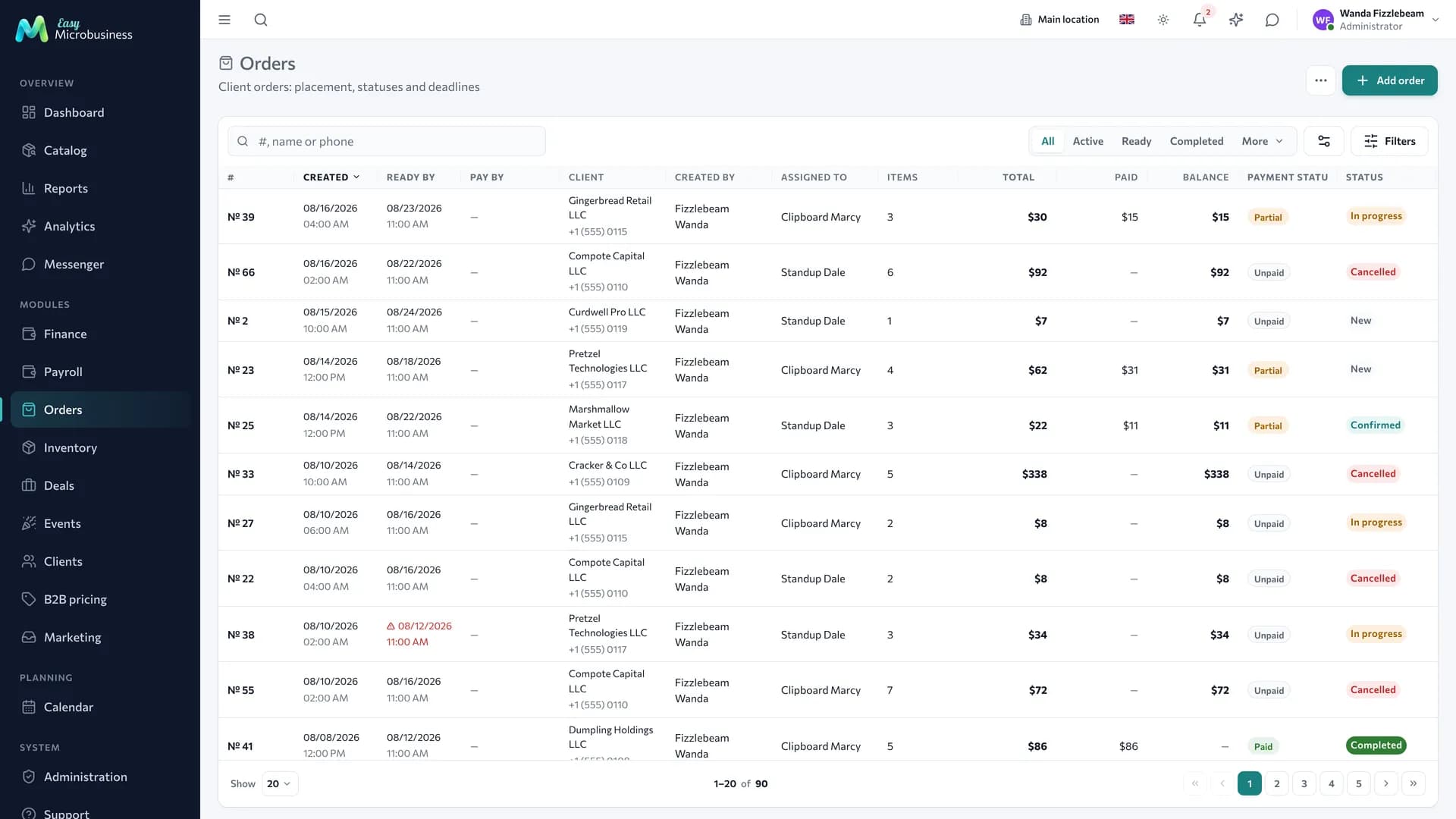
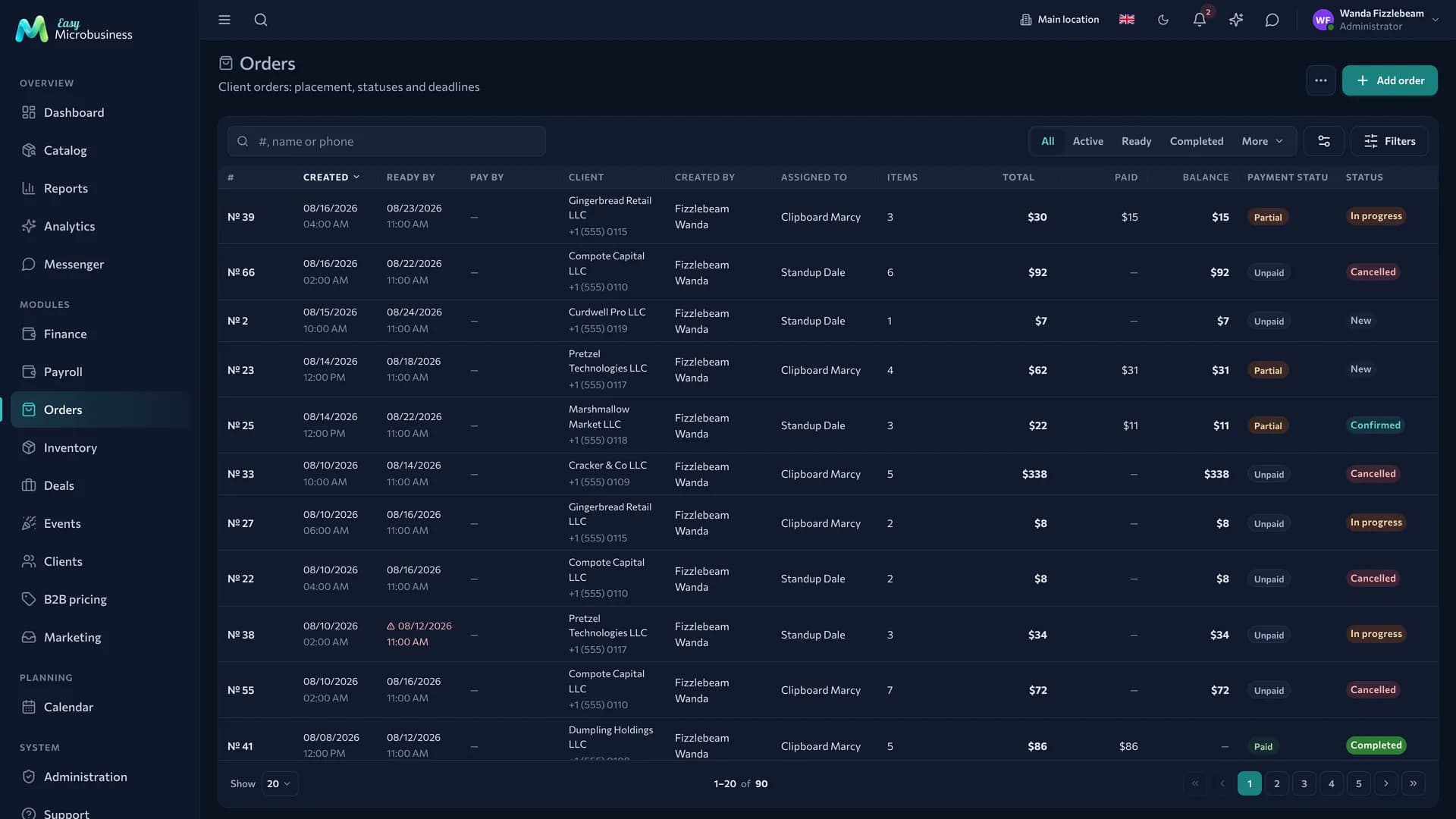
An order is a sale stretched over time: between "agreed" and "money received" there is a prepayment, assembly, manufacturing and handover. The component carries an order from creation to closing and links it with the customer, the catalog and inventory.
When you need an order and when a receipt is enough
An order is needed when:
- a customer places a pre-order for something you do not have right now;
- fulfilment takes time: manufacturing, printing, delivery;
- there is a prepayment to record before shipment;
- shipping happens in parts.
If the customer takes the goods here and now, a POS receipt is enough.
The path of an order
- Created. The customer and the contents are set, goods are reserved in stock.
- Partly paid. The prepayment is recorded as a separate operation linked to the order.
- In progress. Assembly, manufacturing or delivery. Items are marked done in parts.
- Ready for handover. Everything is ready, the customer has been notified.
- Closed. The customer collected the order and paid the rest, a receipt is created, the contents are written off from stock. An order with posted shipments does not move stock at closing, and the cost of its lines is aligned with what was actually shipped.
- Cancelled. The reserve is released, the prepayment is returned. An order with posted shipments is closed by completing it: the goods are already with the customer.
Money on an order
An order shows three figures: total, paid, remaining. The card answers "how much do I owe" rather than a manager's memory. Payments can be partial and by different methods, and the payment history is kept in full.
The due date comes from the terms in the customer card — the "Payment terms, days" field. Overdue receivables are counted from it; the readiness date does not affect this. The customer credit limit is checked both when an order is created and when items are added.
An order enters Receivables for its amount less what has been paid. If shipments have been posted, only the goods handed over count as debt.
Overdue orders appear on the dashboard and in analytics signals, so no separate report is needed.
Item readiness
The Readiness panel in the order card remembers how much of each item is already assembled: "Assembled 6 of 10". This is the picker's work and it does not move stock.
The panel works while the "Ship orders in parts" setting is off. With it on, the progress of an order is counted by delivery notes.
How to create a shipment
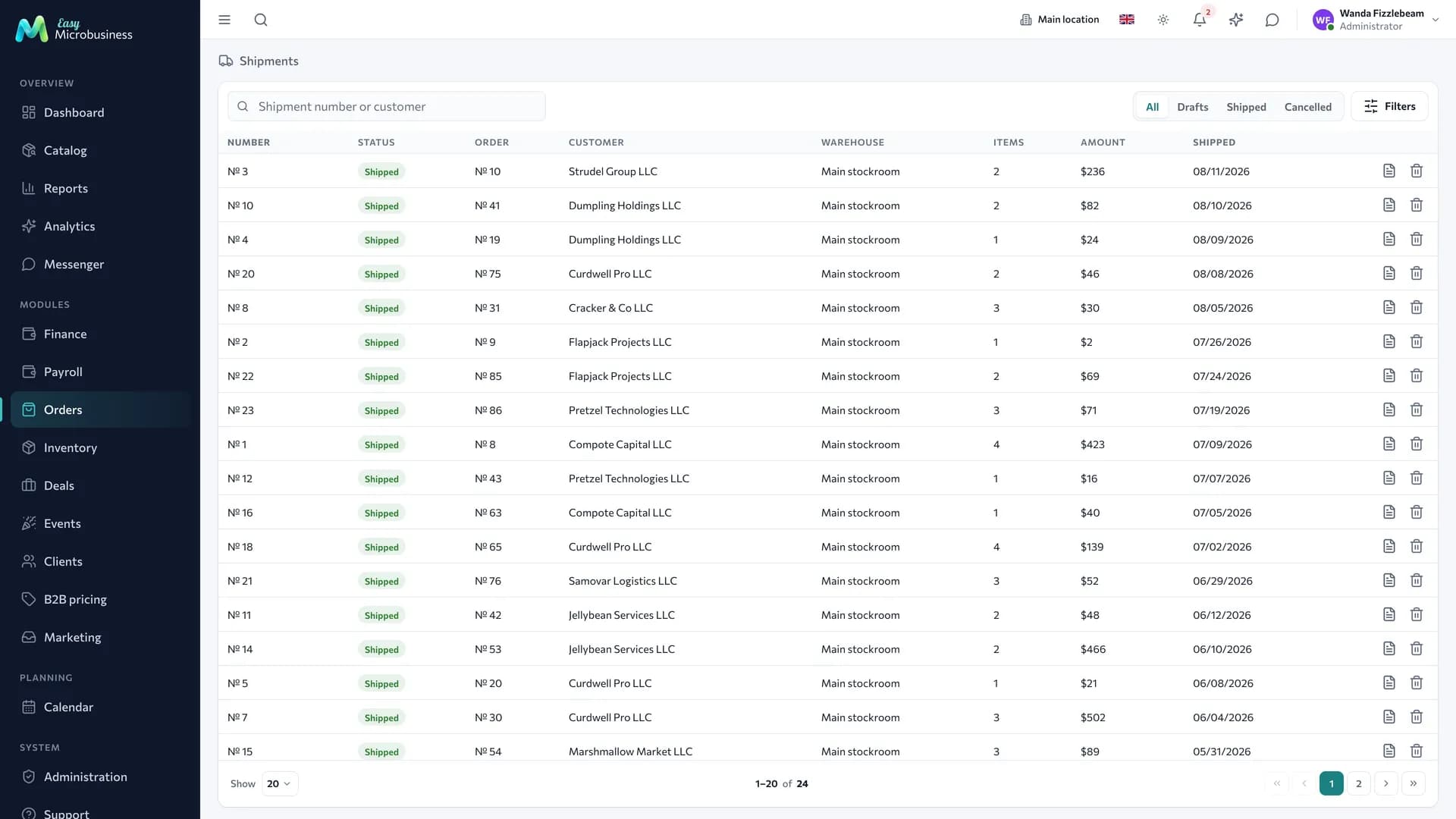
When goods actually leave for the customer, a shipment is created — a document with its own number and contents. As many trips, as many shipments and delivery notes.
- Open the Shipments tab in the order card and press Ship.
- Check quantities: each item shows what was ordered, what has already left, what remains and what is free in stock.
- Save a draft, or post the shipment right away.
- On a posted shipment press Delivery note.
Posting writes off goods from the branch warehouse, consumes batches, releases the reserve for what was shipped and marks items fulfilled. A draft does not touch stock.
Cancelling a posted shipment returns the goods to stock, restores the reserve and rolls the fulfilment marks back. Administrators, directors and managers can cancel.
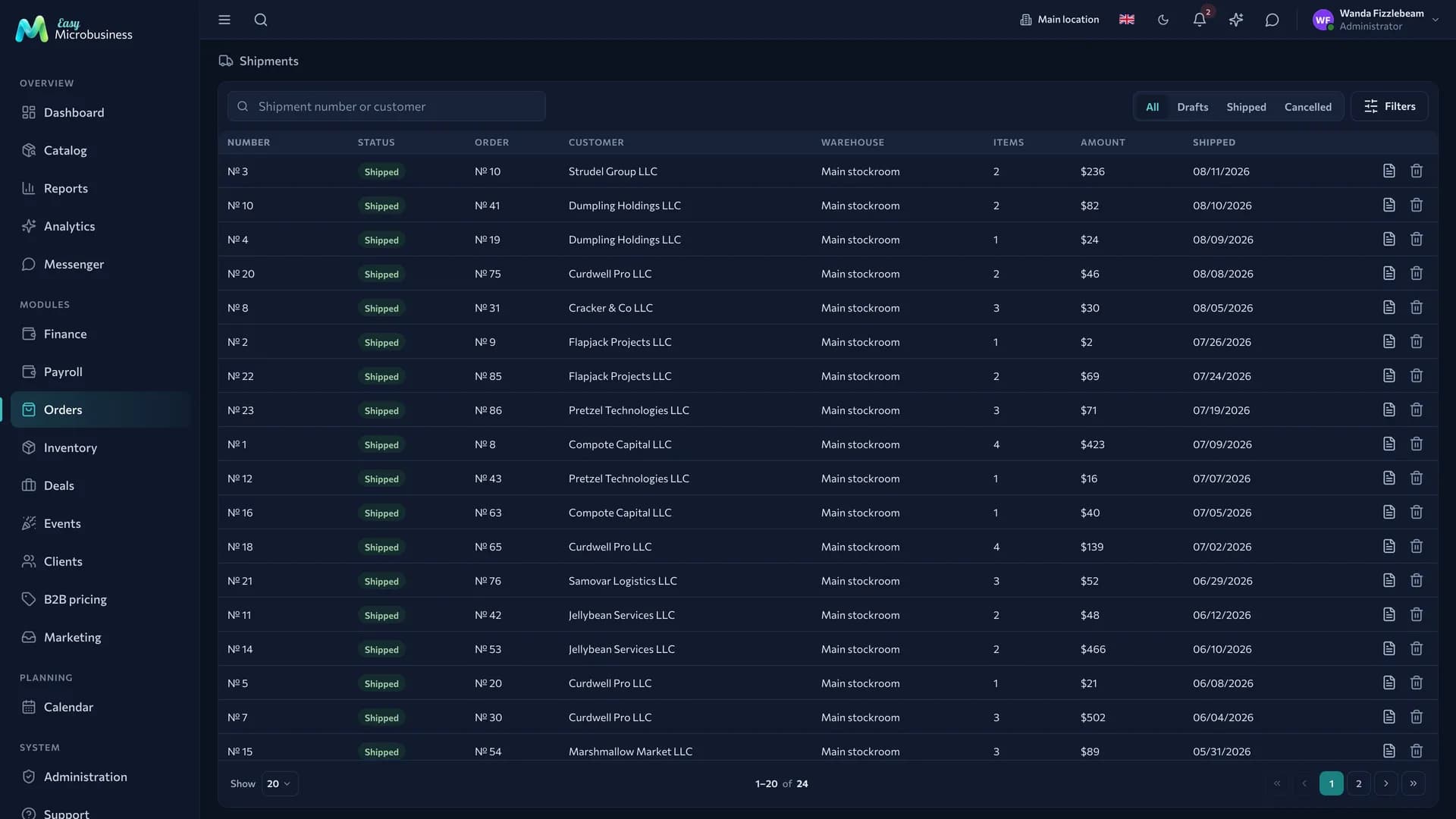
The full list is the Orders → Shipments section: a status switch, search by number and customer, filters by customer, warehouse and period. A draft is posted straight from its row.
Orders can be shipped in the Confirmed, In progress and Ready statuses, within what is left on each line.
While an order has a live shipment — even a draft — its contents stay frozen. Cancel the shipment or create a separate order for what is missing.
The section and the tab appear with the "Ship orders in parts" component setting. The full wholesale scenario is in the Wholesale and distribution module.
Minimum batch and multiples
A product can carry a minimum batch and an order multiple. An order that breaks them will not be placed — with the component setting Enforce minimum batch and multiples on. While it is off, the product fields stay a hint.
Quantity is counted across the whole order: two lines of the same product with 6 pieces each add up to 12.
Volume pricing
If the customer has a wholesale price list, the line price is recalculated as you type the quantity. Next to it you can see which list and which tier it came from and how much more to add for the next one: "from 48 — 980 ₽ each". Prices of a confirmed order stay as they were — only the lines you touched change. The full cascade is explained in the Wholesale and distribution module.
Orders from the buyer cabinet
A customer can place an order themselves in the buyer cabinet through a personal link. Such an order follows the usual rules: prices are recalculated, goods are reserved, the credit limit and the quantity rules are checked. The "Confirm cabinet orders immediately" setting decides whether the reserve is placed without a manager.
Templates and repeating orders
Regular orders — a weekly delivery, monthly servicing — are created from a template: contents and customer fill in themselves and you only check the quantities. Templates live in the Orders component settings.
Printing and documents
An order prints a picking list, an invoice, a delivery note or a work order, depending on the connected business module. With partial shipments on, the delivery note is issued by a specific shipment. Templates are configured in Print templates.
Document log
Next to Orders there is a Documents section — a shared log of invoices, delivery notes, acts, work orders, receipts and contracts.

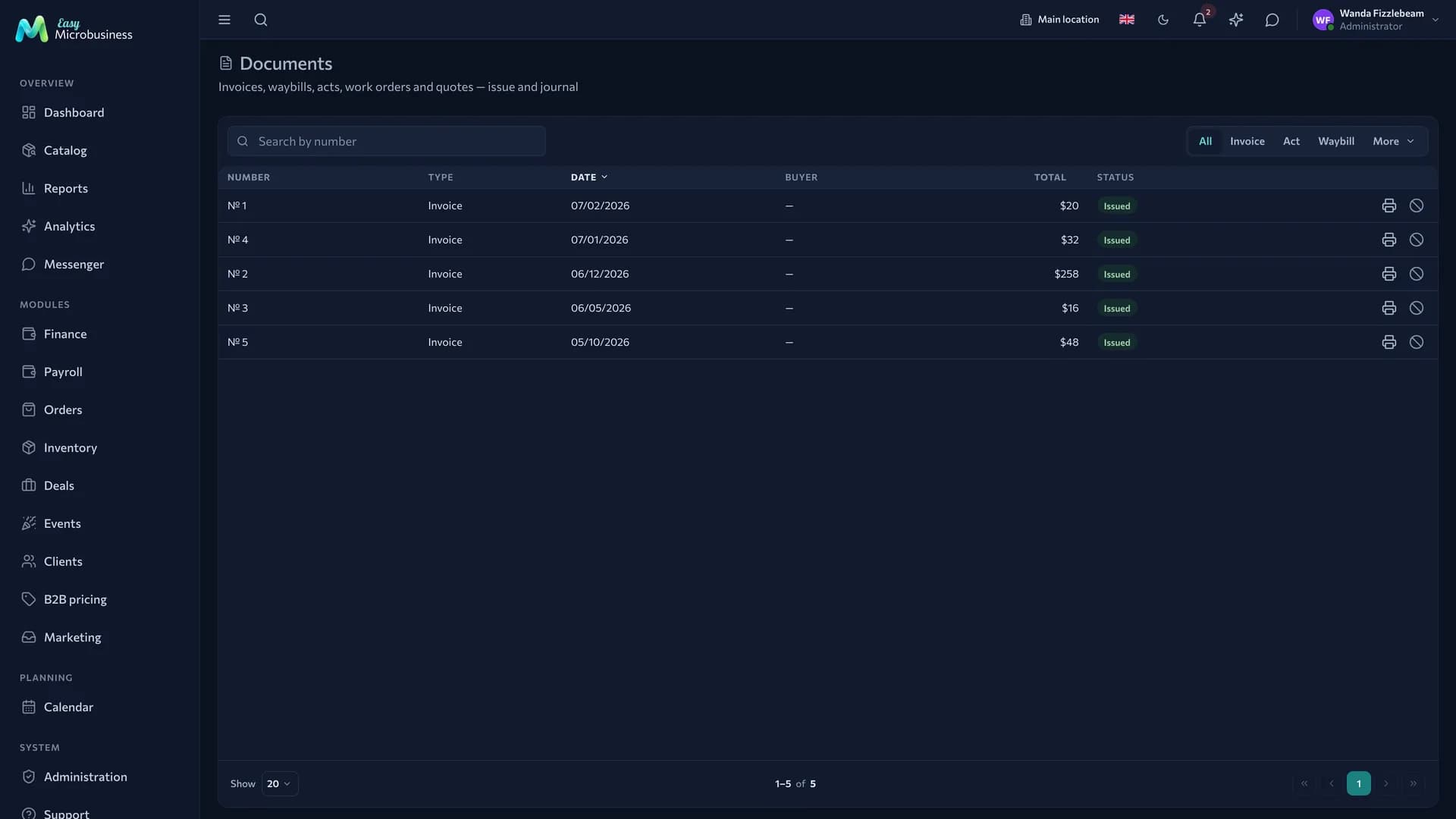
- A document is issued from an order or a deal card and appears in the log with a number and a date.
- The status is "Issued" or "Voided". A voided document stays in the log with a mark and a "Voided" stamp on the printed form, so the numbering has no gaps.
- A document can be printed again from the log: if a customer lost an invoice, there is no need to issue a new one.
Who does what
- Manager — creates orders, takes payments, drives fulfilment, cancels shipments.
- Employee — assembles, marks item readiness, creates and posts shipments.
- Director — sees amounts, deadlines and overdue payments.
In short
- An order is for cases where time passes between the agreement and the handover.
- Three figures — total, paid, remaining — are always in the card.
- A shipment writes off stock by fact; the delivery note is issued on a posted shipment.
- A voided document stays in the log so the numbering stays unbroken.
Related components
- Clients — an order always belongs to a customer.
- Catalog — order contents.
- Inventory — reserve and write-off.
- Point of sale — the receipt at closing.
- Online storefront — orders placed by buyers themselves.