
B2B pricing
The component for selling to businesses: every customer has their own price, their own terms and their own volumes. Inside there are price lists with volume tiers, customer groups, personal special prices and the buyer cabinet.
Prices are tied to the customer card, so the component works together with Clients. The sections live in the B2B pricing menu: Price lists and Customer groups.
Price lists
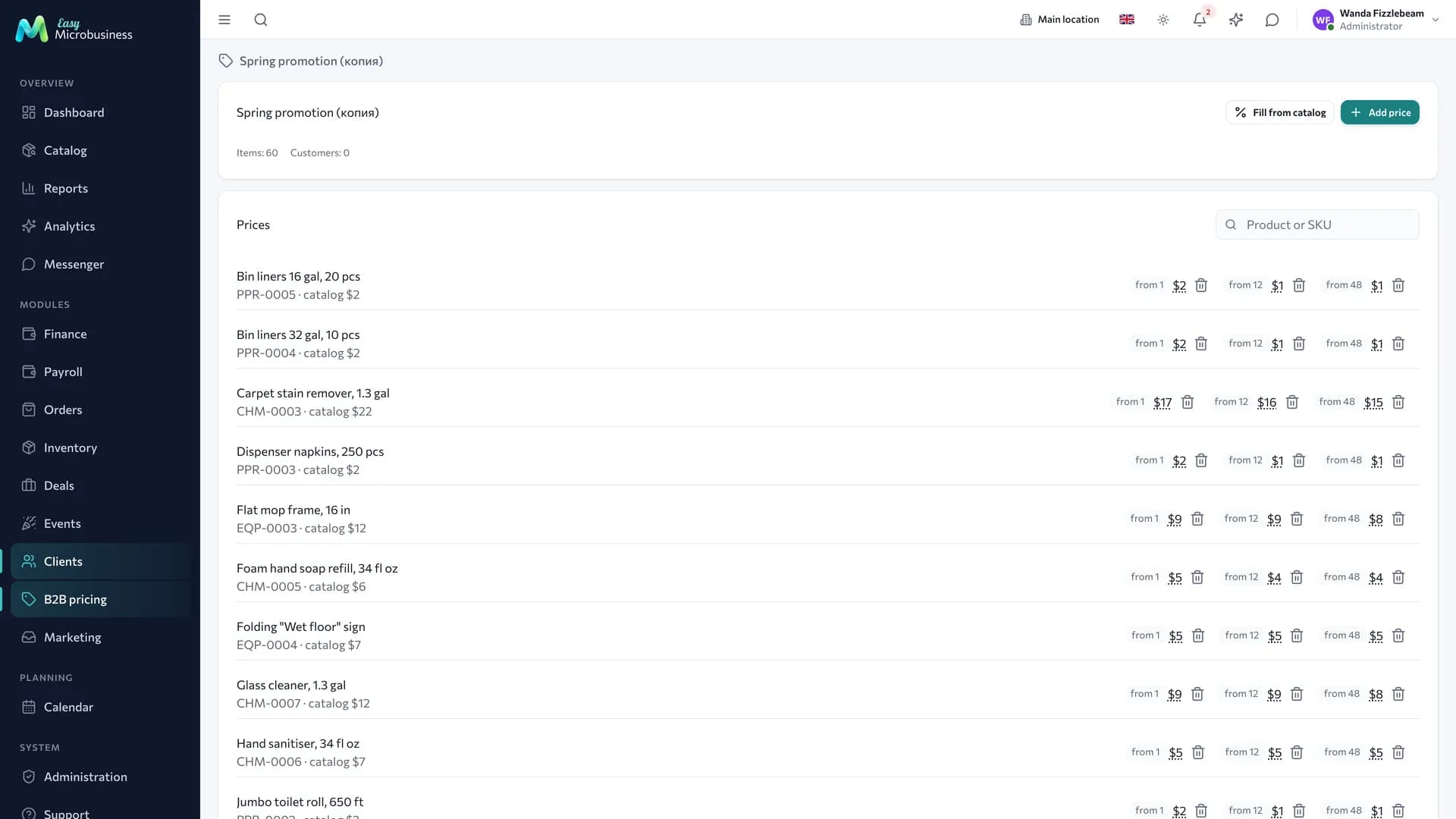
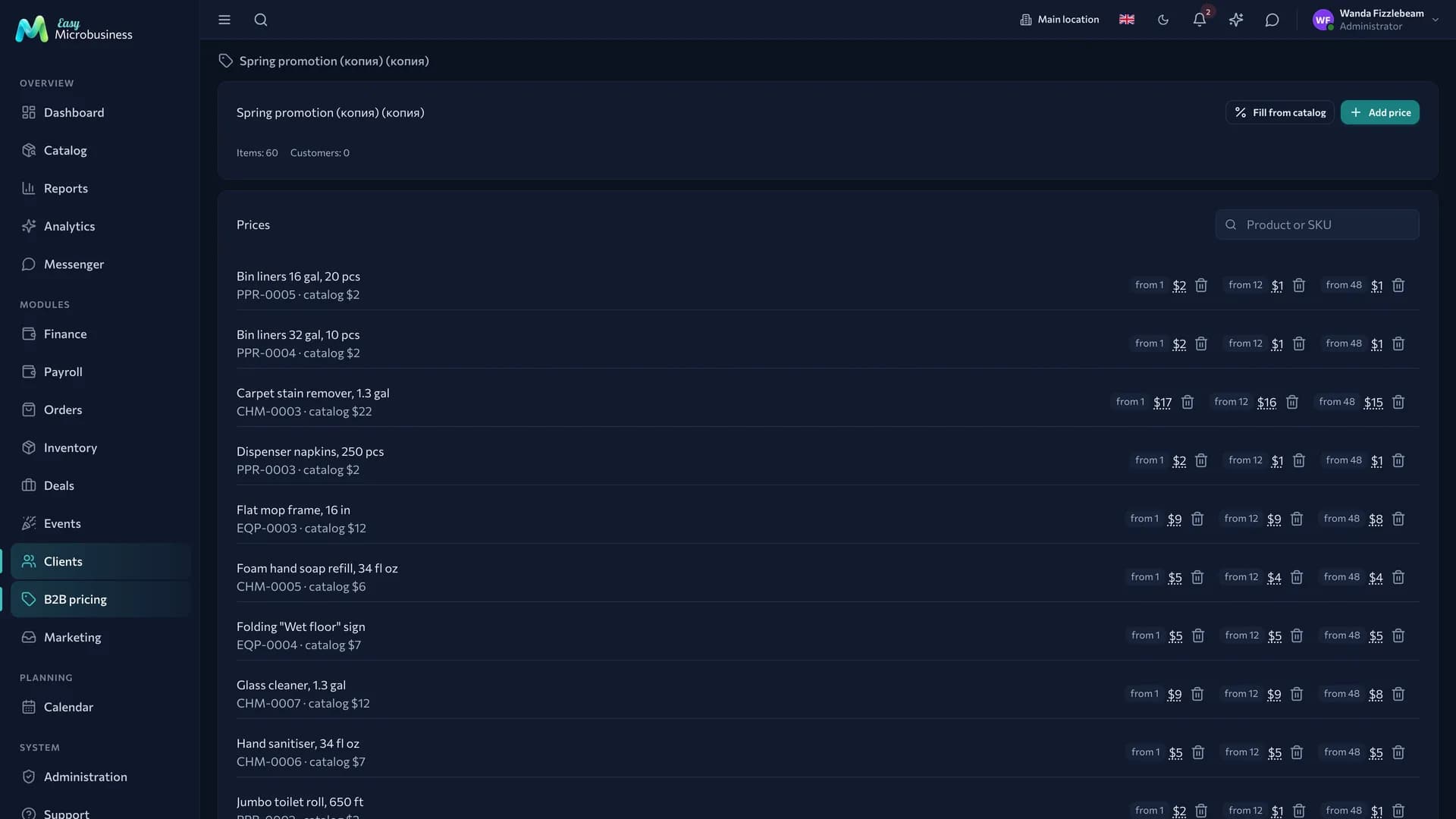
A price list is a set of prices with a validity period. An item can have several volume tiers.
For example: from 1 — 120 ₽, from 100 — 98 ₽. Order 150 pieces and the price is 98 ₽. The tier used is the one with the highest threshold that does not exceed the quantity on the line.
A list can be filled from the catalog with a percentage shift, copied, and archived once it has done its job. A list outside its dates carries an Expired or Not started yet badge and takes no part in pricing.
Customer groups
A group sets a price list and a discount for a whole set of buyers at once: one for chains, another for cafés, a third for one-off buyers. A customer joins a group through the Customer group field in their card.
Personal prices
A special price is the price of a specific product for a specific customer. It outranks any price list, and a group discount does not reduce it.
How a price is calculated
The order is the same in an order, at the POS and in the buyer cabinet:
- the customer's personal special price;
- their own price list;
- their group's price list;
- the default price list;
- the catalog price.
A group discount applies to the price list and catalog prices and does not apply to a special price. The full walkthrough with examples is in the Wholesale and distribution module.
Buyer cabinet
The customer gets a permanent link and checks their prices and stock, repeats a past order and watches shipments and debt. The link is issued, reissued and revoked from the customer card, and next to it you can see when the buyer last visited.
This cabinet has its own link, separate from the client cabinet with packages.
How to connect
The component is part of the core of Wholesale and distribution. It is offered as an option by Online store and Manufacturing and workshops.
Frequently asked
The customer got the wrong price. Walk the order above from the top: most likely a special price or a group price list applied.
A price list stopped working. Check the dates: a list outside its period takes no part in pricing, and the price comes from the next level.
The buyer does not see stock. The cabinet shows free stock. If it is zero, the goods are reserved for other orders.
In short
- A customer price is calculated in order: special price → own list → group list → default list → catalog.
- Inside a list the price depends on the quantity on the line.
- A group discount does not touch a special price.
- The buyer cabinet gives a customer their prices, stock and a repeat of their last order.