
Restaurant floor and kitchen
The component covers the work of the floor: a guest scans the QR code on the table, opens the menu, orders on their own, the kitchen sees the order on a screen and the bill is closed at the till. It arrives with the Restaurant module.
The menu is the same catalog. An item goes into the menu when it is marked visible there and its category is on the menu category list.
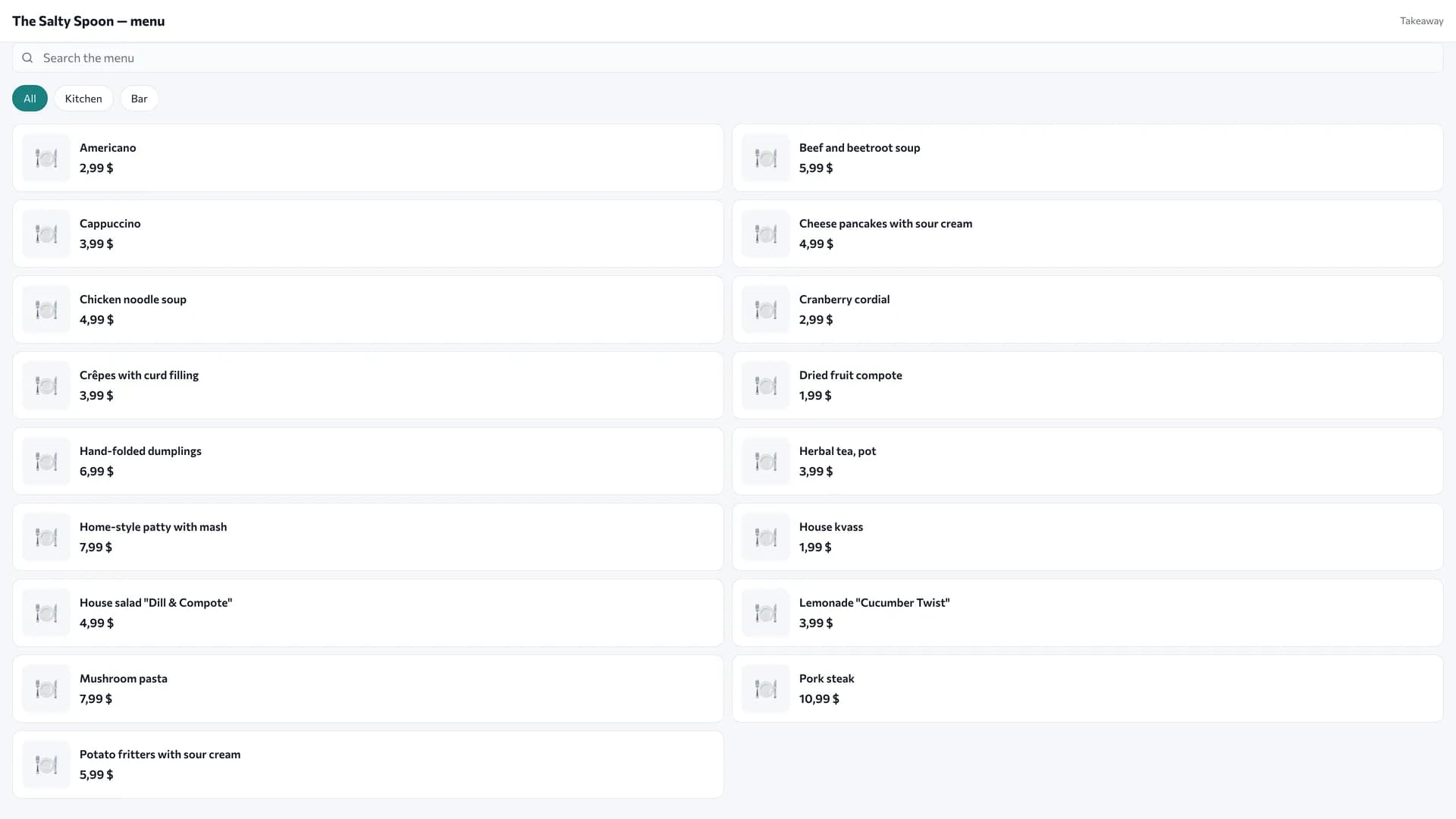
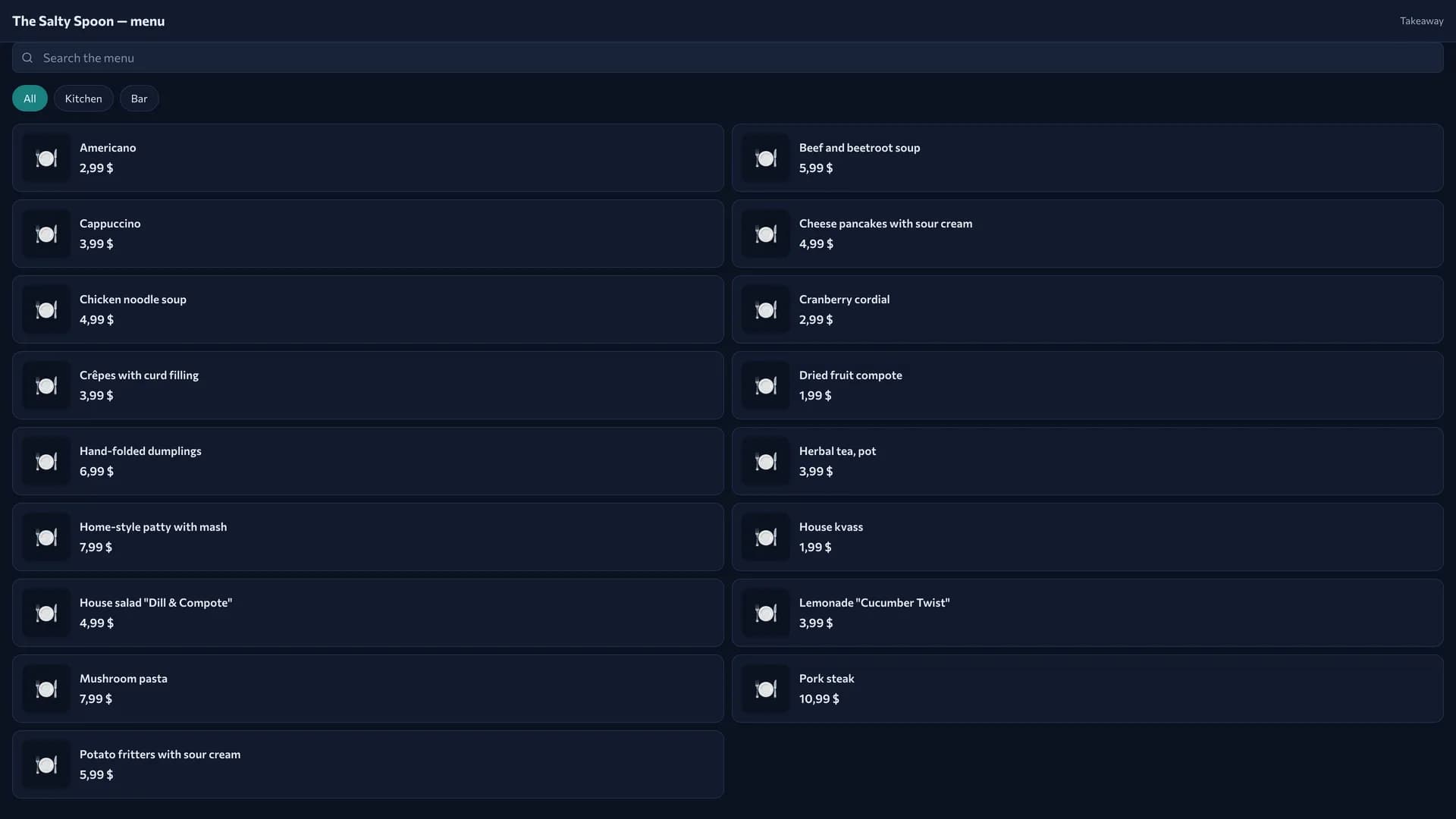
Tables and zones
A table carries a QR code. It has a number or a name, a zone (terrace, second floor), a capacity and a key embedded in the link. The guest sees the table name in the menu header, so "Table 12" beats "t12".
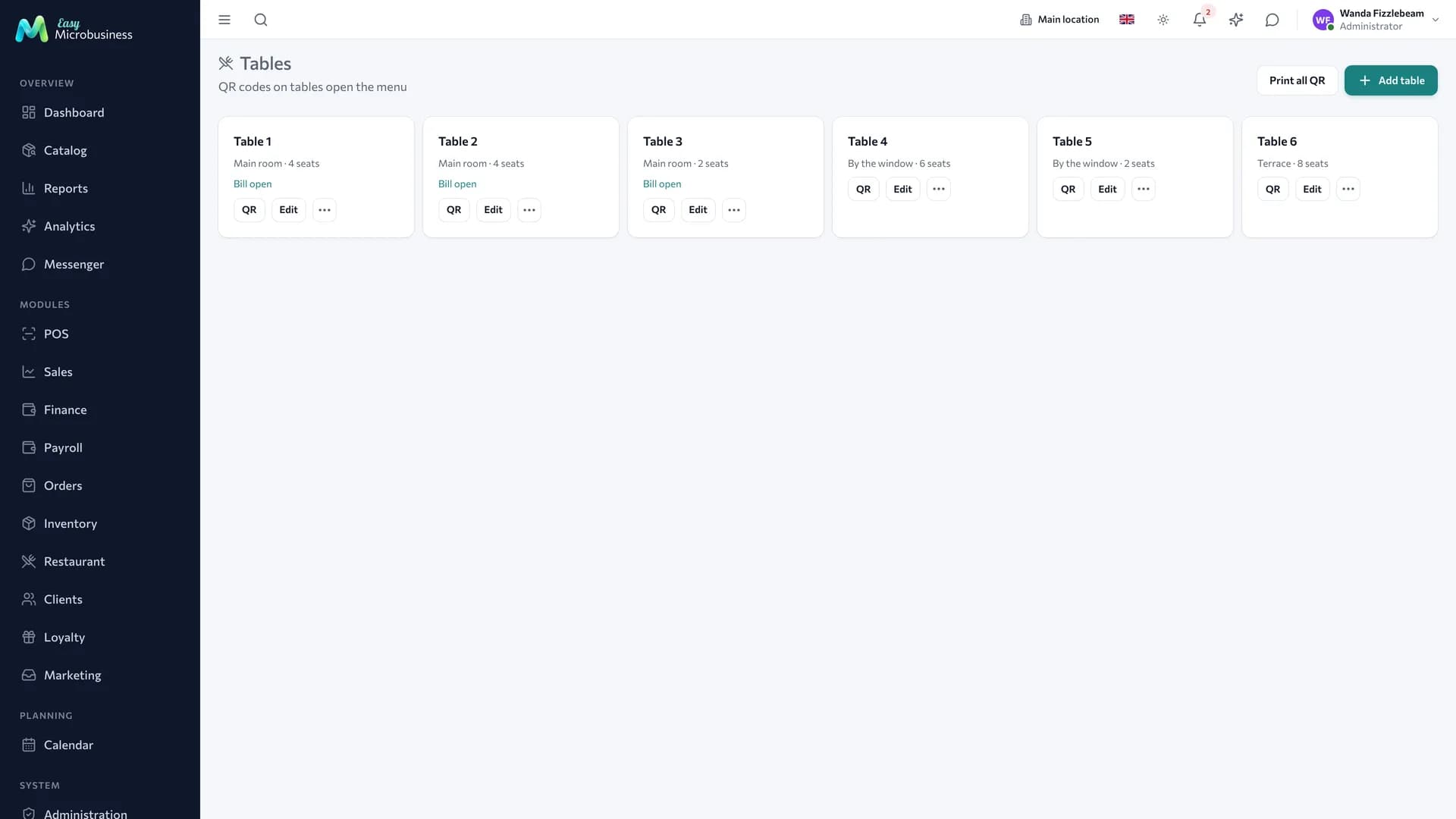
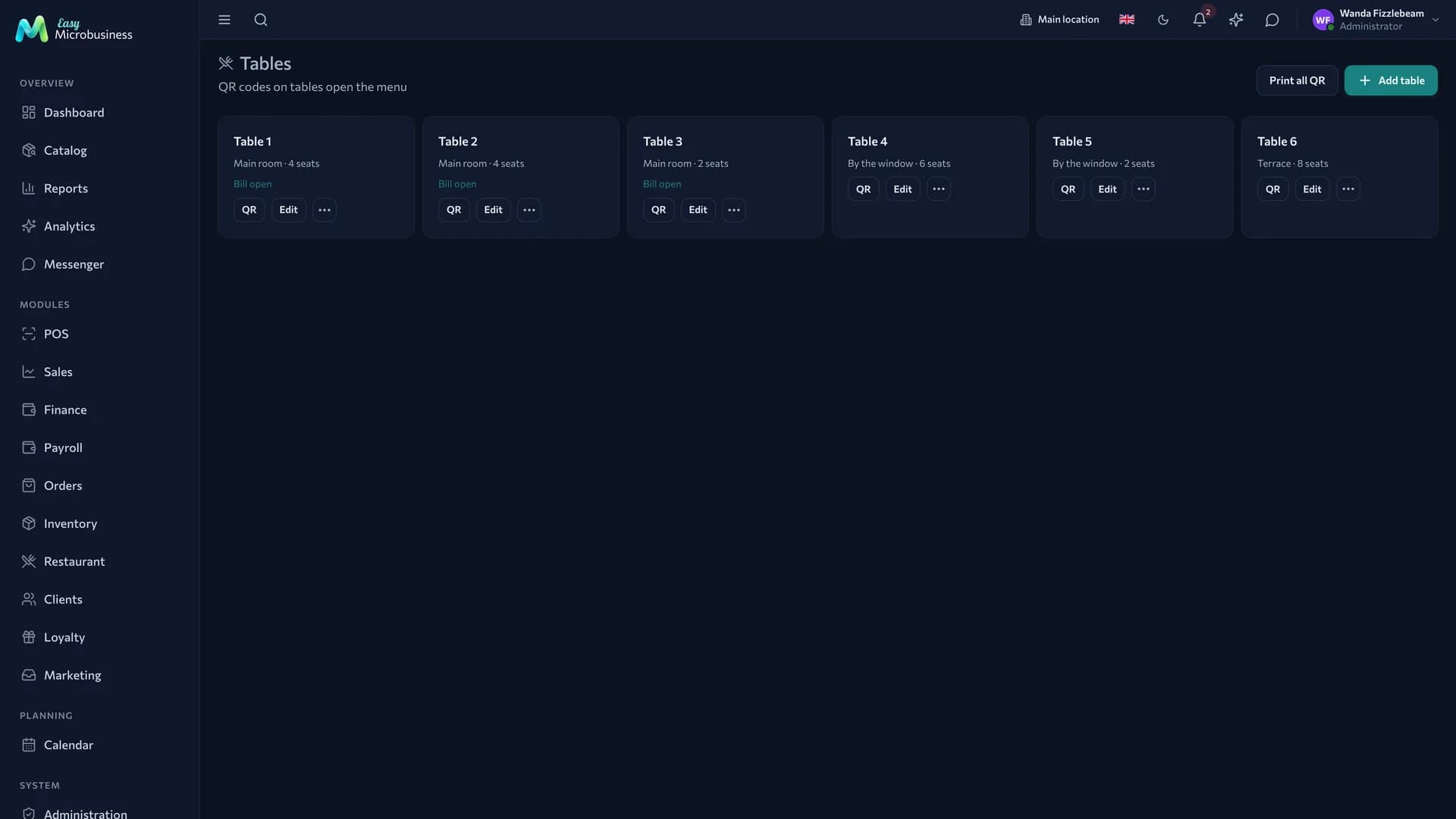
The Reissue QR button gives out a new code, and the previous link stops working right away. That is what you need when a label has been photographed and the bill is being opened from home. The system asks again: the old label will have to be replaced.
The table bill
While guests are seated, one bill is open on the table. It collects every order sent during the visit and moves through states: open → awaiting payment → closed.
The bill has its own public link: the guest sees how much they have run up and can order more. A takeaway order runs on the same kind of bill, only without a table.
A bill lives for eight hours, so a table abandoned in the evening is not picked up by a morning guest. A bill that has already sent something to the kitchen stays open past that window: the food has been served, and the till closes it. Only empty abandoned bills are cleared.
Two guests scanning the code at the same time land on one table bill. Closing a bill and sending a new item from a phone do not collide.
Tickets and the kitchen screen
Every order send is a separate ticket. It goes to a station (kitchen, bar or none) and moves through statuses: new → confirmed → cooking → ready → served.
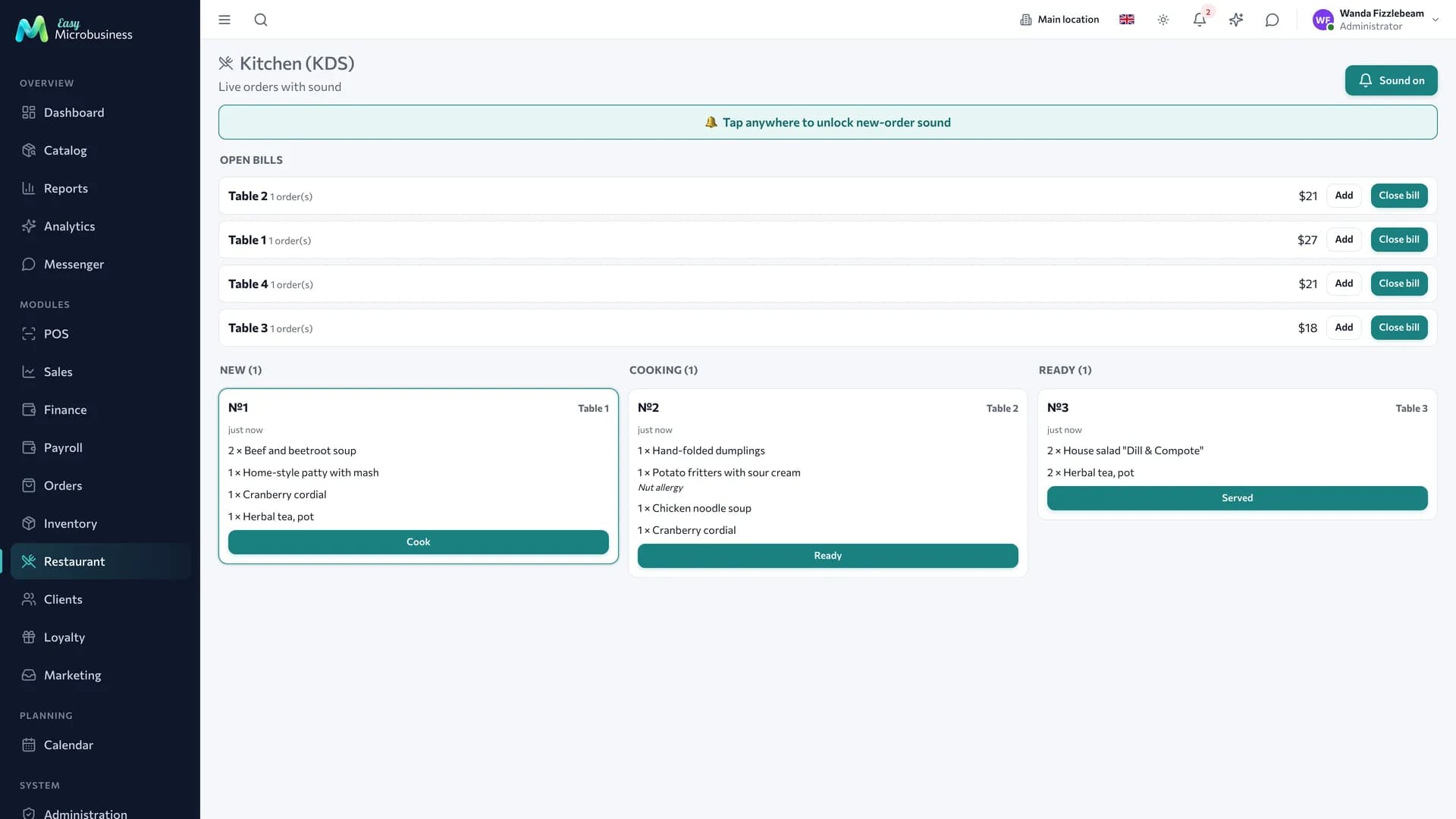
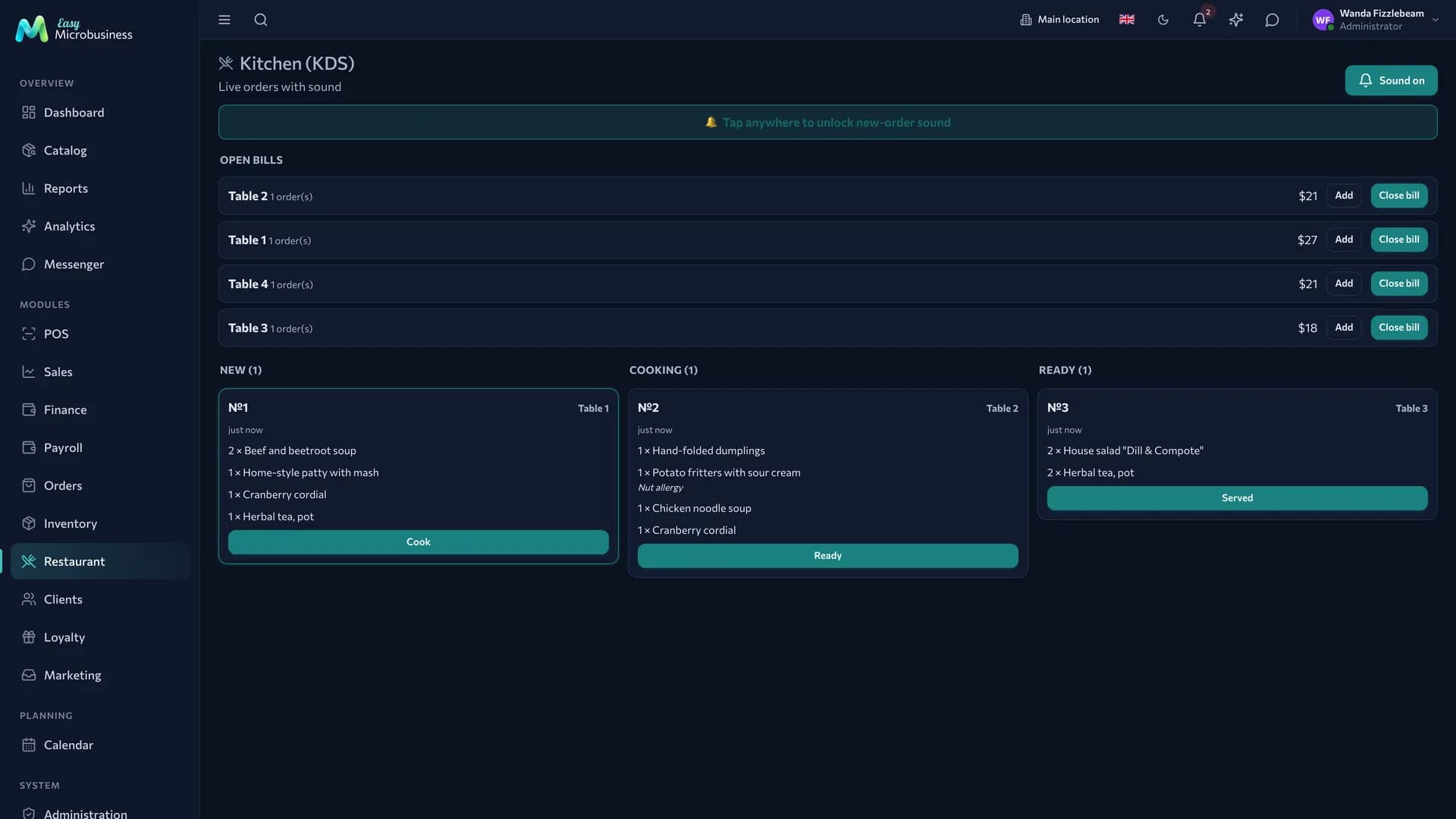
The screen belongs to a branch: the bar of one venue does not see the orders of another. Browsers allow sound only after the first touch of the screen, so on opening the kitchen asks you to "tap to enable sound".
Ticket items are a snapshot taken at the time of the order: name, price, modifiers and cost are fixed. Renaming a dish or raising a price does not change an old bill.
The waiter's work
A waiter works with the same bills from the floor section:
- Open tables — the list of bills with amounts and states: who is waiting for the check and who has just sat down.
- Order from the guest — items are added to the table bill by hand and reach the kitchen just like an order from a phone.
- Removing an item — the guest changed their mind or the cook made a mistake: the item leaves the bill before payment.
- Closing a bill — in full or in parts.
The waiter and the guest work with one and the same bill, so the amount on the guest's phone matches the one on the waiter's tablet.
How to split a bill
- Open the table bill.
- Tick the items one guest is paying for.
- Close the selection.
The rest stay on the open bill and the table keeps paying. Each part becomes its own order, so both payments are visible in reporting.
Cash from the floor
If the person closing a bill has an open cash shift, a receipt is rung up along with the payment. That is how floor cash reaches the Z-report and the cash collection, and the drawer matches the report.
Without a shift — an administrator closing a bill without a till — the bill is closed as an order: the revenue is recorded but does not enter the cash shift.
Menu and settings
The Menu & settings subsection publishes the menu, sets its address and picks the catalog categories that go into it.
| Setting | What it sets |
|---|---|
| Menu published | Whether the QR menu is open |
| Menu address | The public address of the page |
| Venue name, description, currency | What the guest sees in the header |
| Serving branch | Whose stock and whose kitchen handle the orders |
| Payment | "At the waiter / till" or "Online prepayment" |
| Order acceptance | "Straight to the kitchen" or "Through a waiter" |
| "Call a waiter" button | Whether to show it to the guest |
| Service charge, % | The percentage for service |
| Menu categories | What goes into the menu; empty means every category with the "in menu" flag |
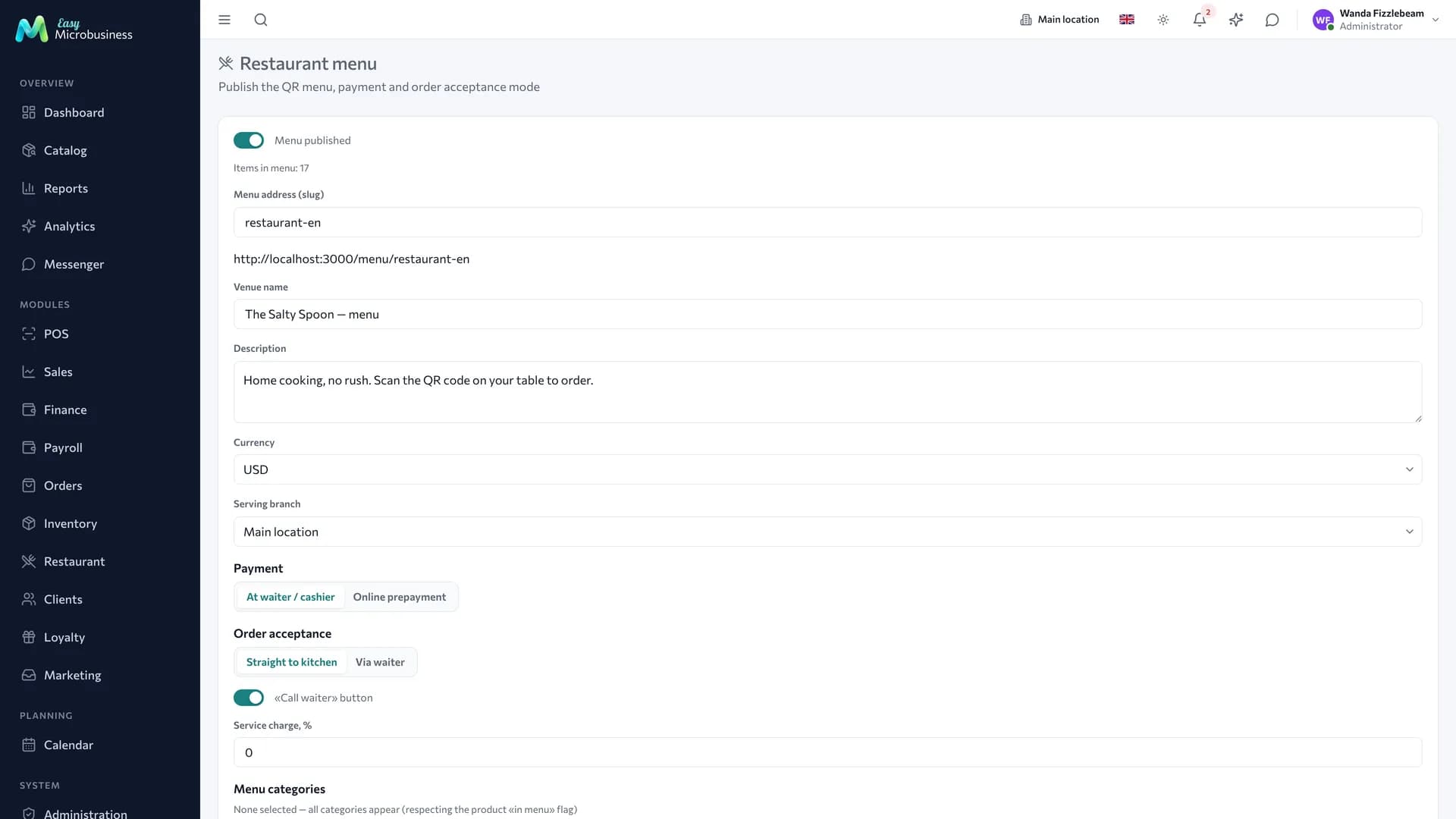
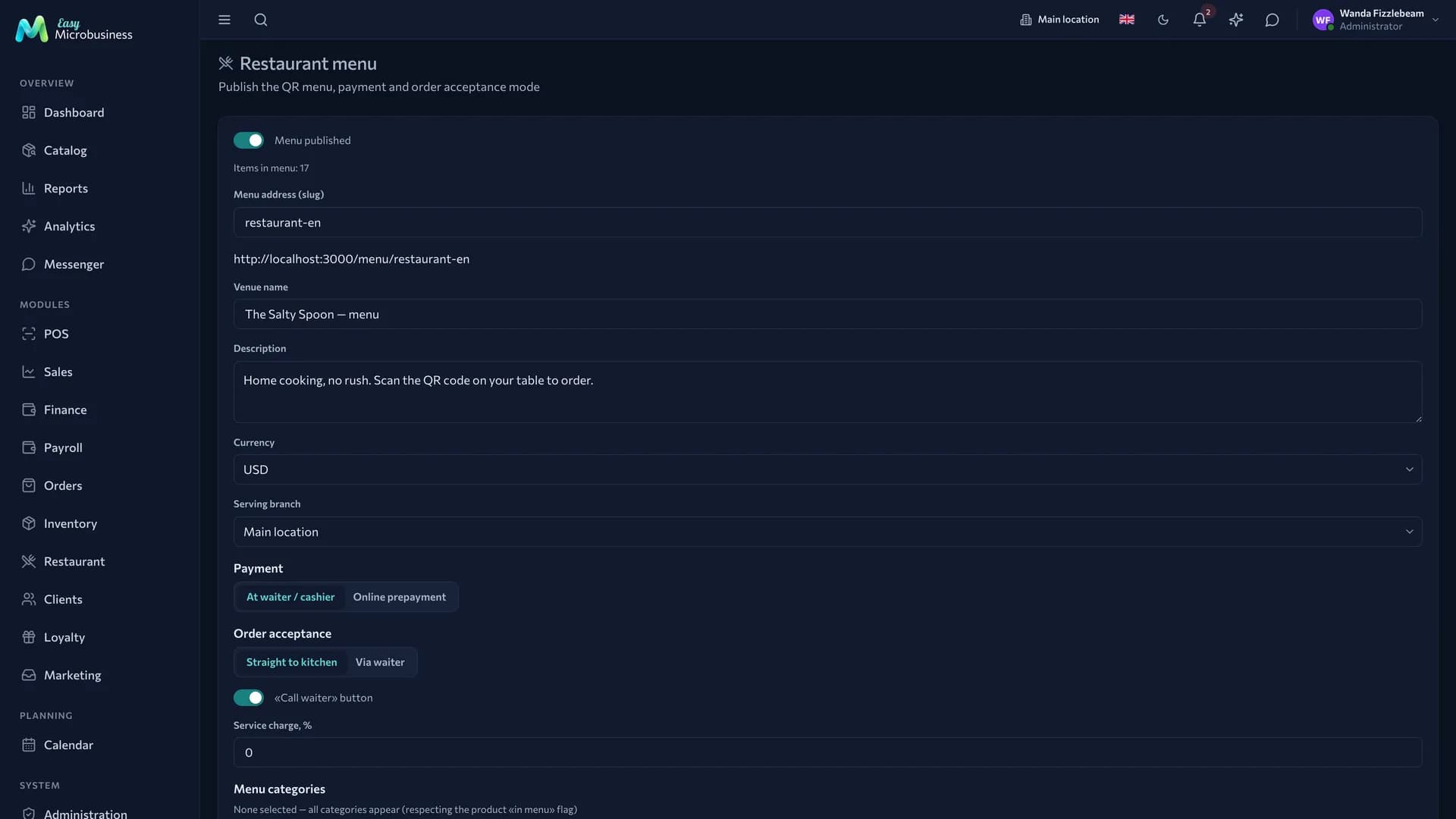
With payment at the till the ticket goes to the kitchen right away and the guest pays on the way out. With online prepayment the ticket is created on hold: it reaches the kitchen once the payment is confirmed.
The "Call a waiter" button is useful on a floor and unnecessary in a coffee shop with a counter.
Changing the menu address replaces printed QR codes: the system warns about this before saving.
Money
A closed bill turns into an order with a fixed cost and joins the general reporting alongside POS sales. Floor and takeaway revenue are counted together.
In short
- The guest, the waiter and the kitchen work with one table bill.
- Every order send is a separate ticket with its own status on the kitchen screen.
- A bill is split by items, and each part becomes its own order.
- Reissuing a QR closes the old link immediately — the label needs replacing.
Related components
- Catalog — menu items, variants and modifiers.
- Inventory — ingredient write-off by branch.
- Point of sale — closing a bill and taking payment.
- Orders — takeaway orders.
- Reports — floor revenue and cost.