
Messenger
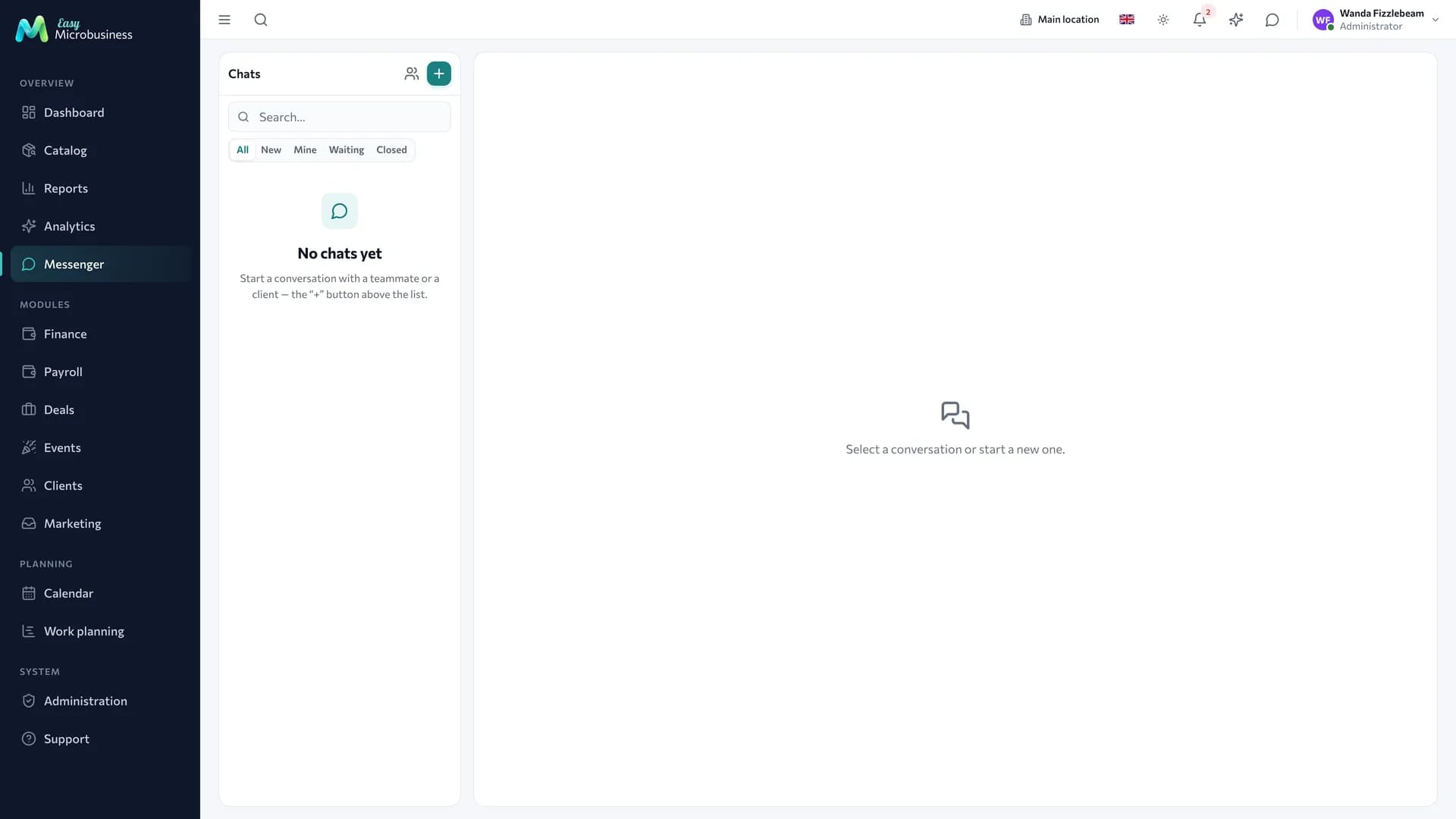
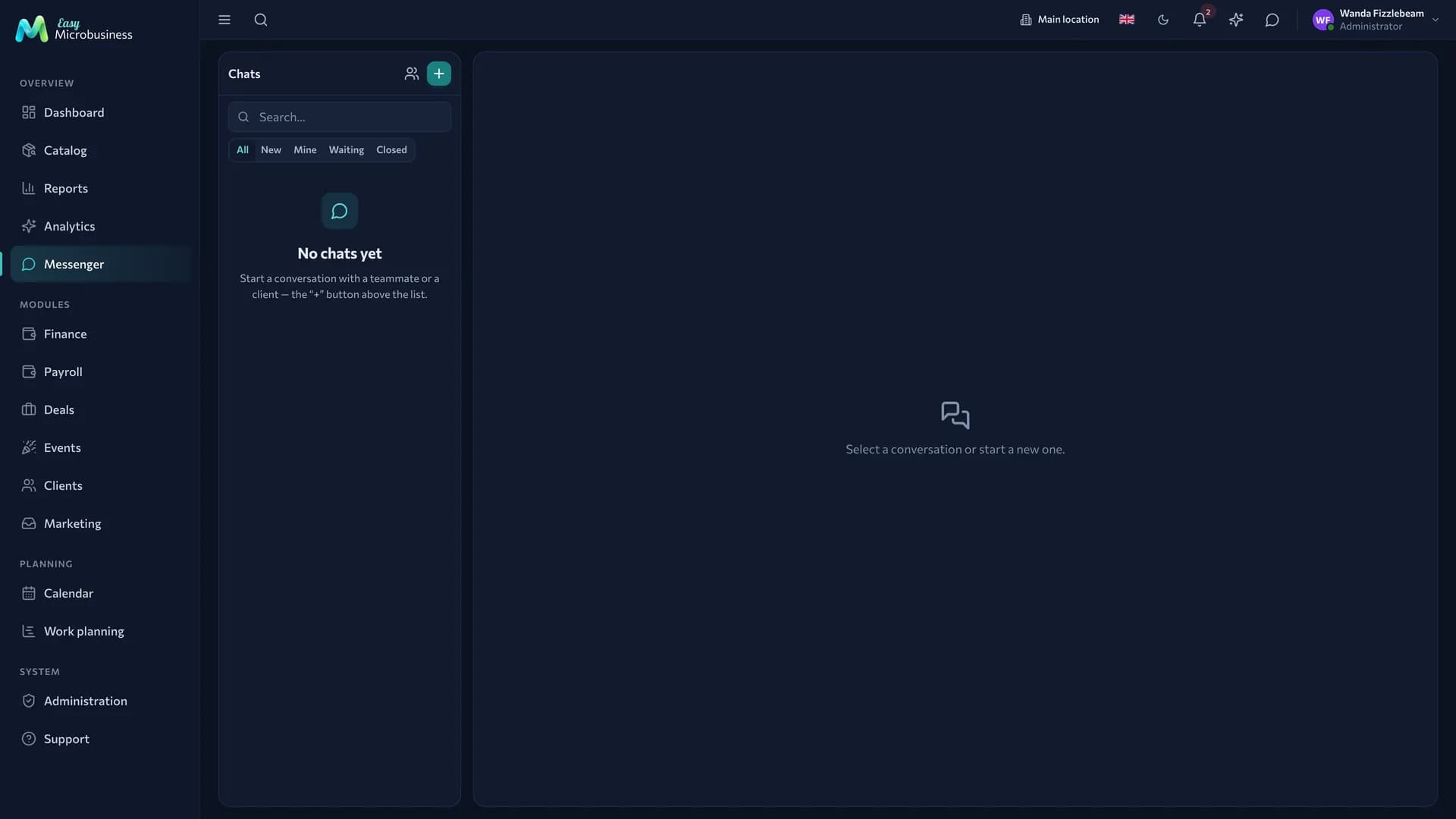
The messenger gathers every conversation a company has: between employees, with customers and through external channels such as Telegram. The component is always on and has three sub-sections in the menu — Inbox, Templates and Settings.
Three kinds of conversation
| Kind | Who takes part |
|---|---|
| Direct | Two company employees |
| Group | A channel inside the company: a shift, a branch, a project |
| External | The company and a specific customer |
Direct conversations are not duplicated: the same pair of employees will not end up with two parallel threads.
How to start a conversation with a customer
- Open the customer card and create a conversation — the system issues an invitation link.
- Send the link to the customer by SMS, email or through a messenger.
- The customer opens the page, enters a name and lands in a chat with you.
The customer needs no account: the chat opens as an ordinary page and can be added to a phone home screen as a separate app.
The invitation does not expire. If a customer loses the link, they restore access by phone number with a one-time code. Access can be revoked at any moment.
The conversation is linked to the customer card and to a deal: the thread is visible where the purchase history is. For internal use you can leave a private note the customer will not see.
A group chat with a customer is assembled the same way: employees and one or several external participants are added. Participants and issued access are visible in the messenger management section, which is open to administrators and directors.
External channels
A Telegram bot or a WhatsApp channel can be connected to the company: messages from them arrive in the same conversation list, so there is no switching between apps.
The bot key is stored encrypted and incoming requests are verified, so a message from someone else's channel will not reach your company.
Auto-reply
The Settings sub-section holds working hours and two template messages: a greeting on the first contact and a reply outside working hours. A lead can be created automatically from the first message of a new contact, so an enquiry is not lost.
The setting is company-wide, so administrators, directors and managers can change it.
Quick reply templates
The Templates sub-section keeps ready answers for customer conversations.
- Press Add template and type the text.
- In a chat insert it with the quick reply button or the / command.
Customer name and order number are substituted into the text. That saves time and keeps the wording consistent.
Search
Full-text search runs across every company message: you can find what was promised to a customer three months ago.
Presence
Employees carry a state: online, away, do not disturb. "Away" is set automatically when a person is idle or the tab is hidden; "do not disturb" is chosen by hand and stays until it is removed.
Notifications
Push notifications work, including for customers in their web app, so a message arrives even with the tab closed.
Frequently asked
A customer lost the link. They restore access by phone number with a one-time code, and the history stays.
An employee left. Direct conversations stay in the system, group chats keep working, and access is removed together with the account.
The customer writes in Telegram and we want to answer from the system. That is how it works: an incoming message from the bot lands in the shared list and the reply goes back into the same channel.
Can we write to someone in Telegram first? To those who have already written to you. That is Telegram's own rule.
We need a bulk campaign. That lives in Marketing: a campaign to a customer segment.
In short
- Internal chats, customer conversations and external channels sit in one list.
- A customer chats through a link, without an account or a password.
- Quick reply templates are inserted with a button or the "/" command.
- Conversations belong to the company and are visible in the customer card and in a deal.