
Inventory
Inventory keeps track of stock movement: it shows reliable quantities and records the reason for every change. Services take no part in stock accounting.
Stock is kept for products that have Track stock switched on in their card. For a new item it is off.
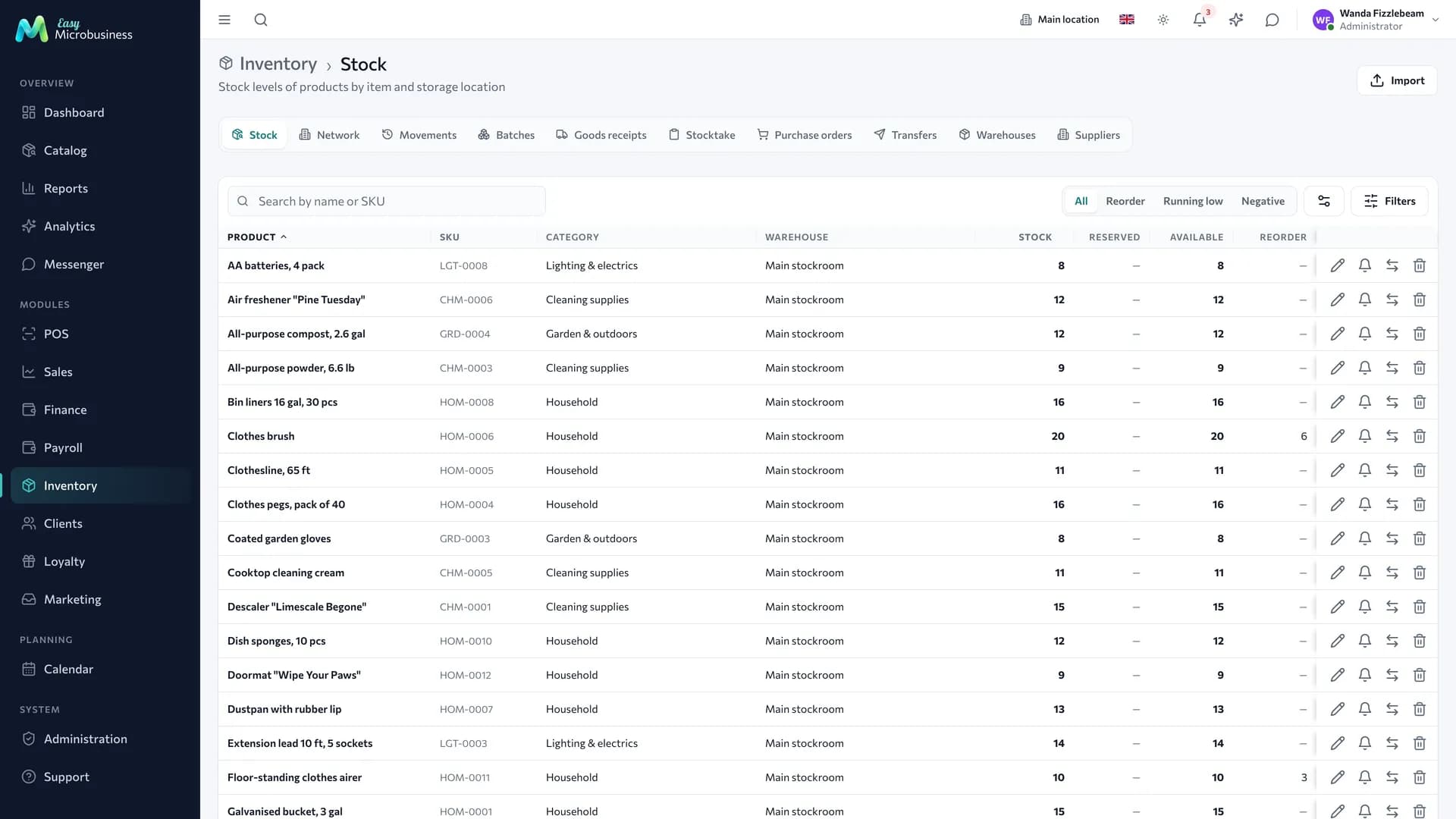
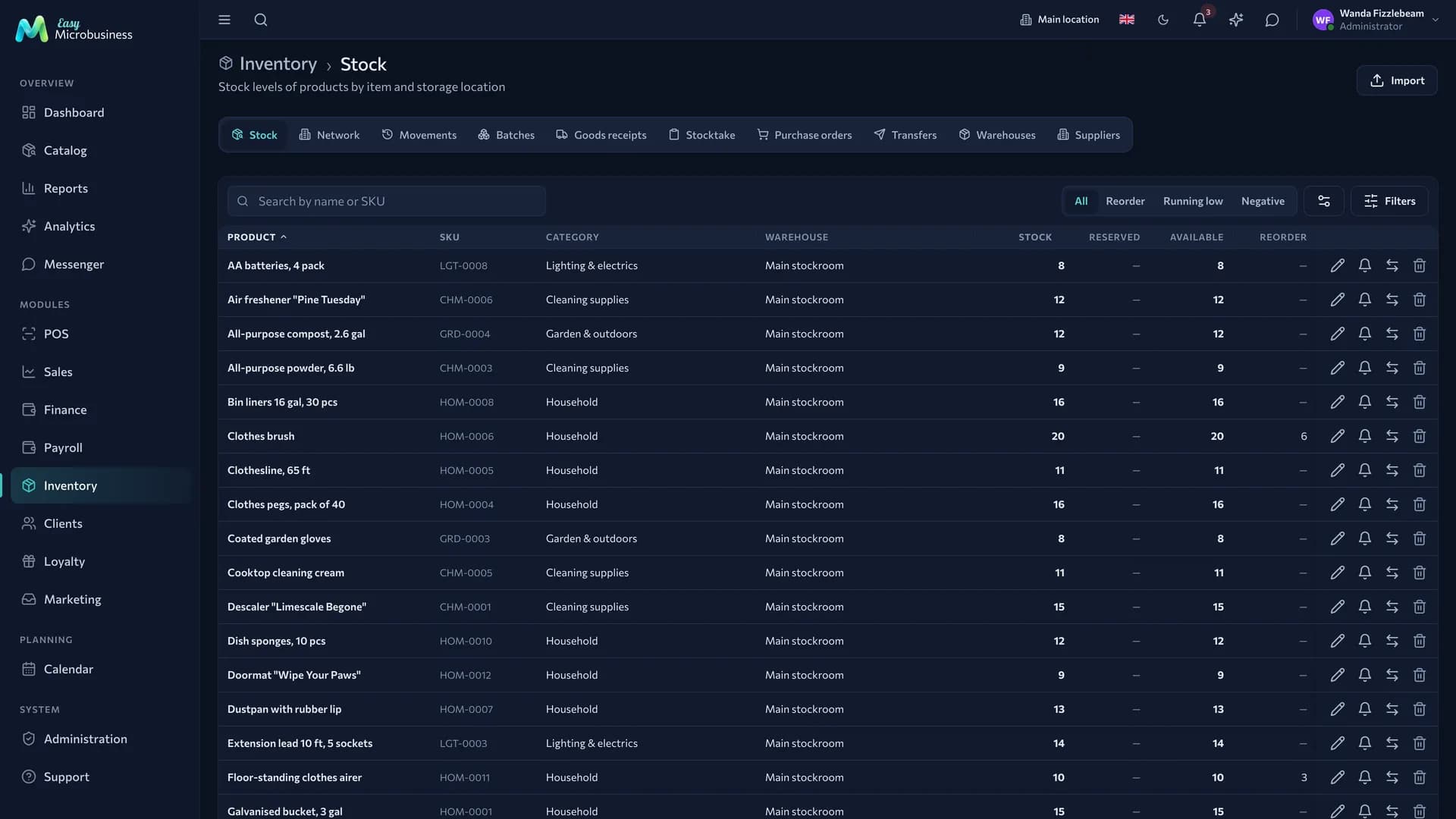
Section tabs
| Tab | What is in it |
|---|---|
| Stock | Quantities by item and storage location |
| Network | Stock across every warehouse of the network |
| Warehouses | Storage locations: main warehouse, retail points, sections |
| Suppliers | The companies you buy from |
| Goods in | Receipts from suppliers |
| Batches | Deliveries with quantity, expiry date and cost |
| Movements | The operation log: receipts, sales, adjustments, write-offs |
| Adjustments | Manual stock changes with a reason |
| Stock count | Counting, recording and applying discrepancies |
| Purchase orders | Purchase requests and automatic reordering from a shortage |
| Transfers | Moving between warehouses with a receiving confirmation |
Three rules of inventory
- Every movement is an operation. Stock is not edited directly, so history is kept and quantities can be reconstructed for any date in the past.
- Cost is calculated automatically. The write-off value comes from batches at the average purchase price, so profit on a receipt is visible immediately.
- Selling below zero is configurable. By default it is allowed: a cashier should not wait for paperwork when goods have already been handed over. For networks and strict accounting turn on Block selling below zero. The "Chain of stores" and "Store-warehouse" scenarios switch it on themselves.
How to receive goods
- Open the Goods in tab and create a receipt.
- Add items — fastest with a barcode scanner.
- Enter quantities, purchase prices and the delivery note number.
- For items with an expiry date, set the date: write-offs will start from the earliest one.
- Post the receipt — stock grows and the purchase price feeds into cost calculation.
Enter the real purchase price: without it profit in reports will be overstated.
How to run a stock count
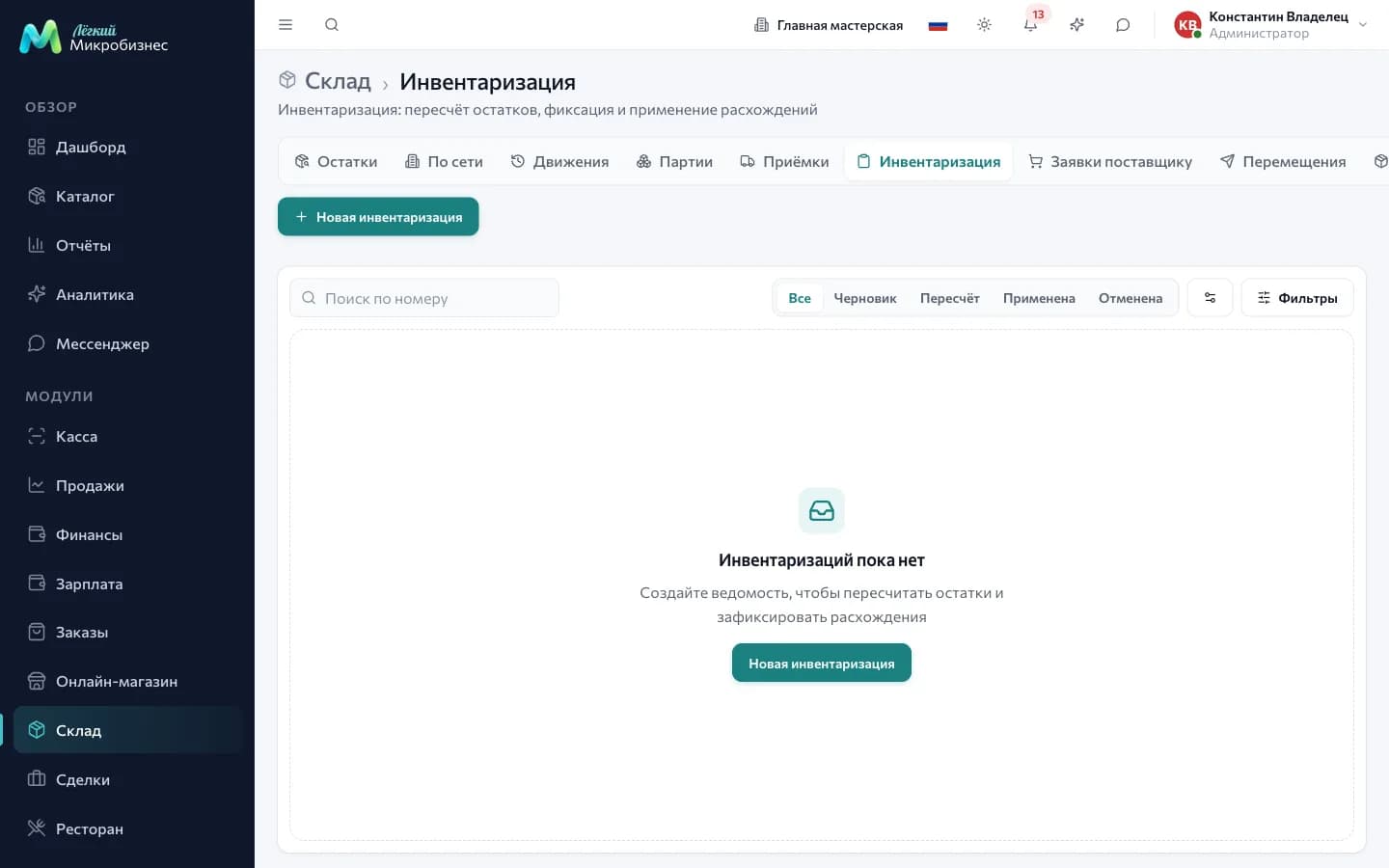
- Create a stock count document — for the whole warehouse or for a category.
- Enter the actual quantities; a scanner is the easiest way.
- Look at the discrepancies: surpluses and shortages are shown with amounts.
- Apply the document — adjustments are created and stock becomes the actual one.
After closing, stock is changed with a new operation, so the history stays complete.
Purchase orders
The Purchase orders tab keeps procurement in one place. A request is created with New request or assembled automatically with Build a reorder — the system takes the items that are short.
A request has five states: Draft, Sent, Partially received, Received, Cancelled. The row shows the number, the warehouse, the amount and the Expected date.
Issuing materials to a site
A site lives for weeks and material is delivered in batches for each stage. So material is issued from the Materials tab of the site card when it is actually taken there.
- Stock goes down immediately, and the cost of the issue comes from batches.
- Materials are issued from the warehouses of the branch the site belongs to. For another warehouse the system suggests a transfer first.
- Returning what was not used is a separate operation: material comes back to the warehouse and into its batches, and the site cost goes down. A return can be partial and made in several goes.
Normally materials are moved by the office. The component setting Executor writes off supplies from a field job lets an ordinary employee do it too — for their own site, when the job is assigned to them or they are in the crew of its work order.
The full project scenario is in the Construction and renovation module, the field one in Field services.
Production movements
Manufacturing creates its own stock movements, and they are shown separately from sales in the log.
| Movement | When it appears |
|---|---|
| Consumption for production | Raw material and components written off during a run or when a production order is closed |
| Production output | The finished item arriving in stock with its actual cost and its own batch |
| Run cancellation | Rolling a run back: the item is written off, raw material returns to the same batches with the previous cost and expiry |
The item cost in the product card stays as it is on a cancellation: it is calculated as the average purchase price across all receipts. More detail is in the Production component.
Shipping an order in parts
A large order does not leave at once, so every handover of goods is recorded as a shipment.
- Posting a shipment writes off goods from the branch warehouse, consumes batches and reduces the order reserve by what was shipped.
- Cost is fixed at the moment of shipment, and the order enters profit as a whole when it is completed — for what was actually shipped.
- Cancelling a posted shipment returns the goods with a separate movement and restores the reserve. Both the shipment and its rollback are visible in the log.
- An order with shipments does not move stock when it closes: the delivery notes already did that. An order without shipments is written off in full at closing.
Transfers between branches
A transfer has two phases: sent and received. While goods are in transit they count as available at neither location, so the same box is not sold twice.
What to look at
- Stock and reorder point — what is running out and what to buy.
- Turnover — what has been sitting for months and tying up money.
- Movements by item — the full history: where it came from and where it went.
- Write-offs — how much is lost to damage and spoilage.
Who does what
- Managers and administrators — receipts, write-offs, stock counts, transfers.
- Employees — viewing stock and taking part in a count.
- Directors — reports on stock and turnover.
In short
- Stock changes only through an operation, so it can be reconstructed for any date.
- Write-off cost comes from batches and is calculated automatically.
- Selling below zero is allowed by default and switched off in inventory settings.
- A transfer between branches is confirmed by the receiving side.
Related components
- Catalog — the list of products.
- Point of sale — write-off on a receipt, return on a refund.
- Orders — reserve for an order and write-off on shipment.
- Deals — material write-off and issuing to a site.
- Reports — cost and profit.