
Marketing
The component covers the flow: where enquiries come from and what you say to your base. Inside there are leads with capture forms and round-robin distribution, customer segments by rules, and campaigns to those segments.
Segments are built over the base and a lead turns into a customer, so the component works together with Clients.
Leads
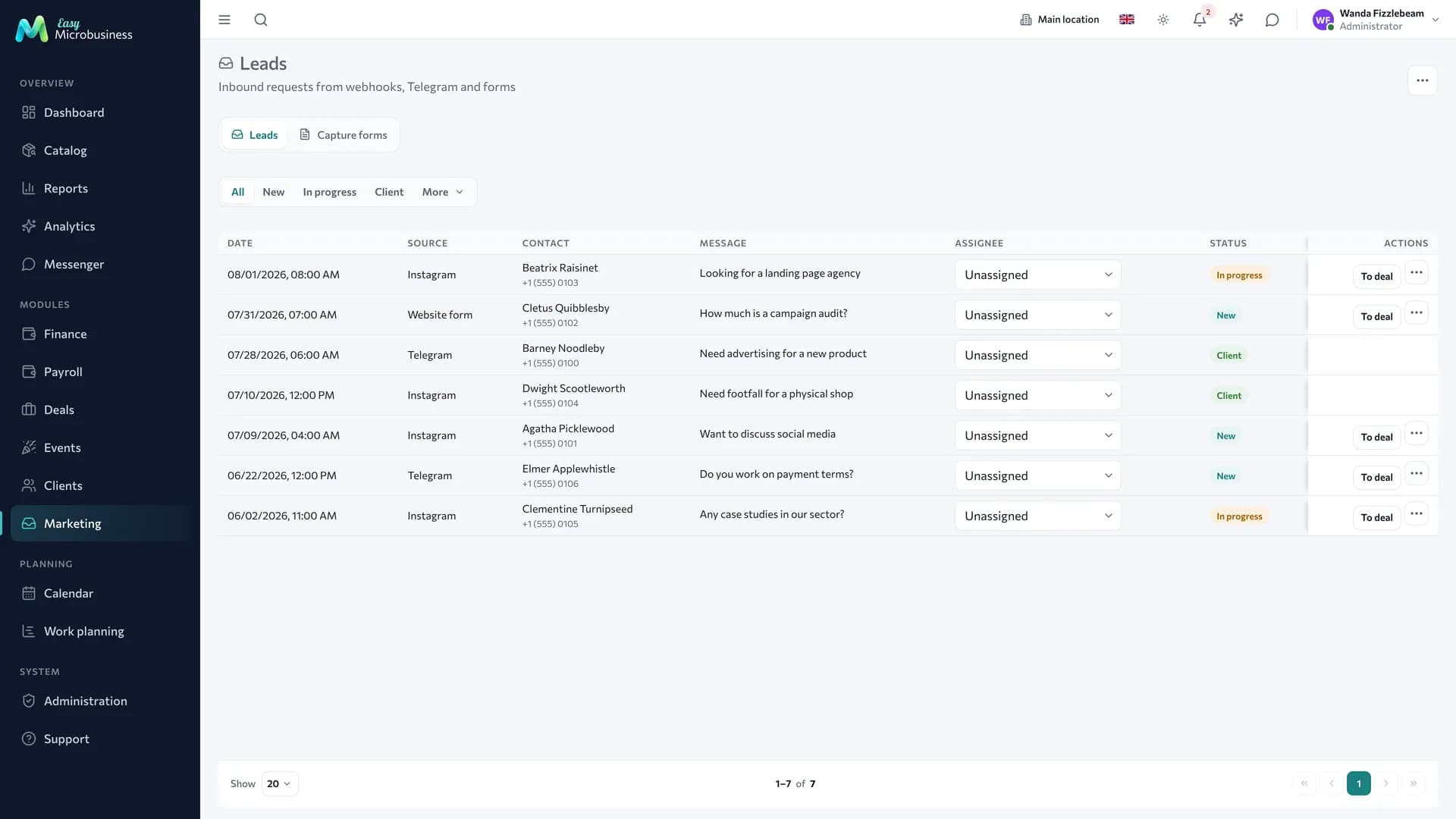
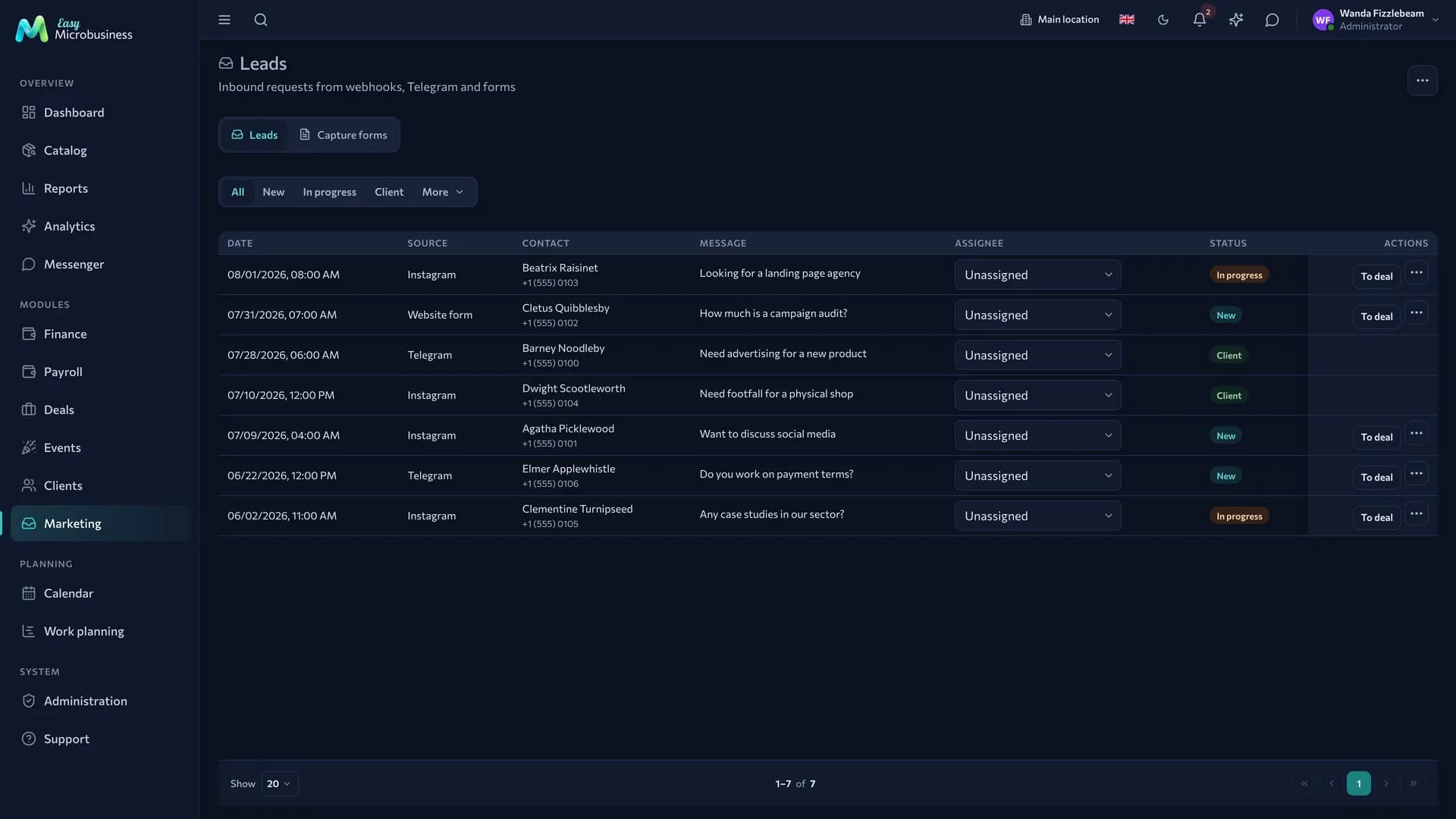
A lead is an enquiry where it is not yet clear whether a customer will come out of it: a request from the site, a message in a messenger, a call. It has a contact, a source, a comment, an owner and a status.
Enquiries arrive three ways: from a capture form, through an integration, and by hand. New ones are distributed between managers in turn.
Once it is clear that this is real work, the lead is converted: a customer and, if needed, a deal are created. The source and the UTM tags carry over, so the funnel shows which channel brought the money.
The section switches with the bar above the list: Leads · Capture forms. Intake settings — distribution between managers and automatic customer creation — open in a separate window from the header.
How to build a capture form
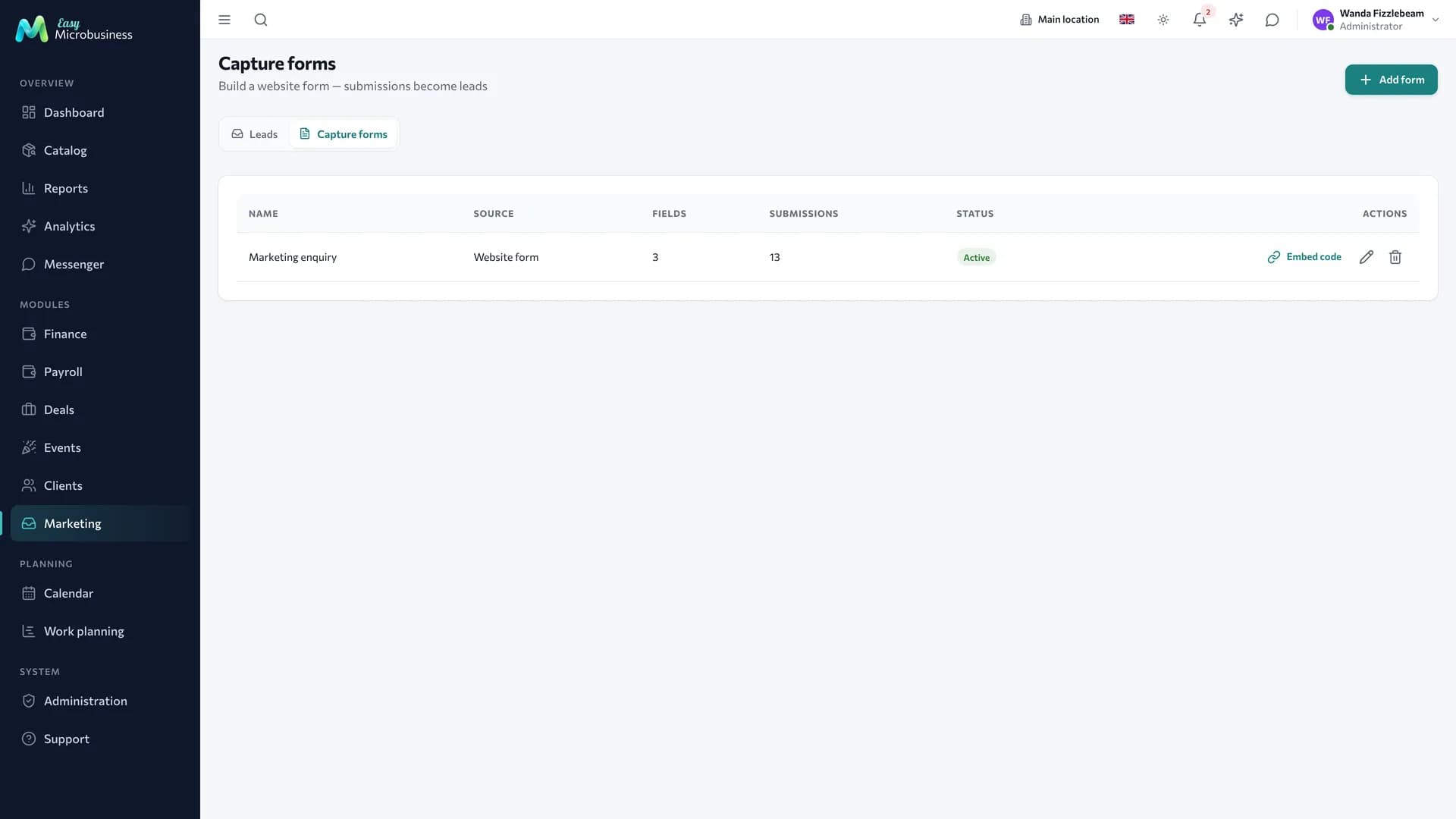
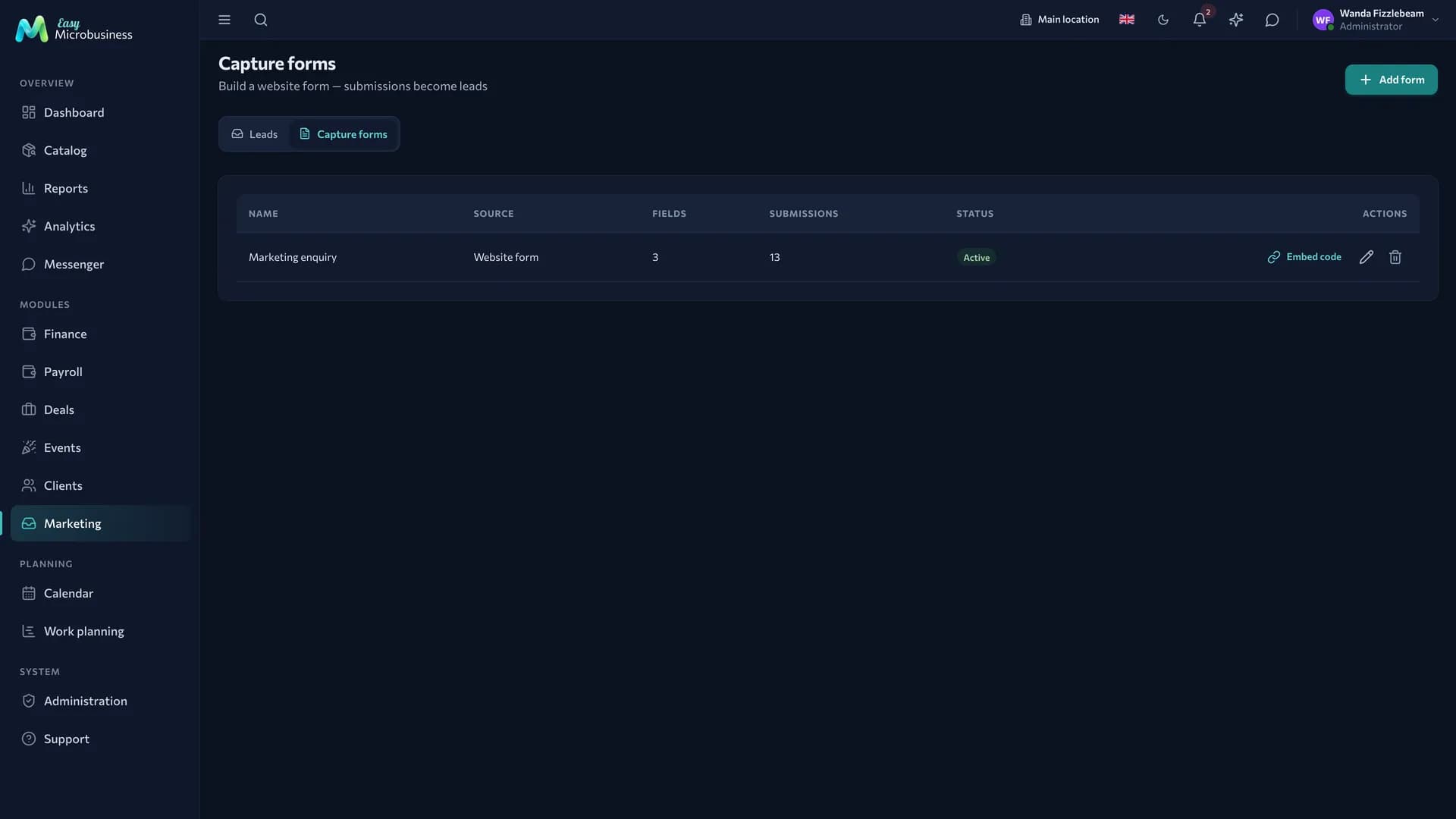
- Open Marketing → Leads → Capture forms and create a form.
- Add the fields you need: name, phone, service, comment.
- Turn the form on.
- Take the link for social media or the Embed code for your website.
A request from the form goes straight into Leads. Bot protection works without a captcha, and a real person has nothing extra to fill in.
Segments
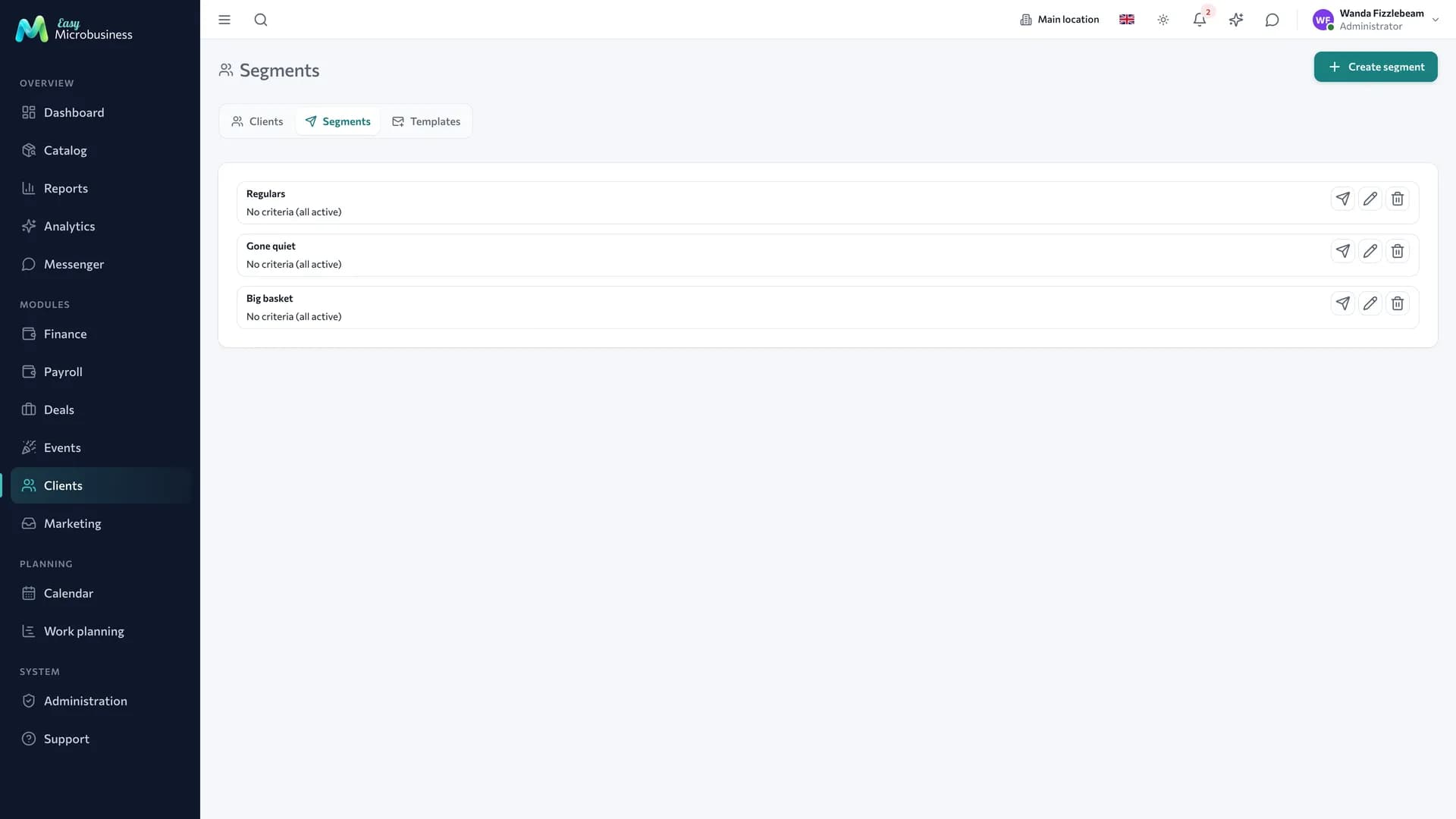
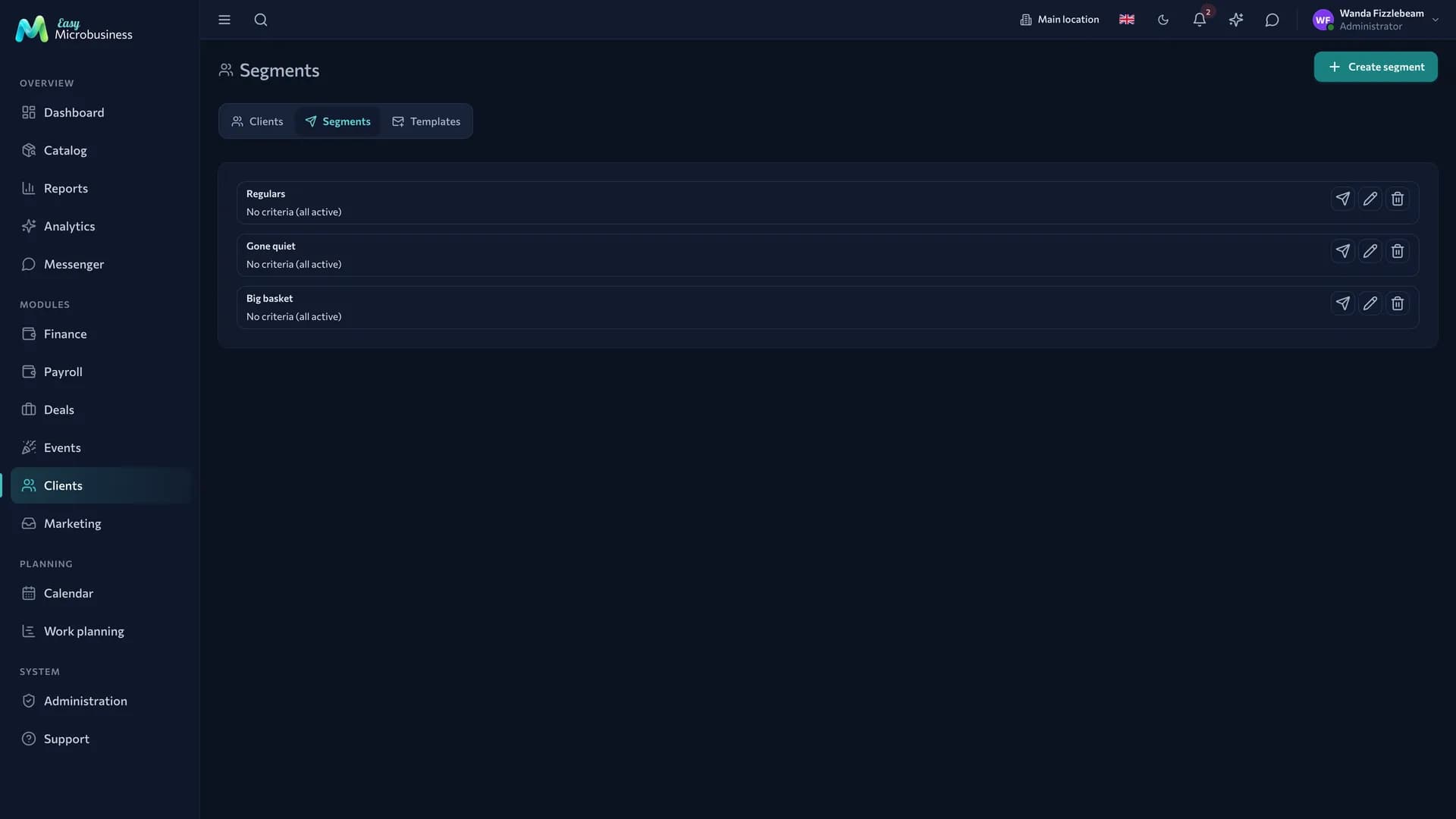
A segment is a rule for selecting customers. For example: "not seen for more than 60 days", "spent more than 20 000 ₽", "birthday this week". Membership recalculates itself, so there are no lists to maintain by hand.
Segments work in three places:
- in campaigns — a targeted message instead of a letter to the whole base;
- in reports — revenue and returning rate for a group;
- in promotions — who gets a special price or a promo code.
How to send a campaign
- Open the segment and choose to send.
- Pick the channel: email, SMS or a messenger.
- Take a ready message template or type the text.
- Start it — the campaign runs in the background with the progress on screen.
Messages go through your own channels, connected in Integrations.
How to connect
The component is part of the core of CRM. It is offered as an option by Retail store, Online store, Beauty and care, Fitness and sports, Education and courses, Studio, Construction and renovation, Events and catering, and Wholesale and distribution.
Frequently asked
A lead arrived twice. That happens: a person filled the form and also wrote in a messenger. On conversion the system warns about a duplicate customer.
The campaign did not go out. Check the channel connector in Integrations.
The form collects spam. Against manual spam, required fields and a review of leads before conversion help.
In short
- A lead is an enquiry before qualification; converting it creates a customer and a deal.
- New enquiries are distributed between managers in turn.
- A segment is a rule rather than a list: membership recalculates itself.
- Campaigns go out through your own communication channels from Integrations.
Related components
- Clients — the base for segments and the card a lead becomes.
- Deals — where a converted lead goes.
- Loyalty — the promo code you send to a segment.
- Integrations — sending channels and intake from outside.
- Reports — conversion by source and campaign results.