
CRM
A customer base and a sales funnel: deals by stage, a task on each one, conversation history, loss reasons. The module is for businesses where days and weeks pass between "the customer is interested" and "the customer paid".
What is included
Core components
- Clients — the base of contacts and companies, the card and interaction history.
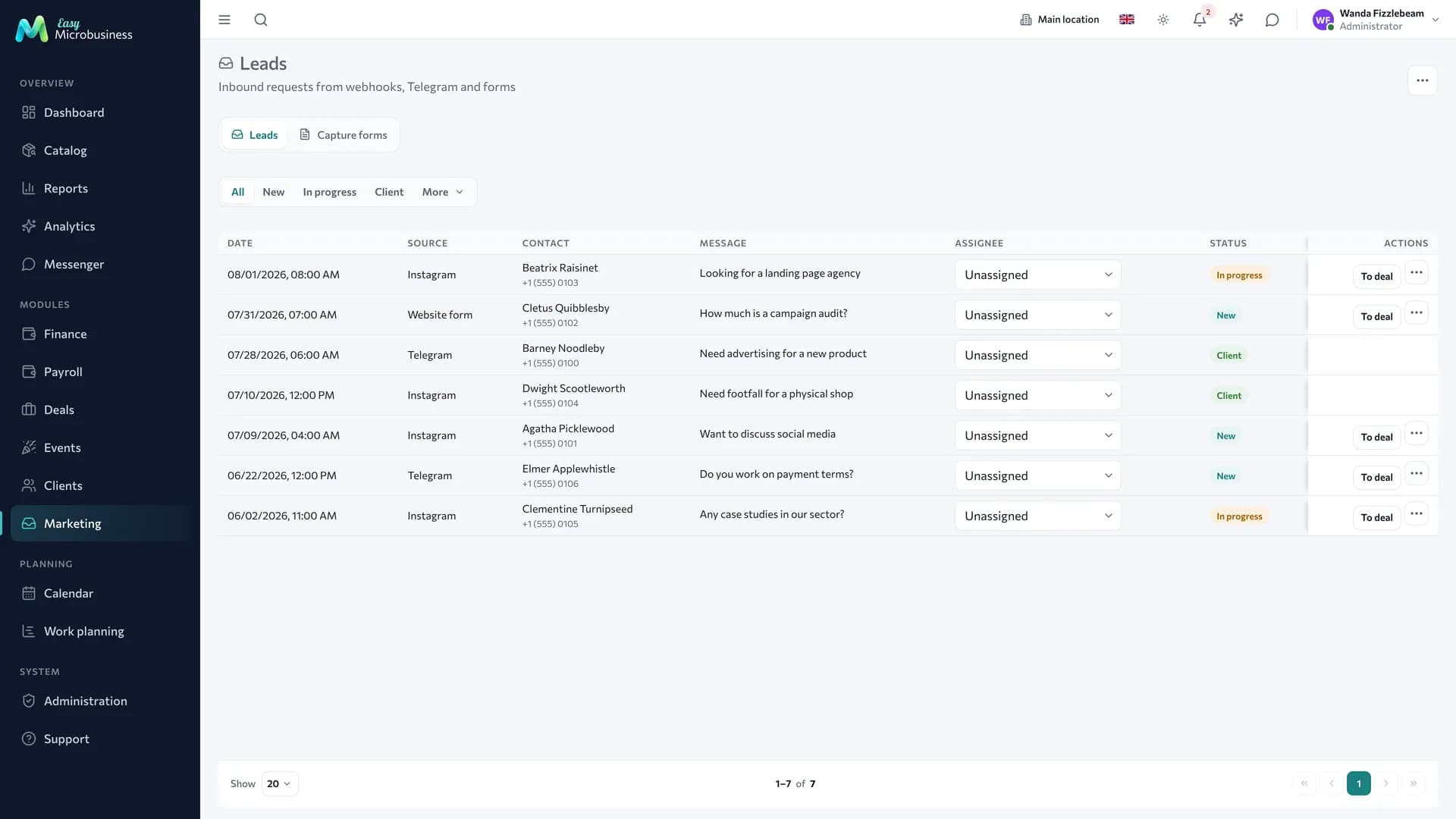
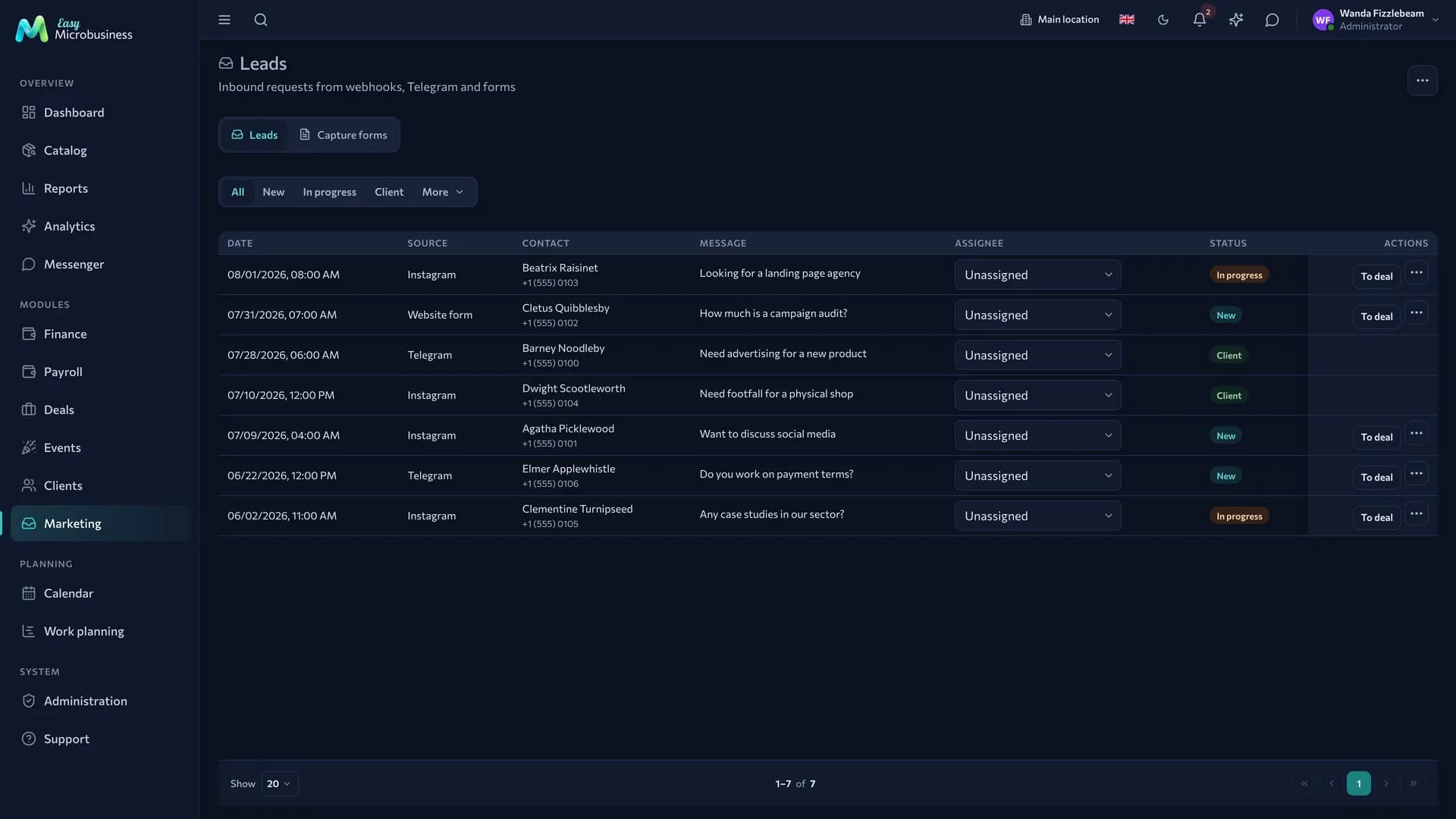
- Marketing — leads from capture forms, customer segments and campaigns.
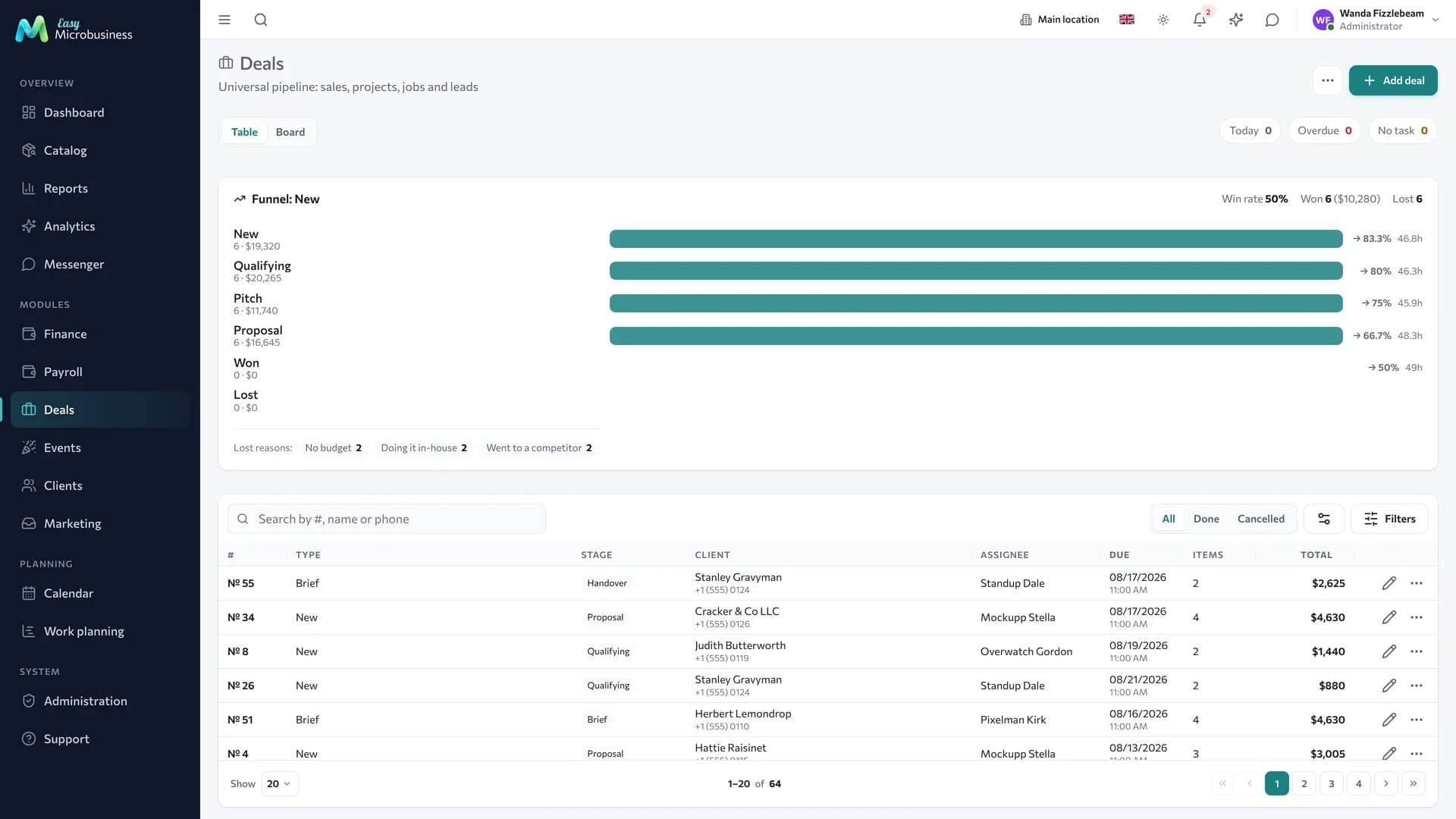
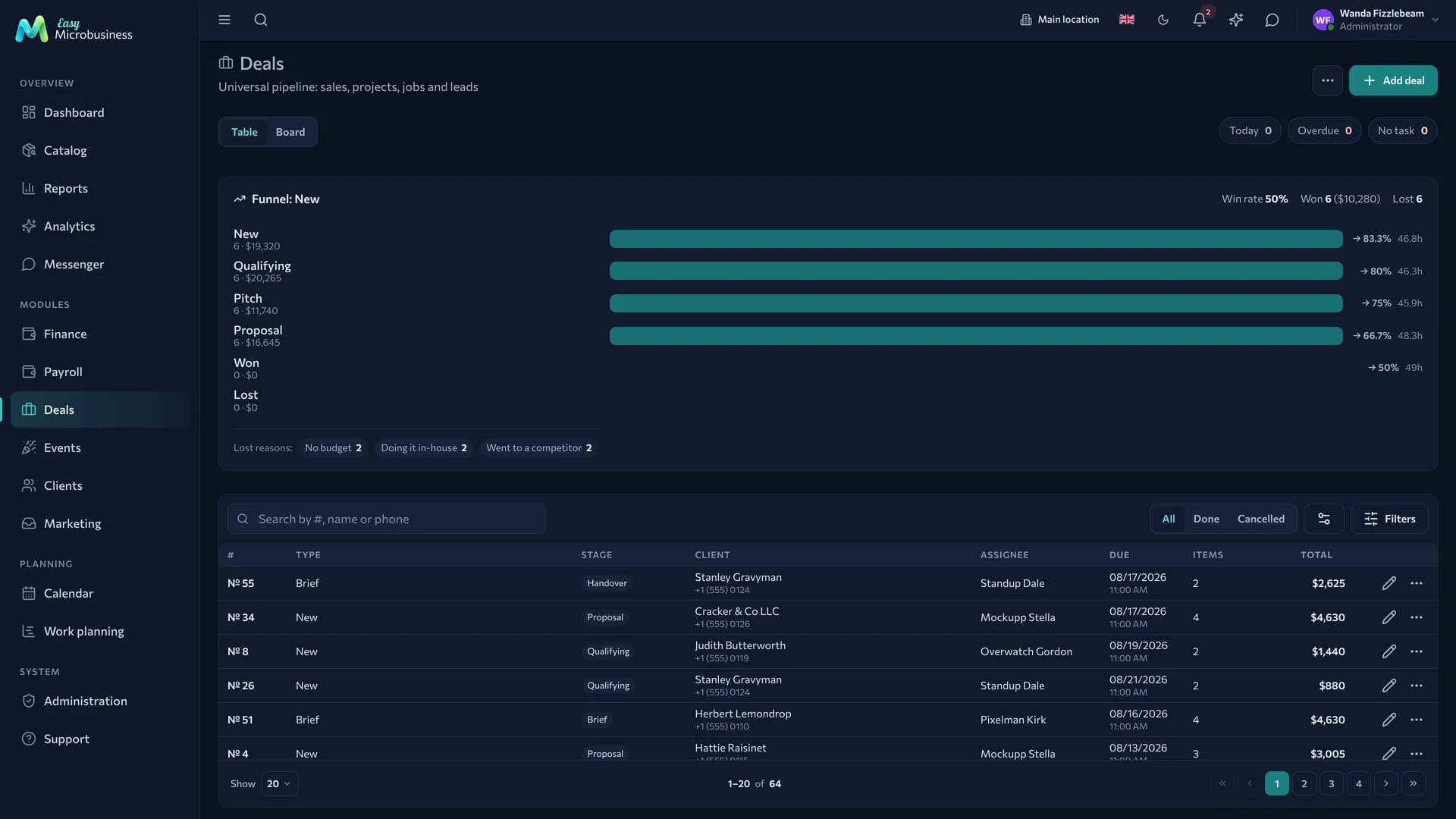
- Deals — the funnel, stages, tasks, extra fields, loss reasons.
Optional components
- Orders — when a deal is followed by a shipment or fulfilment by items.
- Scheduling — meetings and demos in the calendar.
- Work planning — a task board and stage dates when a deal runs for months.
- Payroll — a manager's percentage on won deals.
- Finance — expenses, profit and customer debts.
Catalog, reports, calendar, messenger, integrations and the AI assistant are available right away.
How a deal goes
- Lead. An enquiry arrives from a website form, a messenger, a phone call, or is entered by hand. Leads are distributed between managers in turn.
- Qualification. The lead becomes a customer and a deal: budget, source, owner, the date of the next step.
- Work. The deal moves through stages. Each has a task with a deadline: call, send a proposal, meet. Deals without a next step have their own filter.
- Proposal. A commercial proposal with items and prices is printed from the deal.
- Outcome. The deal closes as won — turning into an order or a sale — or as lost with a reason.
A manager's day
- In the morning, open the task list for today: who to call, who to send a proposal to.
- Clear the deals with no planned step — they are highlighted separately.
- Record every conversation as an interaction in the card, so a colleague gets the context without a retelling.
- Move the stage as things progress: with automation set up, the next task is created for you.
Overdue tasks stay in the list until they are closed.
Working with the base
- Import. The base is moved in from a file: contacts, companies, tags. Duplicates are found by phone and email.
- Merging. Two cards of the same customer become one, and deals, orders and conversations are kept.
- Segments. Customers are gathered by rules: have not bought recently, spent more than N, carry a certain tag.
- Campaigns. A letter or a message goes out to a segment. The campaign runs in the background, so the tab can be closed.
- Consent. Marketing messages go to those who have not opted out; every letter carries an unsubscribe link.
What to set up after connecting
- Funnel stages — name them the way you speak: "Call", "Proposal sent", "Contract".
- Loss reasons — a short list: price, timing, chose a competitor, changed their mind.
- Extra deal fields — budget, source, area. The module creates them; adjust them for yourself.
- Capture forms — a form for your site so enquiries arrive without manual entry. The "thank you" page address is written in full:
https://site.com/thanks. - Automation — a reminder when a deal has not moved for several days.
What to look at in reports
- Conversion by stage: where deals fall out.
- Average deal cycle in days and the average check.
- Manager workload and their conversion.
- Top loss reasons for a period.
Frequently asked
How is a deal different from an order? A deal is a process with an uncertain outcome. An order is a commitment to fulfil a specific set of items. A deal often turns into an order.
The "Leads" section disappeared. Leads and capture forms live in the Marketing component. Switch it on in settings and the section comes back with the enquiries already collected.
Does a manager see other people's deals? An employee works with their own; administrators and directors see all of them.
What about conversation history? Messages from the messenger and external channels are pulled into the customer card, so handing a customer to another manager keeps the thread.
In short
- A lead becomes a customer and a deal at qualification.
- Every deal should have a next step — without one it lands in a separate filter.
- Loss reasons accumulate and show where money is lost.
- Campaigns go out by segment and respect customer consent.
Similar modules
- A deal that always ends with repairing an item — Service and repair.
- A project with stages and material delivery — Studio.
- Selling to businesses from stock — Wholesale and distribution.