
Retail store
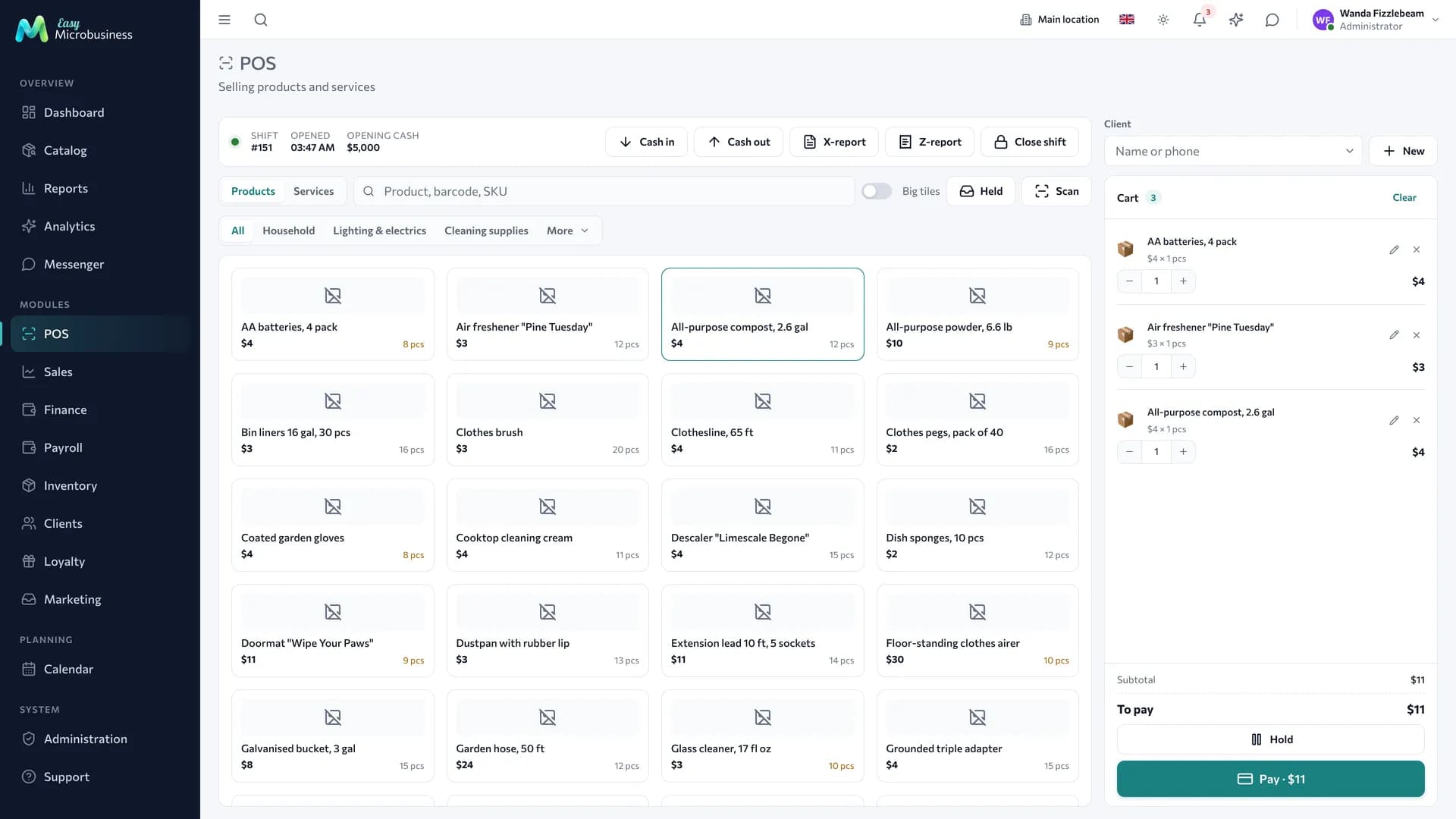
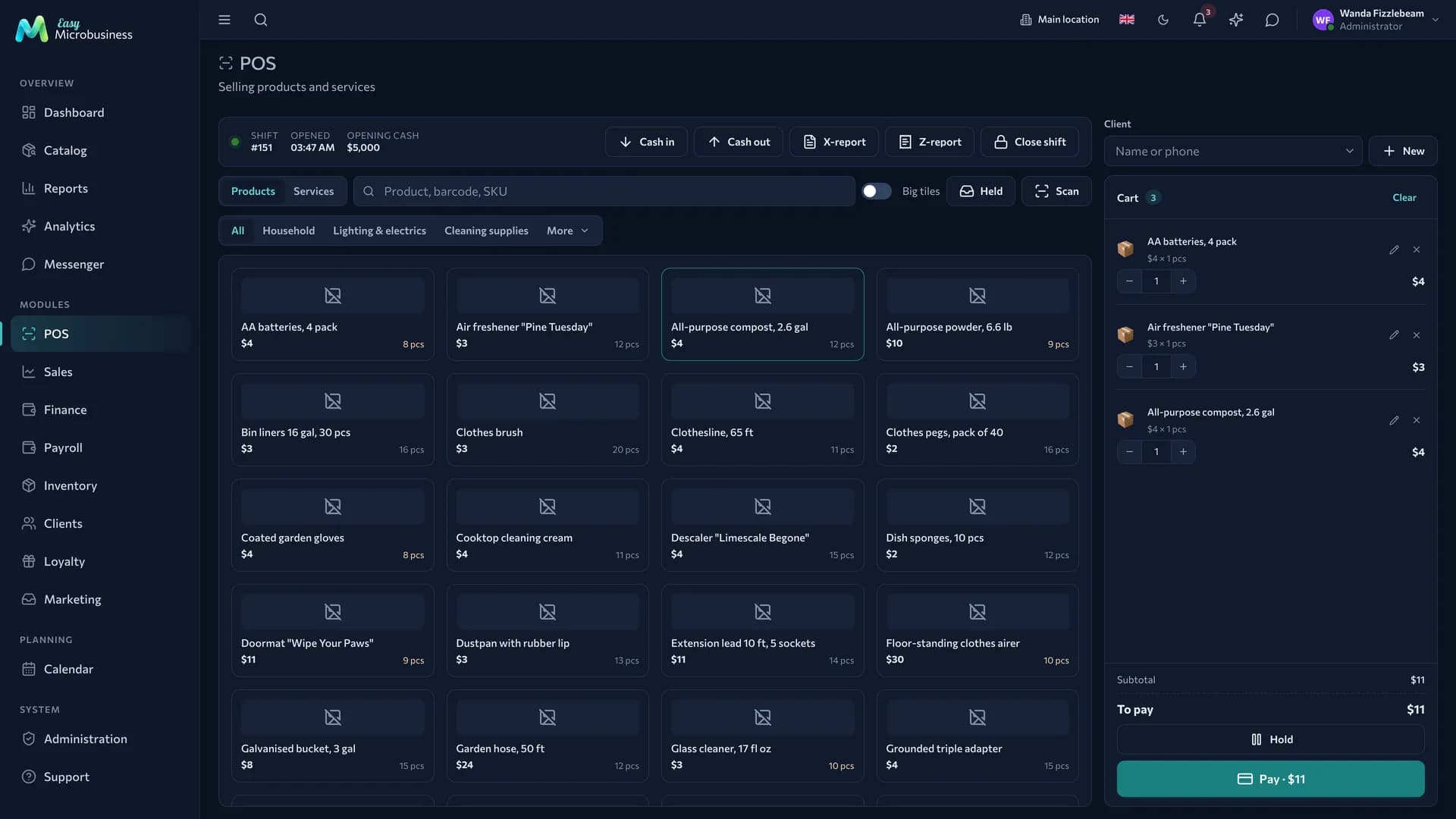
The module for trading at your own location: POS, taking payment, tracking goods and stock, discounts and bonuses for buyers. It covers a seller's whole day — from opening a shift to the Z-report.
Who it fits
A single shop, a chain of locations and a store-warehouse that sells one or two products, but a lot and quickly.
What is included
Core component
- Point of sale — receipts, shifts, discounts, refunds, split payment, cash collection and the Z-report.
Optional components
- Inventory — goods in, stock, stock counts and transfers between locations.
- Clients — the buyer card and purchase history.
- Loyalty — points on purchases, tiers and promo codes.
- Payroll — a seller commission, the timesheet and payouts.
- Finance — expenses, profit and customer debts.
- Marketing — requests from capture forms, segments and campaigns.
Catalog, reports, calendar, messenger, integrations and the AI assistant are available right away.
Three scenarios
| Scenario | Who it is for | What it sets up |
|---|---|---|
| 🏪 Single shop | One location with an assortment | "Size × Colour" variant axes, starting categories for clothing, footwear and accessories |
| 🏬 Chain of stores | Several locations under one standard | Switches on inventory, blocks selling below zero, adds a "Compatibility" attribute and accessory categories |
| 📦 Store-warehouse | One or a few products, often by weight | Ultra-simple interface mode, exact stock, the shortest path to a receipt |
The scenario is picked at connection and can be changed later; the data is kept.
How the day goes
- Opening a shift. The cashier opens a shift and enters the float — every receipt of the day collects inside it.
- A sale. Items are found by name or scanned. A discount goes on a line or on the whole receipt, and payment can be split between cash and card.
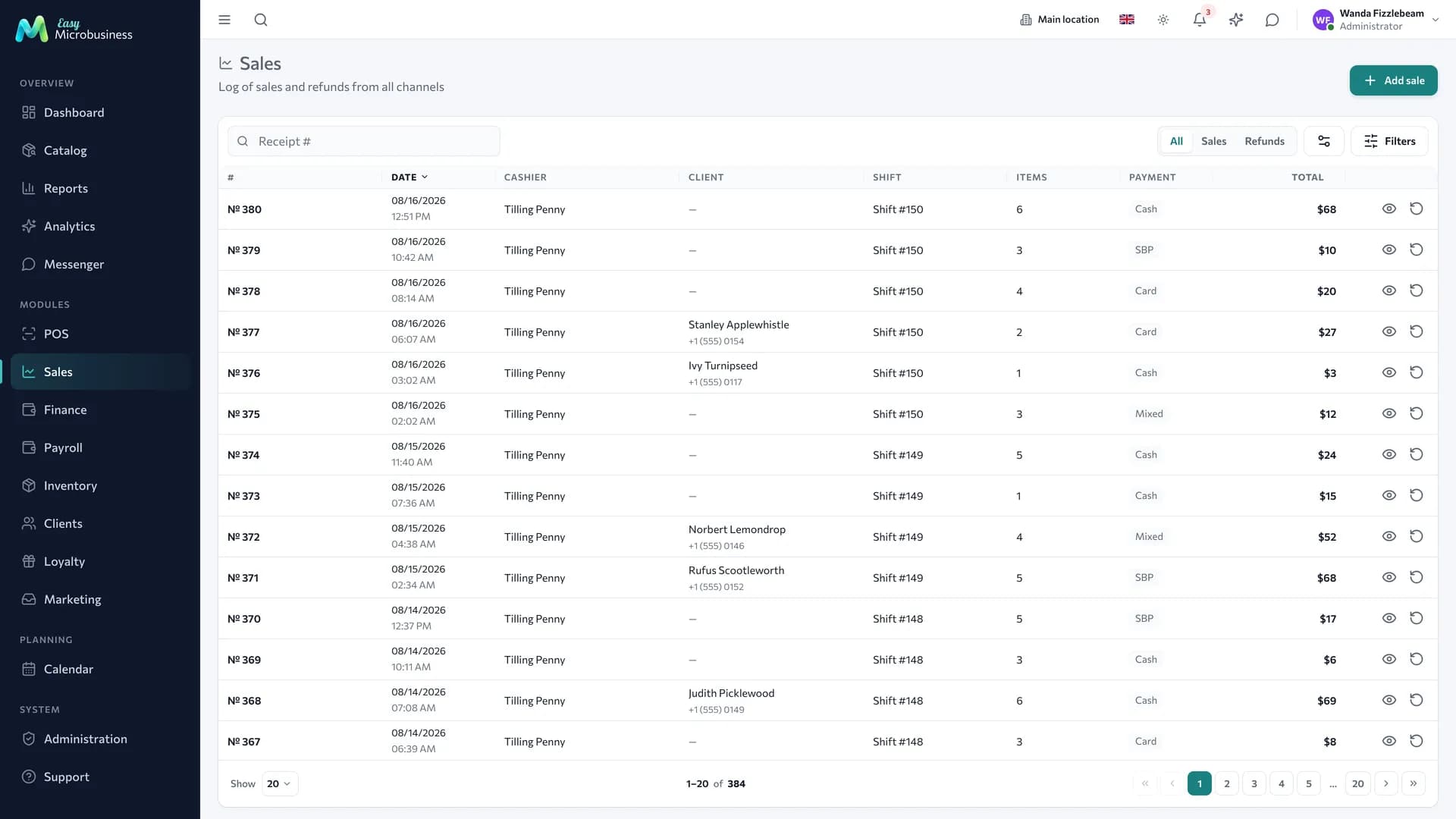
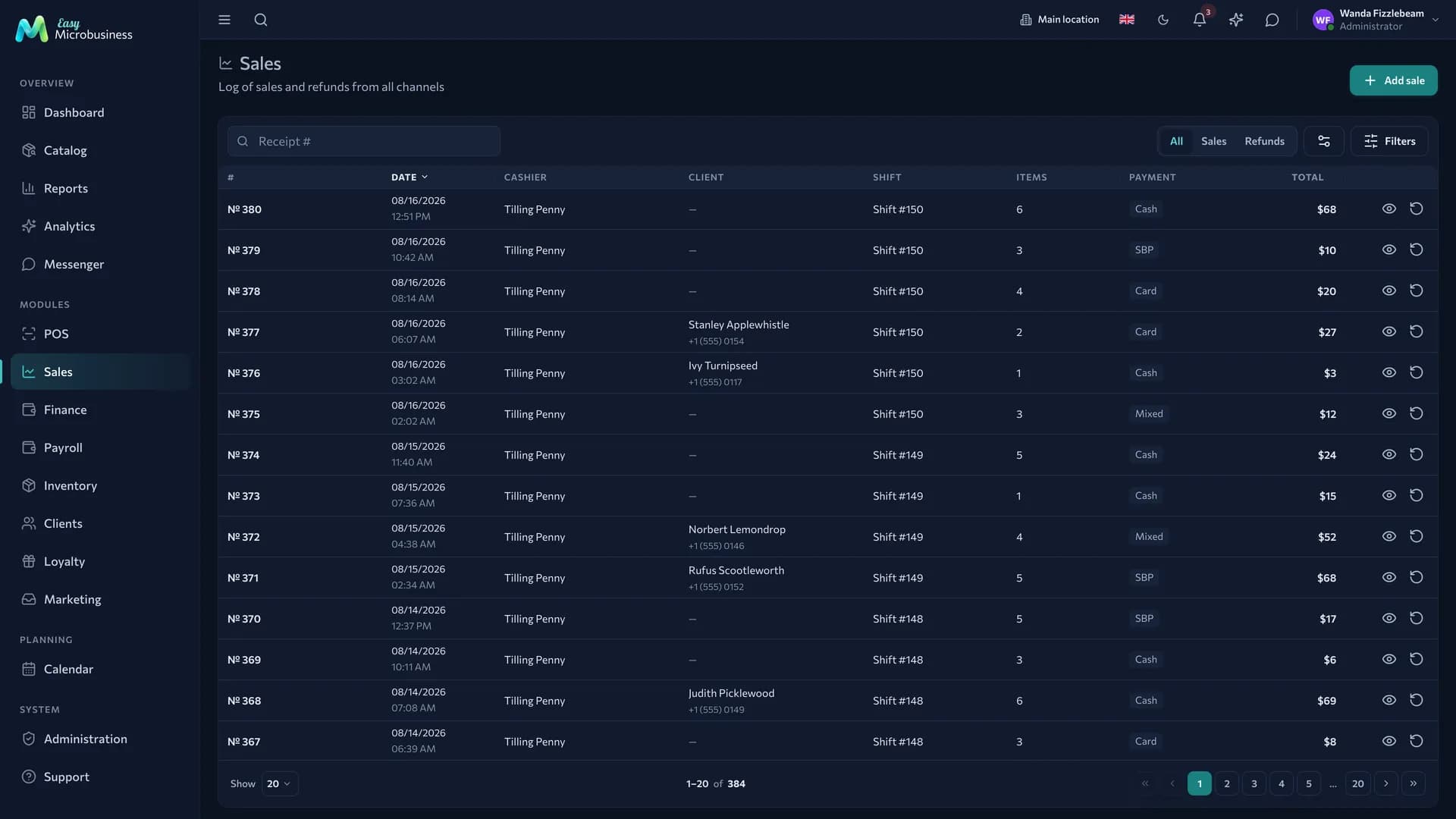
- A refund. Made against the original receipt: the money goes back to the buyer, the goods back into stock. Refunds can be partial.
- Receiving goods. A supplier receipt is recorded in inventory with purchase prices — cost of goods and profit are counted from them.
- Closing a shift. Cash collection and the Z-report: revenue, cash on hand, any discrepancy.
Stock tracking
- Goods in. A receipt is entered with quantity and purchase price, creating a batch that cost of goods is counted from.
- A sale. Write-off follows the company rule: earliest expiry first or earliest arrival first.
- Stock count. Counting is recorded in a document and applied in one operation: surpluses and shortages go into the books.
- Reordering. A minimum stock level is set per product; anything below it lands in the "time to order" list.
- Transfer between locations. Goods leave one location and are received at another. Until receipt is confirmed, they count as in transit.
Regular buyers
- A card is created right at the POS from a phone number.
- Points are earned as a percentage of a receipt, and tiers raise the rate as the total grows.
- A promo code is checked at the sale.
- A refund reduces the buyer's accumulated total and the tier recalculates.
- A receipt can be sent to the buyer by email or in a message.
For example, in a corner shop it could look like this: 3 % for everyone, 5 % from 5 000 ₽ of purchases, 7 % from 20 000 ₽. More detail is in Loyalty.
What to set up after connecting
- Catalog and categories — without them the POS is empty.
- Barcodes — with a scanner a receipt is rung up several times faster.
- Cashier permissions — the Employee role does not open the catalog, inventory and reports. If a seller needs more, add access in their card.
- Discounts and loyalty — point rules and promo codes for campaigns.
- A second branch — with several locations, create them right away: stock and shifts are counted per location.
What to look at in reports
- Revenue by day and location, average check, number of receipts.
- Top products and slow movers — the ABC analysis.
- Profit with cost of goods in the Reports section.
- Cash discrepancies through shift Z-reports.
Frequently asked
We forgot to close a shift yesterday. The shift closes with the current date, and the cash discrepancy shows in the Z-report. The sales are kept.
A product ran out with a buyer at the till. By default selling below zero is allowed: stock goes negative and is corrected by the next goods-in. For strict accounting turn on "Block selling below zero".
We need to weigh goods. Turn on "Weighing mode" in POS settings: a weight field appears on the receipt, and with connected scales the weight fills in itself.
We have several locations. Create branches: stock, shifts and revenue are counted per location, and summary reports bring them together.
In short
- The module is built around the POS: shift, receipt, refund, Z-report.
- Inventory, customers and loyalty are added as you grow.
- The scenario sets categories, attributes and how strict stock accounting is.
- Branches count stock and revenue separately, and reports bring them together.
Similar modules
- Selling the same goods through a website as well — add Online store.
- Working with businesses and partial shipments — see Wholesale and distribution.
- Doing repairs alongside sales — Service and repair.