
Service and repair
The module for repair and maintenance: requests by stage, item intake with photos, history for every customer, warranty and handover with a document. It fits workshops, car services, field crews and companies that service equipment under a contract.
What is included
Core components
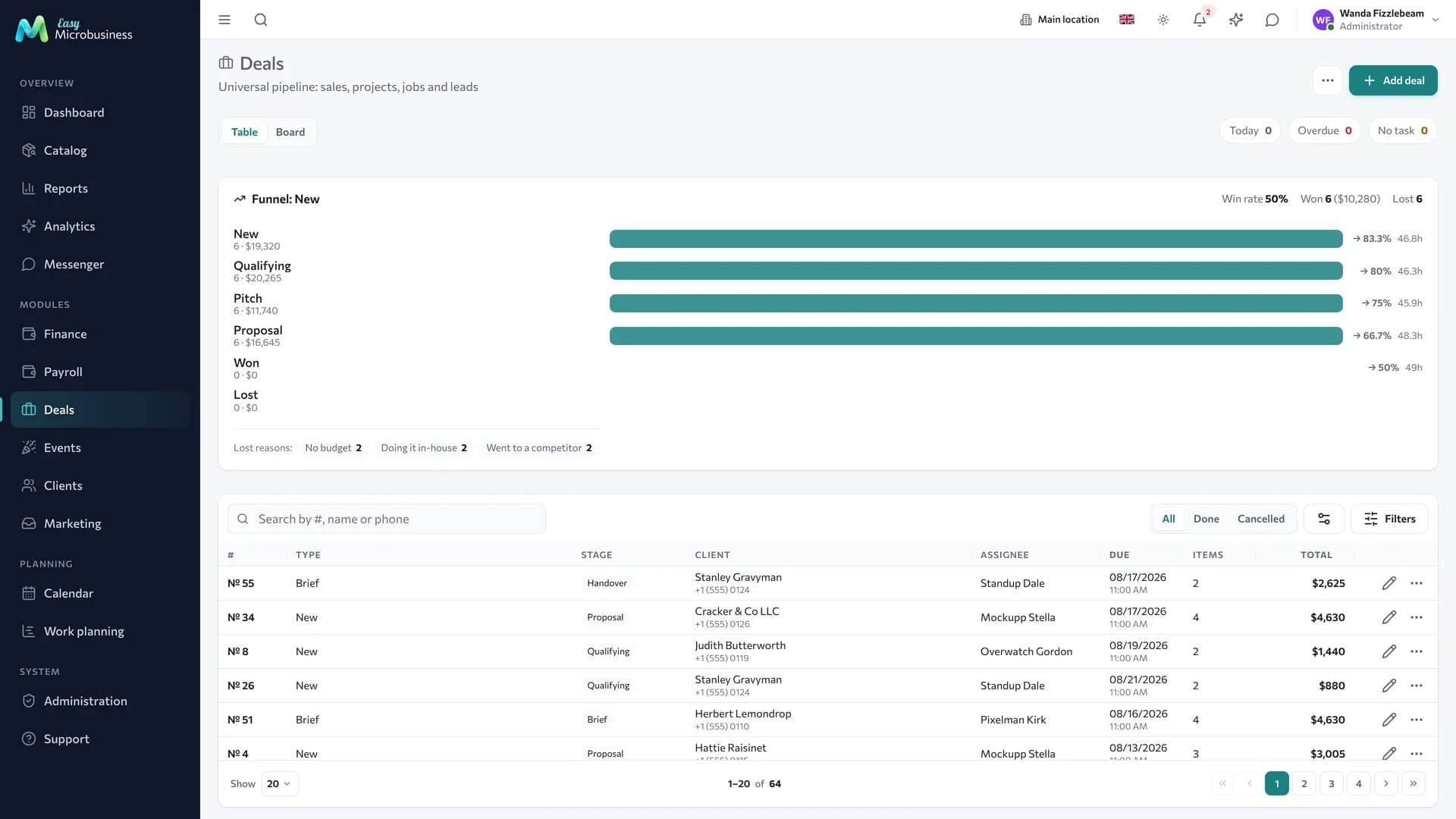
- Deals — the request with stages, an owner, a deadline, works and parts.
- Clients — enquiry history, the customer's equipment, warranty.
- Point of sale — payment at handover, prepayment, refunds.
Optional components
- Inventory — parts and supplies written off to a request.
- Scheduling — booking a field job or a master's time.
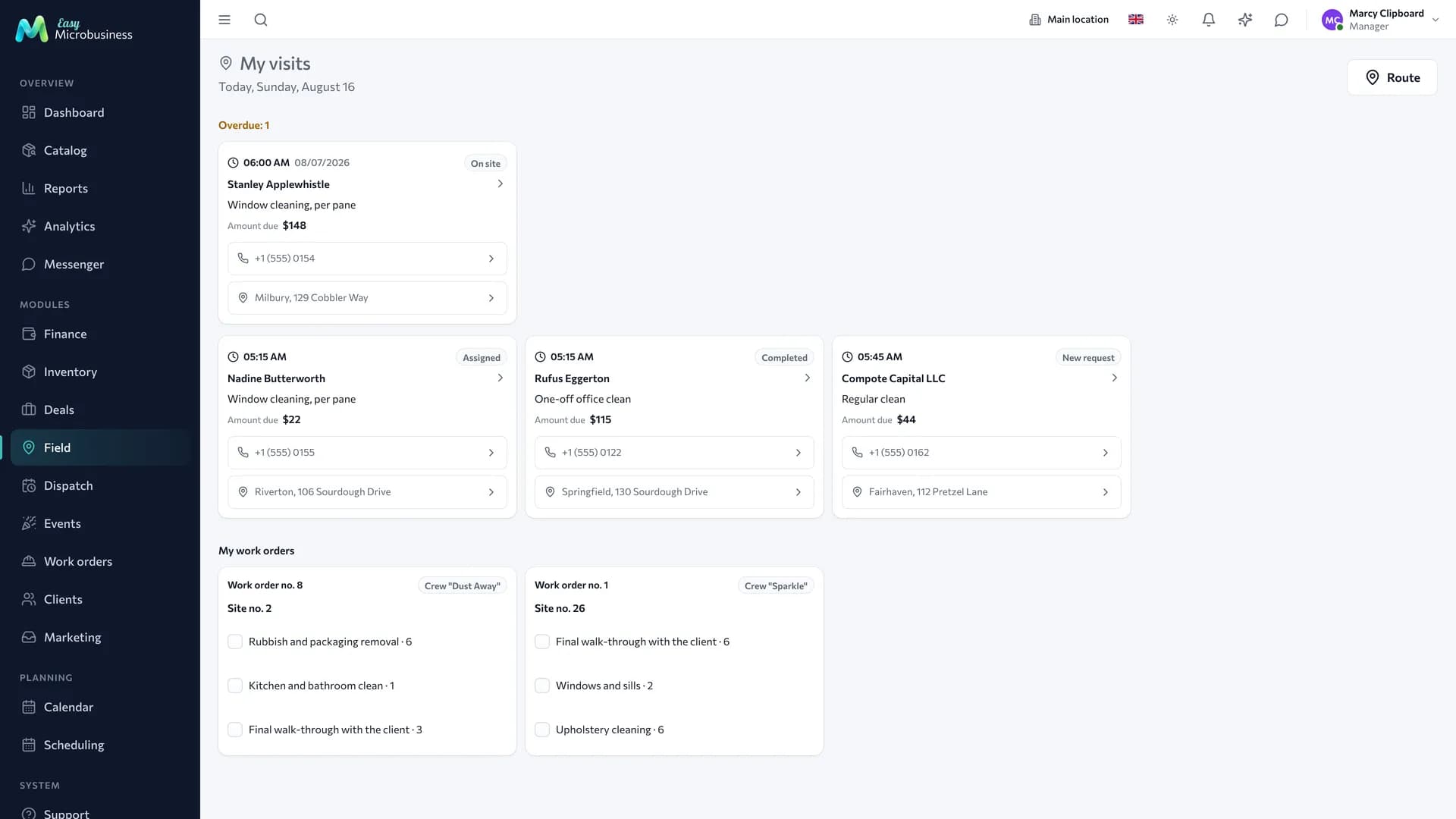
- Field service — work at the customer's address.
- Work planning — a task board and a schedule when a repair waits weeks for parts.
- Payroll — a master's percentage for completed work.
- Finance — expenses, profit and customer debts.
Catalog, reports, calendar, messenger, integrations and the AI assistant are available right away.
Five scenarios
| Scenario | The process | What it adds |
|---|---|---|
| 🛠 Workshop | The item stays with you | Intake form, a "Warranty until" field, a printable work order |
| 🚗 Car service | Repair with parts from stock | Switches on inventory, "Plate number" and "Mileage" fields, history per vehicle |
| 🚐 On-site repair | The master travels to the customer | Switches on scheduling, "Field address", "Entry code", "Type of work" fields, an act of completed work |
| 🧰 Workshop + field + sales | All of it at once | Three deal types: intake, field job and product sales |
| 📋 Contract maintenance | Scheduled visits on a plan | Planned visits, "Serviced object", "Frequency", "Contract response" fields, service reminders |
The field scenarios bring address fields and an act. Ready customer texts by stage — "The master is on the way", "Work completed" — come with the Field services module. In the service scenario the "Notify the customer about stage changes" toggle sends a general message on every transition.
How a request goes
- Intake. The master records the request: customer, device, the reported fault, what came with it, photos. The customer receives a receipt with a number and a QR code.
- Diagnostics. The request moves to the next stage, and works and parts with prices are added.
- Approval. The amount is agreed with the customer — by phone, in a messenger or through a status link.
- Repair. Parts are written off from stock when the request reaches the work stage, so stock stays accurate.
- Handover. The request is closed with a POS receipt, a work order is printed and the warranty period starts.
Intake: what is recorded
Intake is the most disputed moment of a repair, so it is recorded separately.
| What we record | What it is for |
|---|---|
| Device and its markings | So two identical items are not mixed up |
| The fault as reported | This is the customer's claim, not your diagnosis |
| What came with it | What exactly was accepted: a case, a charger, keys |
| Condition and photos | The answer to "did you scratch this here" |
| Agreed amount or ceiling | A costlier repair is approved separately |
The customer gets a receipt with a number and a QR code. For small items there is a smaller label that goes straight onto the bag with the device.
The customer follows the repair
The link from the receipt leads to a status page: the customer sees which stage their item is at. No registration and no call to the front desk, which noticeably reduces "how is mine going" calls.
The page shows only the stage of that specific repair: your internal comments and other customers' data are not there.
Contract maintenance
- Create a serviced object for the customer: an air conditioner, a machine, a vehicle.
- Describe the contract: what is serviced and how often.
- Planned visits are created on schedule.
- A reminder goes to the customer before a visit.
- Each visit prints an act, and the work lands in the object history.
At the next enquiry you can see what was done before.
What to set up after connecting
- Request stages — bring the funnel to your process: diagnostics, approval, repair, handover.
- Make and model reference books — they fill in during intake and remove the "Samsung / samsung" mess.
- A price list of works — add services to the catalog so you do not type them in every time.
- The receipt template — check it and add your warranty terms.
- Service reminders — for the contract maintenance scenario.
What to look at in reports
- How many requests are in progress and how many are overdue.
- Average repair check and profit with parts taken into account.
- Master output — how many requests each of them closed.
- Repeat warranty enquiries.
In short
- A request is run as a deal and moves through stages from intake to handover.
- Intake records the condition and contents of an item with photos.
- Parts are written off at the work stage rather than at payment.
- The customer follows the repair through the link from the receipt.
Similar modules
- Renovating premises rather than repairing devices — Construction and renovation.
- Cleaning, installation and maintenance on site without taking items in — Field services.
- Making products to order — Manufacturing and workshops.