
Beauty and care
The module for beauty salons, barbershops, nail studios, cosmetology and massage rooms. It covers the whole customer path: booking with a master, a reminder, the appointment with a note, payment and the return for the next treatment.
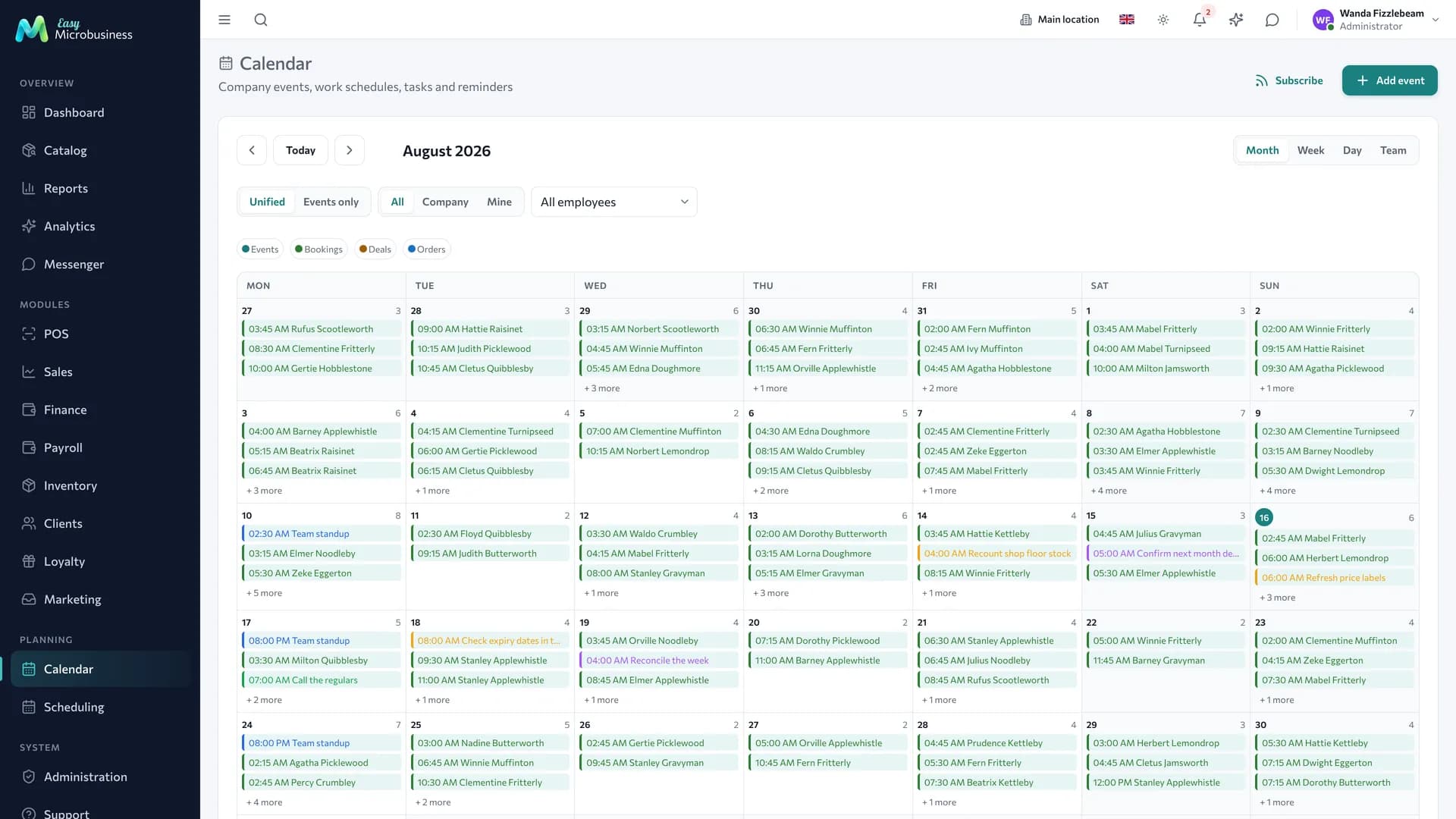
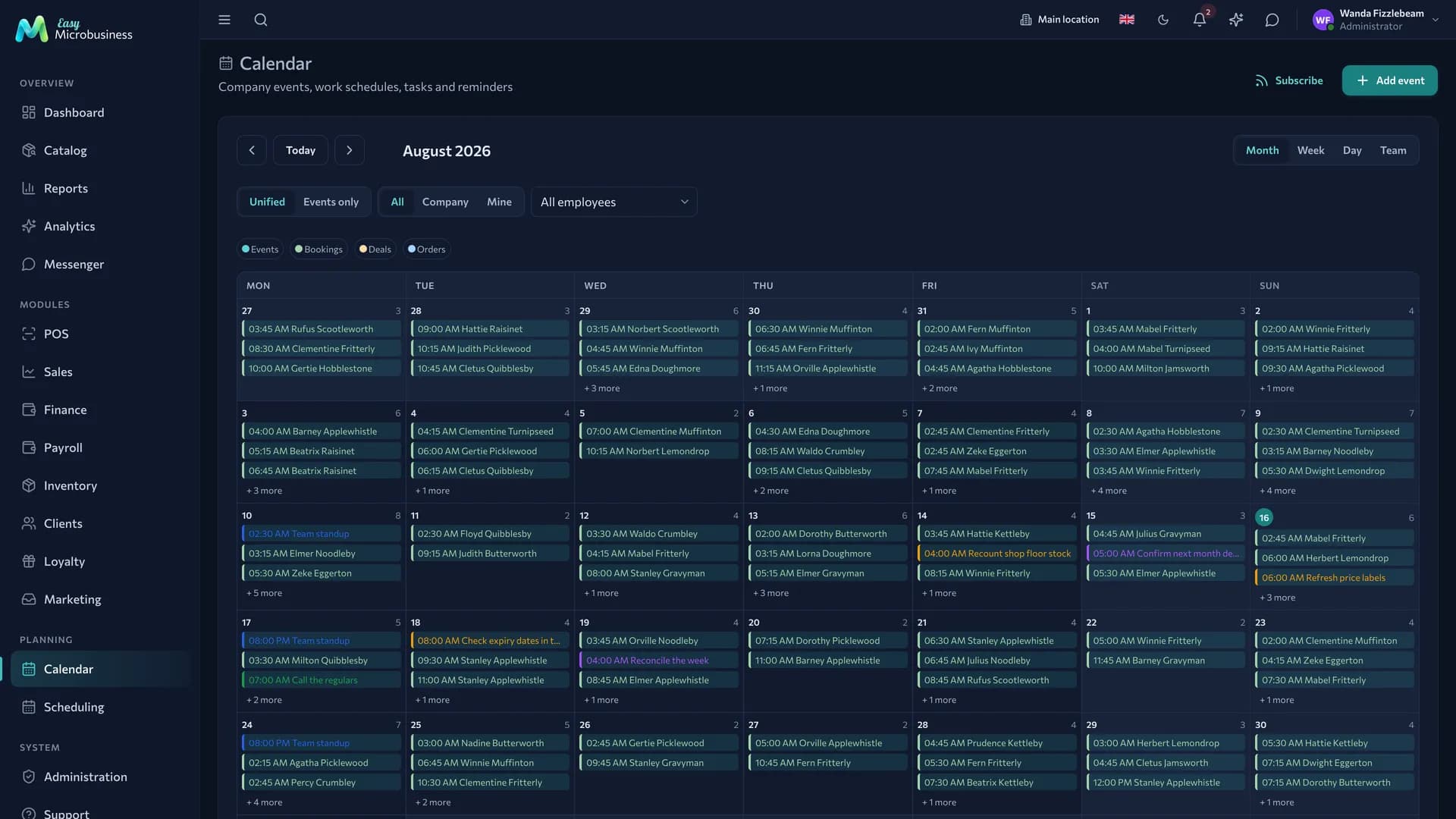
Five scenarios
At connection the module asks for a scenario. It brings a ready price list of services with durations, masters with working hours and buffers, package templates, catalog categories and cancellation rules with reminders.
| Scenario | Who it is for | What it brings |
|---|---|---|
| 💈 Barbershop and hairdressing | A flow of short visits to your own master | Haircuts, beards, colouring at 30–120 minutes, two chairs with a 10-minute buffer, a package of 5 haircuts, a 4-hour free cancellation window |
| 💅 Nail services | Manicure and pedicure by appointment | Treatments up to 150 minutes, manicure and pedicure masters with their own services, packages of 5 and 10 manicures |
| ✨ Cosmetic care | Services in courses | Cleansing, peels, device treatments, a specialist and a room, courses of 4 and 8 sessions, a 24-hour cancellation window, a visit burned on a no-show, "Service agreement" and "Package receipt" print forms, "Preferences and limitations" and "Skin type" fields |
| 🧖 Spa and massage | Timed programmes in a room | Sessions of 30–120 minutes, a masseur and a spa room for two, courses of 5 and 10 sessions, two customer reminders |
| 🧑🎨 Solo master | One master without an administrator | One workplace with a 30-minute buffer, a package of 5 visits, ultra-simple interface mode |
The scenario can be changed later in the module card. A change adds the missing services, resources and templates: your own price list, customers and bookings stay in place. Component settings are aligned with the new scenario — the cancellation window, for example, becomes the one it asks for.
What is included
Core components
- Scheduling — master schedules, online booking, packages, the waitlist.
- Clients — the card with visit history, preferences and a favourite master.
- Point of sale — payment for services and products, shifts, refunds.
Optional components
- Inventory — supplies and professional cosmetics for sale.
- Loyalty — points on purchases, tiers and promo codes.
- Payroll — a master's percentage on services and on product sales.
- Finance — expenses, profit and customer debts.
- Marketing — requests from capture forms, segments and campaigns.
Catalog, reports, calendar, messenger, integrations and the AI assistant are available right away.
How the day goes
- Booking. The customer books through the public link or the administrator books them. Two customers at the same time with one master will not be booked, and the buffer separates appointments for cleaning.
- Reminder. The customer receives a reminder 24 hours before the visit — it is on as soon as the module is connected.
- The appointment. The master sees their schedule for the day. After the treatment they write a visit note in the booking card: the colour formula, a skin reaction, the customer's wishes.
- Completion. The booking status changes to Completed and a matching package is deducted automatically.
- Payment. A visit not covered by a package is rung up at the POS.
- Bringing customers back. Anyone who has not been around for a while lands in the "sleeping" segment, and a campaign with an offer goes out to them.
The master as a resource
A master is created as an Employee resource in Scheduling → Resources: working hours by day of the week, a buffer between customers and a list of services. An empty list means "does everything".
The resource card has an Employee behind the resource field. It links the master-resource with a user account, and a lot depends on that link:
- a new booking gets that employee as its owner, and commission in Payroll is counted for them;
- moving a booking to another master carries the owner along;
- their load is counted in the "Resource load" report and on the dashboard.
Without the link, load is counted for the resource and no commission is accrued.
Packages on visits
A package is sold at the POS as a tile from a template in Scheduling → Package templates; a customer has to be picked on the receipt. After that, visits are deducted as the customer comes.
Automatic deduction. The "Deduct a package when a booking is completed" setting is switched on when the module is connected. When a booking moves to Completed, the system picks an active package — first one tied to that service, and of the suitable ones the one expiring soonest — and deducts a visit. With no suitable package the booking simply completes.
By hand. In the booking card administrators, managers and directors see the Deduct a visit and Return a visit buttons. A deducted visit carries a "Paid with a package" mark.
At the POS. A visit covered by a package is not charged again: the receipt gets a "Paid with a package" line with a minus sign, and nothing is left to pay.
Returning a visit. If a booking goes back into work or is cancelled, the visit returns to the package. On a no-show it also returns — unless the "Burn a class on a no-show" setting is on. In the Cosmetic care scenario it is.
To change the customer on a booking with a deducted visit, return the visit to the package first. If a receipt has already been rung up, the money is refunded through the receipt.
Online booking
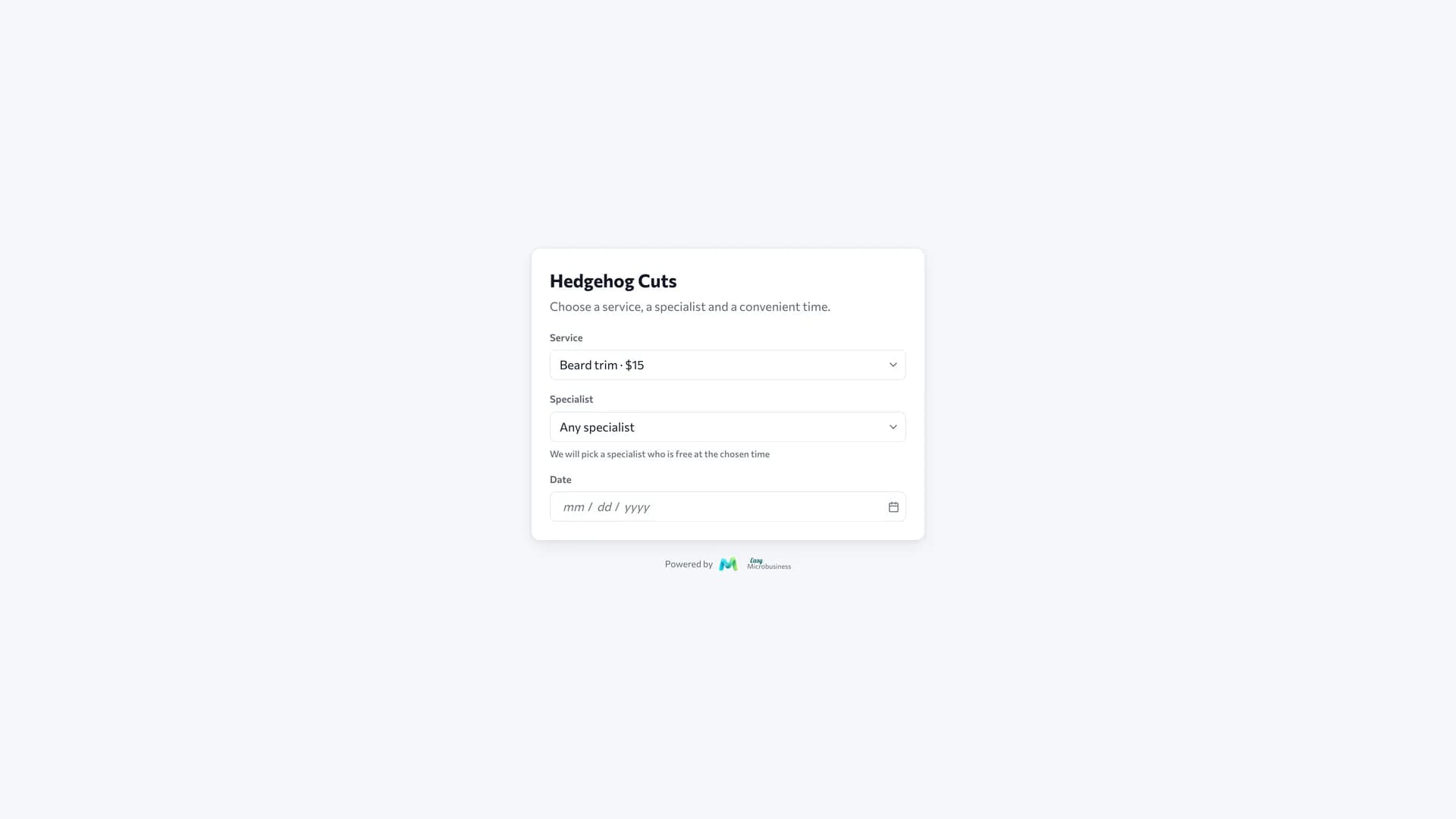
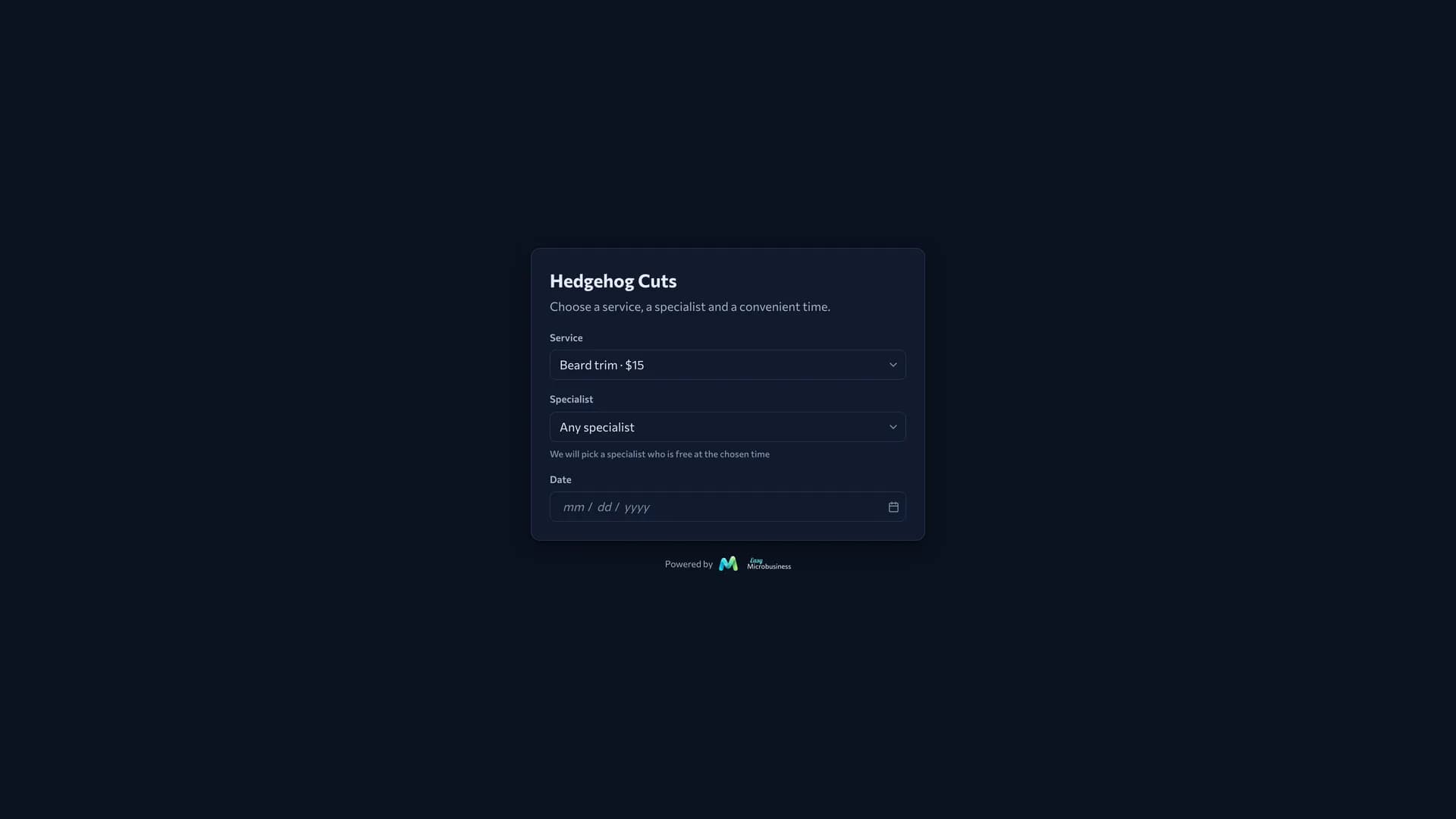
- Open Scheduling → Online booking and turn the intake on.
- Set the page address.
- Put the link in social media and in your message signature.
The customer picks a service and then a master. The list keeps those who provide the service, plus generalists. The Any master option combines the free slots of everyone suitable and gives the time to the least loaded one that day. The confirmation names both the master and the service.
The customer needs no registration — a name and a phone number are enough. Up to 10 bookings a day are accepted from one number.
Customer visit history
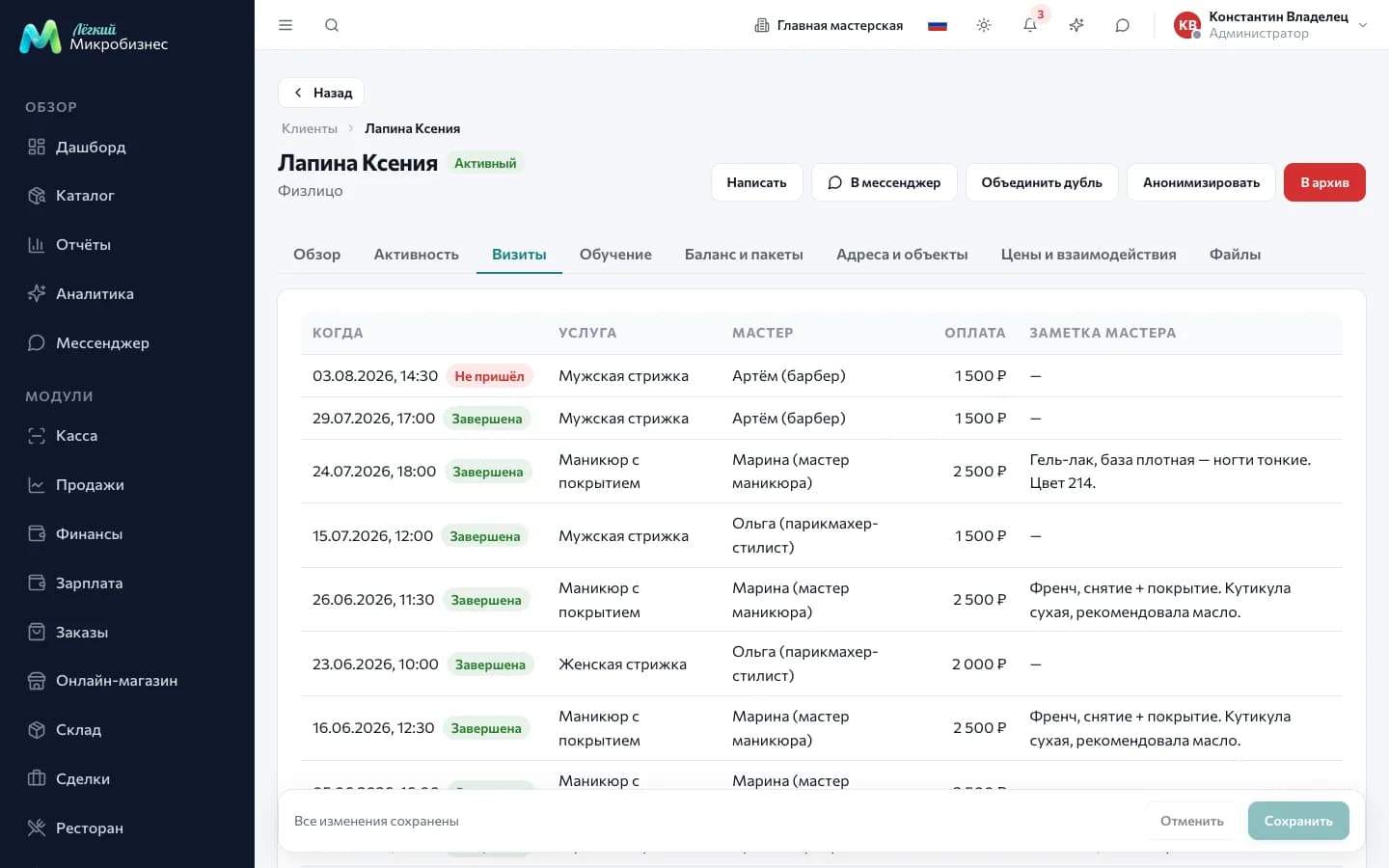
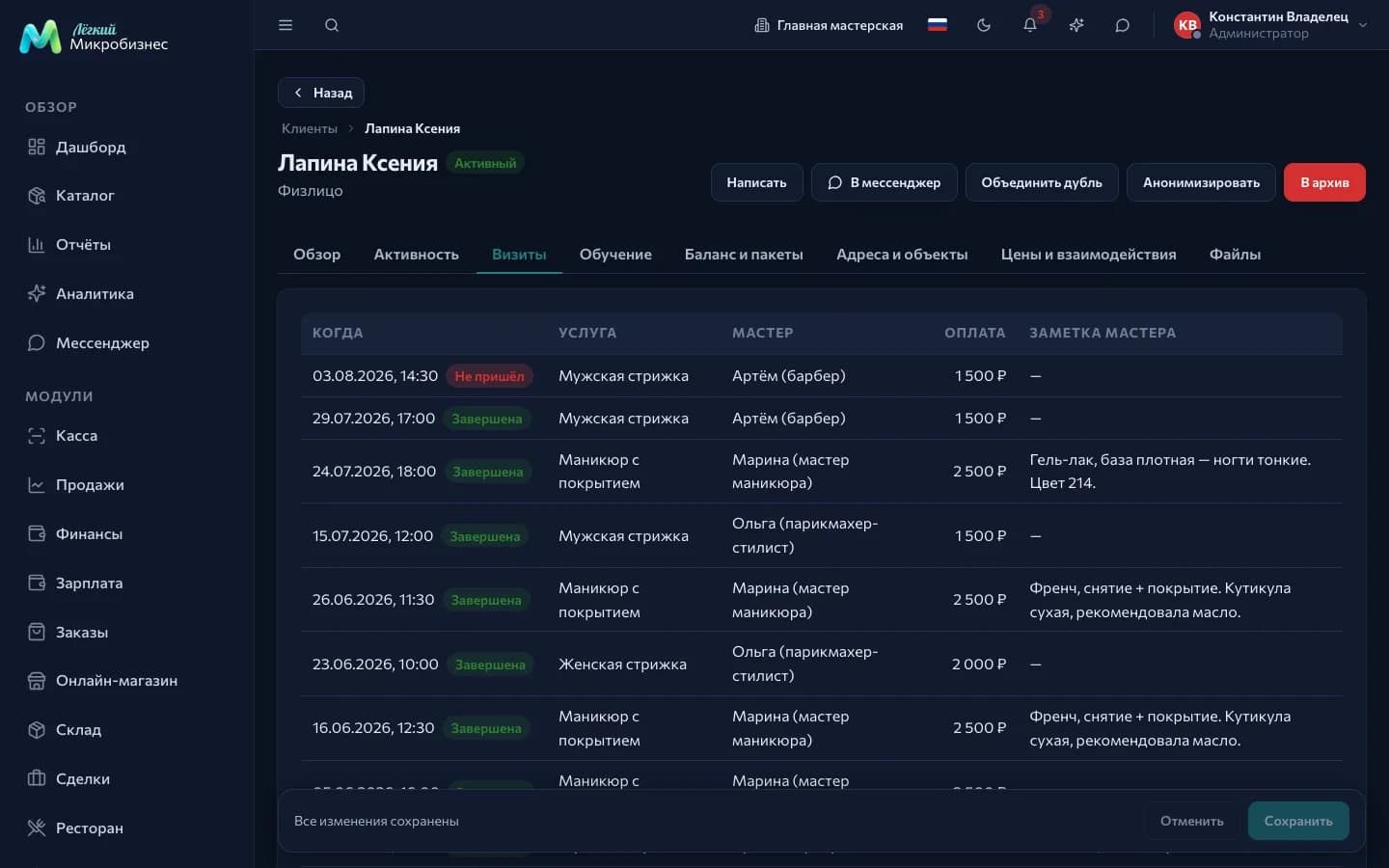
The Visits tab in a customer card shows past appointments: date and status, service, master, how it was paid and the master's note.
The note is written in the booking card and can be added after the appointment is finished.
What to look at in reports
The salon dashboard assembles itself: today's load, the no-show rate, revenue for the day, a load panel by master and the activity feed.
- Master load: who is idle and who has no free slots.
- No-shows and cancellations — how much time is lost.
- Returning customers and the average interval between visits.
- Product sales — extra income beyond services.
Frequently asked
A master is ill. Move their bookings to another master by dragging in the calendar: the owner changes with the master, and customers can be notified.
A customer came with a general package and the service costs more. A general package without a service link covers the whole visit. If the difference matters, create packages tied to a specific service.
A customer bought a service without a booking and it is not on the Visits tab. The tab is built from schedule bookings. A sale without a booking lands in the purchase history.
Can we run several rooms? Yes: a room becomes a separate resource — then a booking takes both the master and the room — or a separate branch if it is a different address.
In short
- The scenario brings a price list, masters, packages and cancellation rules for your format.
- The "Employee behind the resource" link defines the owner and the commission.
- A package is deducted when a booking is completed, and the receipt is left at zero.
- Online booking is switched on separately in the Online booking section.
Similar modules
- Group classes on a schedule — Fitness and sports.
- Courses and training with attendance — Education and courses.
- Selling cosmetics without services — Retail store.