
Manufacturing and workshops
The module for those who make products from raw materials: a bill of materials and costs, warehouses for materials and finished goods, an order queue and production records. It fits small workshops, bakeries, furniture and sewing shops, jewellers and made-to-order producers.
What is included
Core components
- Production — bill of materials, the order queue, recording production runs.
- Inventory — raw materials, components, finished goods, batches and expiry dates.
- Deals — the manufacturing order by stage.
Optional components
- Orders — when the product goes to customers on orders.
- Clients — customers and product history.
- Point of sale — if finished goods are sold over the counter.
- Crews and work orders — piece-rate pay for completed volume.
- B2B pricing — price lists with volume tiers and the buyer cabinet.
- Work planning — manufacturing stage dates and people load.
- Payroll — piece-rate pay for what was made.
- Finance — expenses, profit and customer debts.
Catalog, reports, calendar, messenger, integrations and the AI assistant are available right away.
Three scenarios
| Scenario | Who it is for | What it sets up |
|---|---|---|
| 🪚 Made-to-order shop | Furniture, sewing, joinery for a customer | Customer orders, item code, shop-floor readiness, material categories |
| 🏭 Batch production | Producing in batches for stock with wholesale shipping | Shipping orders, batch number, run size |
| 🧪 Workshop with sales | Small batches sold on the spot | The POS, consumables, manufacturing parameters |
How production goes
- Bill of materials. Describe how much of which raw material goes into one unit. It can be multi-level: a semi-finished item is a separate product with its own composition.
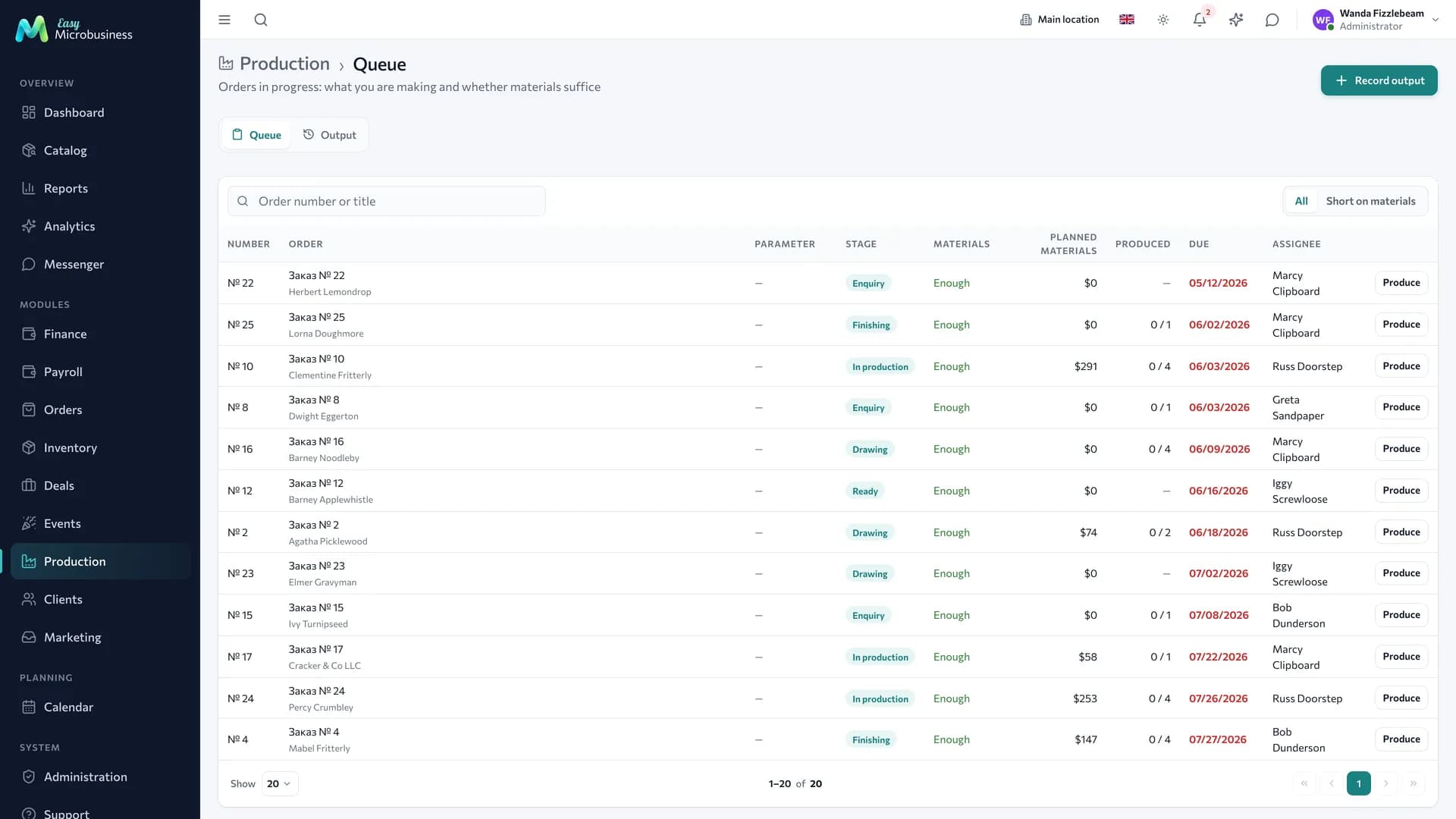
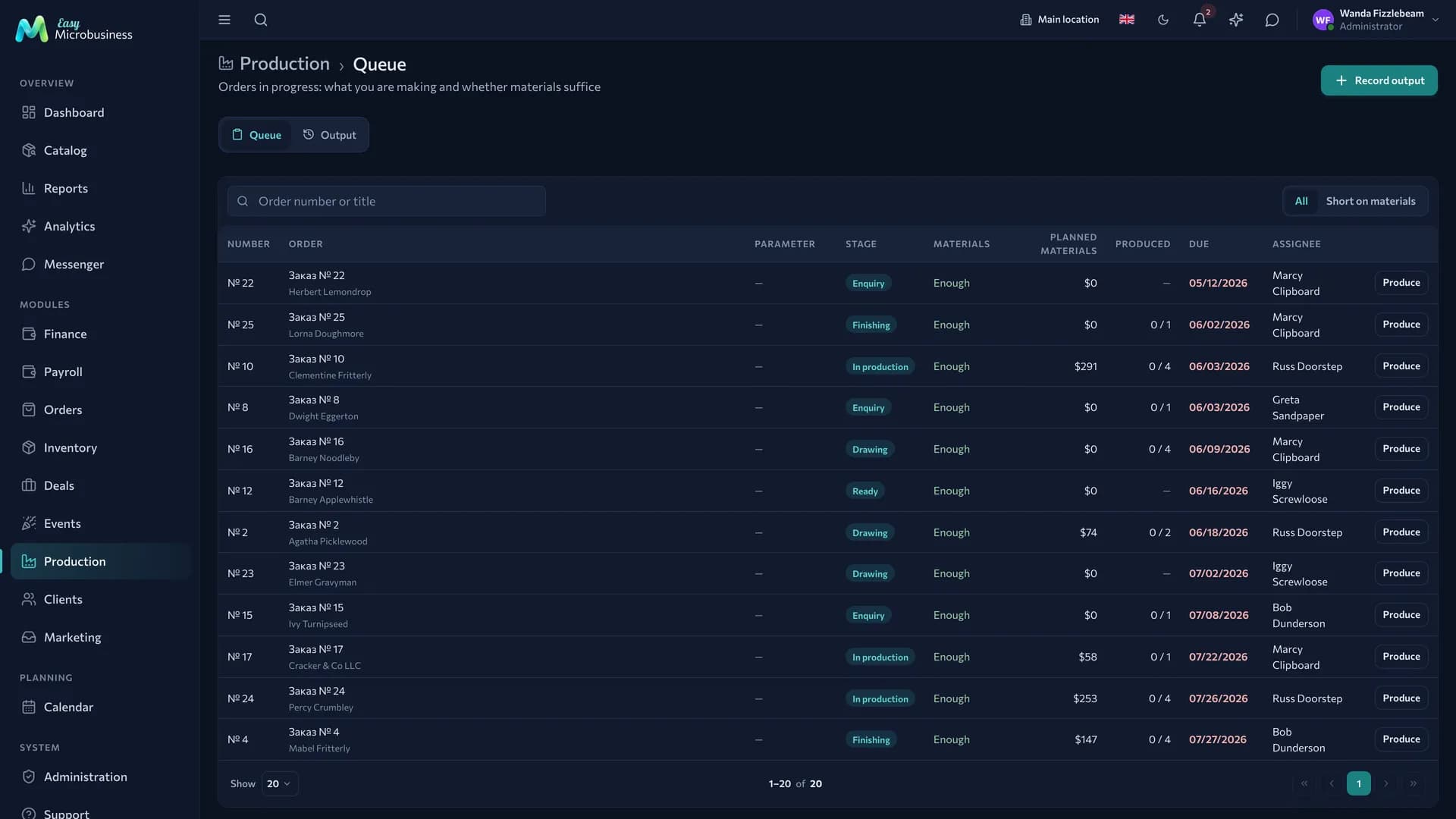
- A manufacturing order. Create a Production deal with the item, the quantity and a deadline — it joins the production queue.
- Checking raw material. The queue and the order card show what is missing in stock, before the work begins.
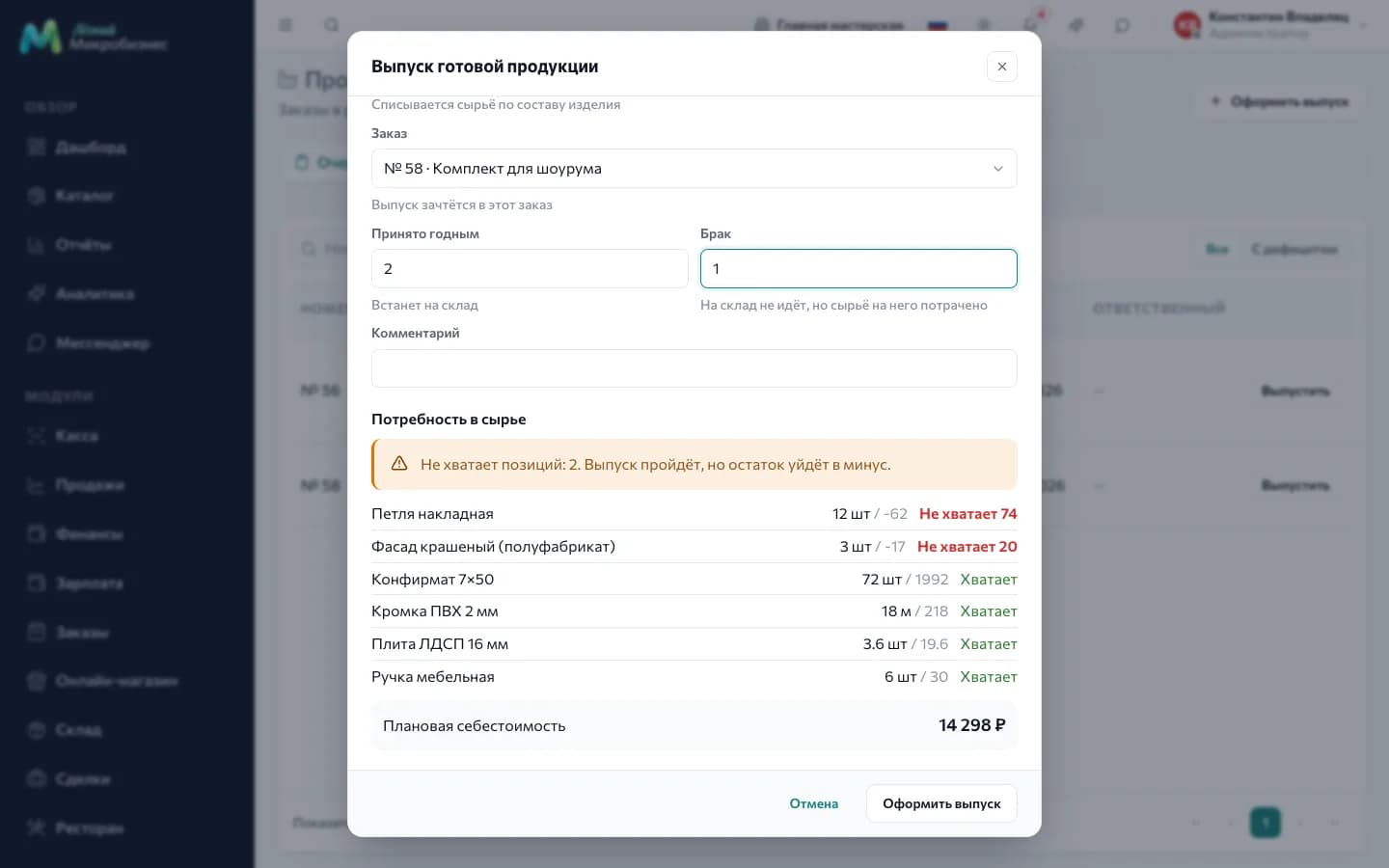
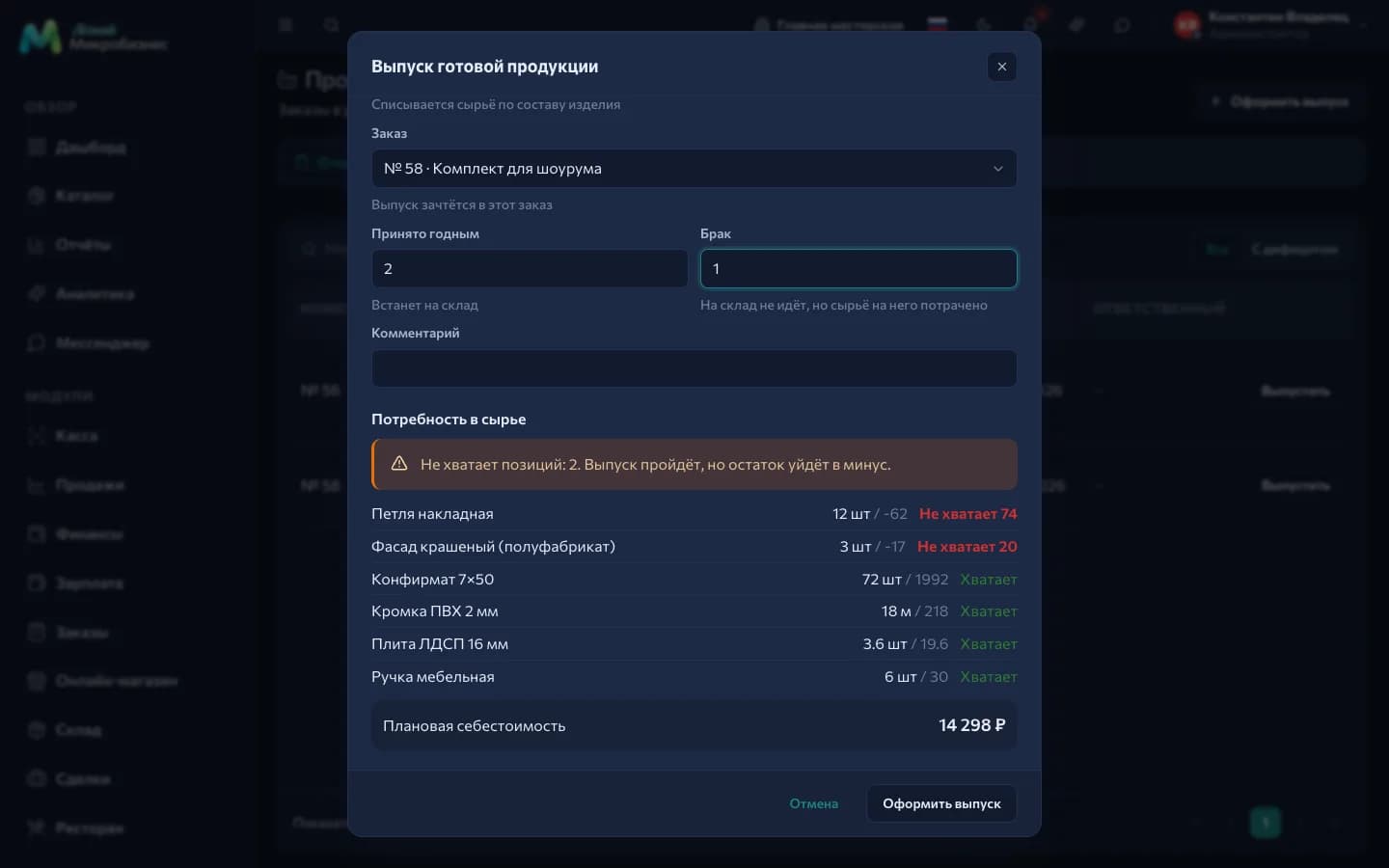
- A production run. When the item is ready, record a run: how many units were accepted as good and how many went to scrap. Raw material is written off and the finished goods arrive as a separate batch with their actual cost.
- Shipping. The item is sold through the POS or goes to the customer as an order. Profit is counted from the real cost.
What to set up after connecting
- Raw materials — with purchase prices and units of measure.
- Bills of materials — the basis of cost calculation and write-offs.
- Order stages — for your shop; by default "New → In production → Produced".
- Piece rates — if you pay for output.
- The Production component settings — blocking a run on a raw material shortage, the yield threshold and the summary period. By default a shortage only warns; strict accounting is one checkbox away, see Production.
What the numbers show
- Yield: what percentage of a batch was accepted and how much went to scrap.
- Cost per unit and per run — from the raw material actually written off.
- Output volume for a period and the top items.
- Raw material stock and shortages on orders in progress.
Frequently asked
An item is made from a semi-finished product. Create the semi-finished product as a separate item with its own composition. If it tracks stock, it is written off as ready during a run and produced separately.
Raw material is short. The run is recorded: the shortage only warns, stock goes negative and is corrected by a goods-in or a stock count. For strict accounting turn on "Block a run when raw material is short".
What if we do not track raw material? Leave the composition empty: a run records the volume and puts the product into stock at the cost from its card. That works fine for a single product.
A run was recorded by mistake. Press the cancel button in the run log or the run card. Raw material returns to the same batches, the item is written off, and the run stays in the log marked "Cancelled". A run is cancelled as a whole. More detail is in the Production component.
How do we handle expiry dates? Raw material batches carry an expiry date, and write-offs start from the earliest one.
Who can record a run? Administrators, directors and managers — the same people who cancel them. A shop-floor employee is given the permission individually; the queue and material demand are visible to them without it.
In short
- A bill of materials turns a run into real stock write-offs and an honest cost.
- The queue shows material shortages before the work starts.
- Scrap raises the unit cost, and that is visible in the numbers.
- Cancelling a run returns raw material to the same batches.
Similar modules
- Repairing other people's items rather than making your own — Service and repair.
- Printing runs from layouts — Printing and advertising.
- Wholesale shipping of finished goods — Wholesale and distribution.