
Crews and work orders
The component for those who pay for results rather than for hours: construction, installation, cleaning, catering, a shop floor. A crew is a line-up with shares, a work order is a task with volumes and rates. Close a work order and the piece-rate pay is accrued.
A work order is issued against a site, so the component works together with Deals. In the menu it is called Work orders.
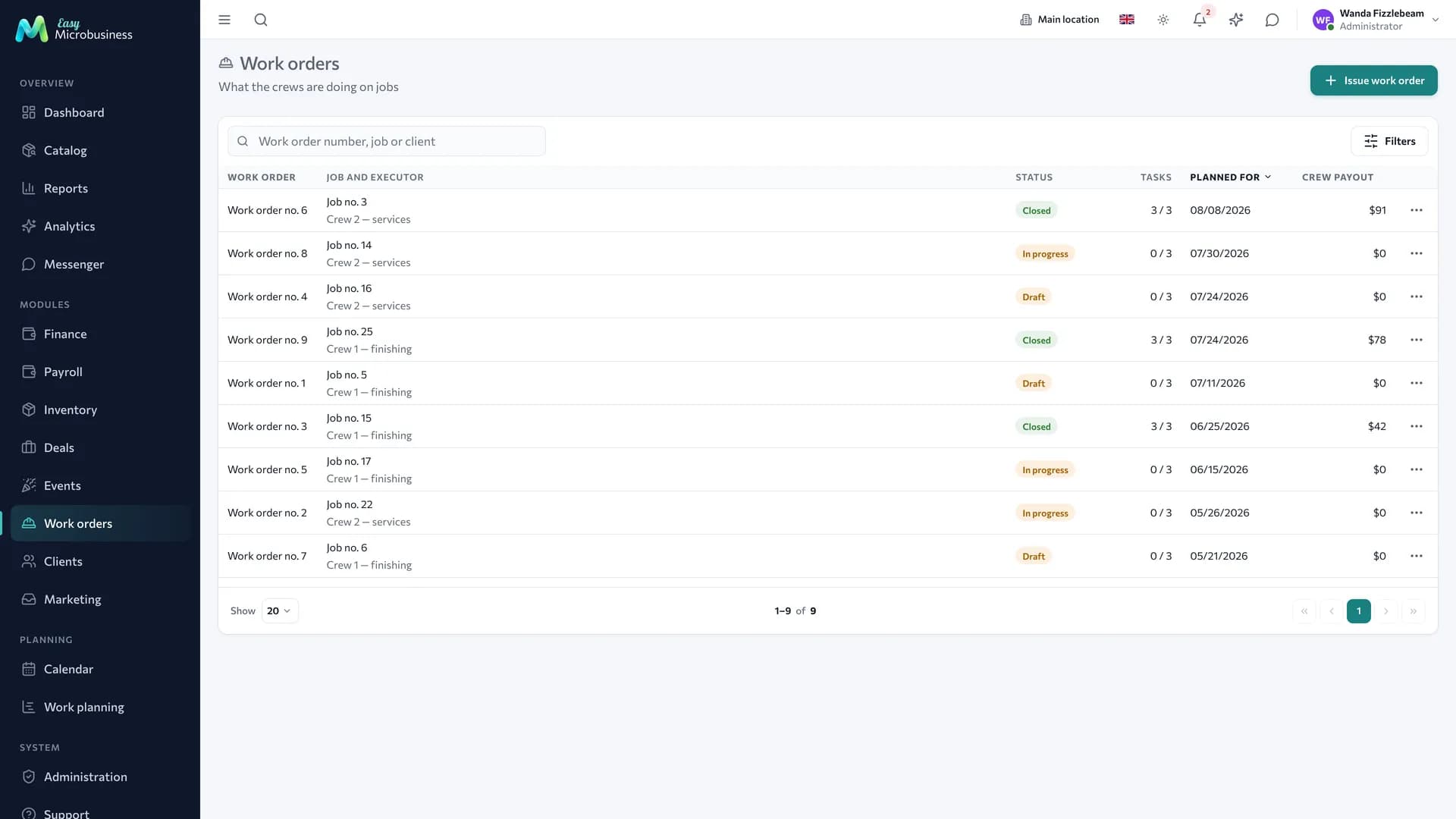
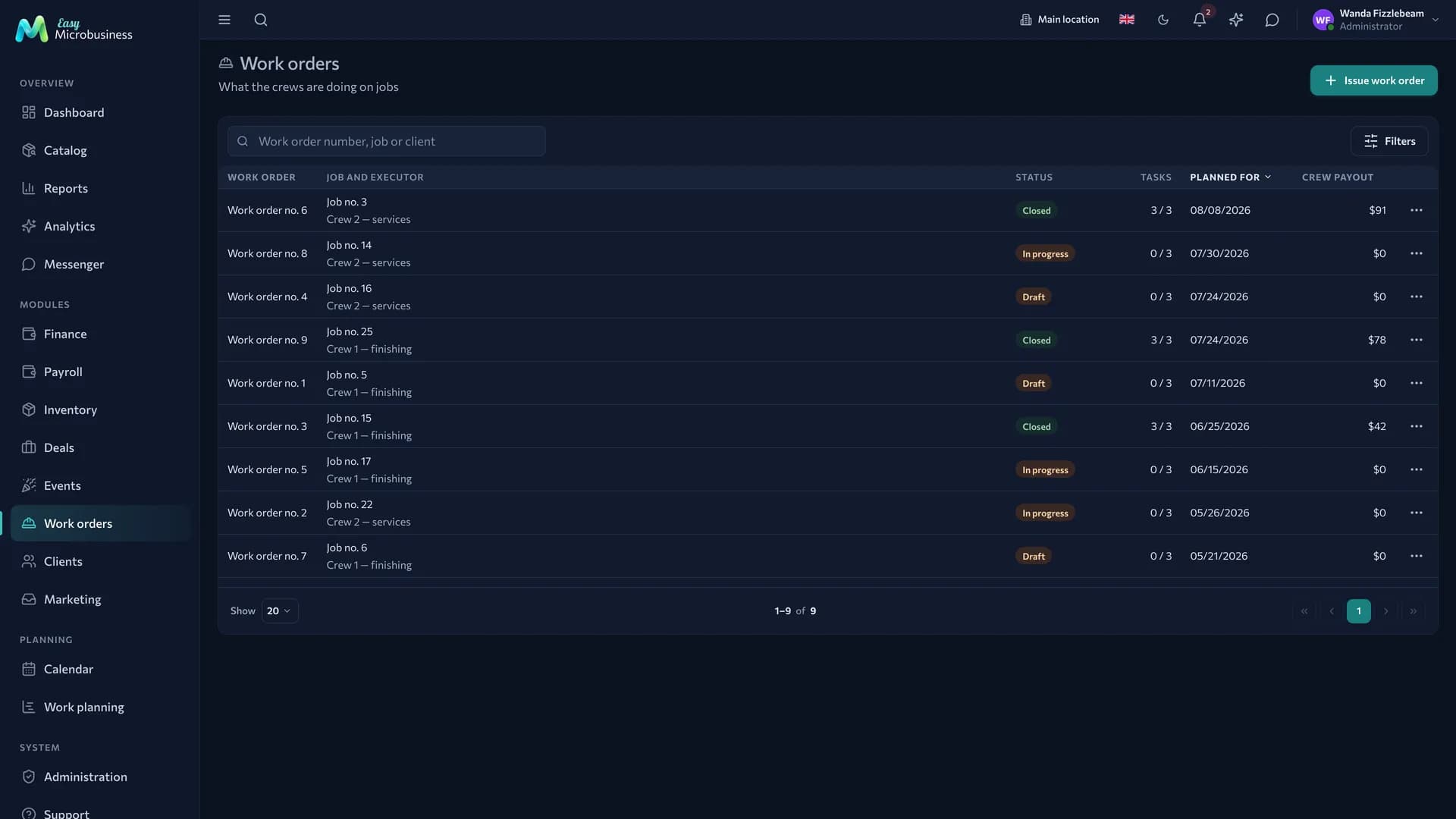
How to issue a work order
- Open the Work orders section or the card of the site deal.
- Create a work order and pick the site.
- Choose a crew or a single executor.
- Set the planned date.
- Add the works: name, volume, rate per unit.
For example, a tiling work order: 40 m² at 900 ₽ per metre gives 36 000 ₽ to the crew.
While a work order is open, its lines can be edited: volumes are corrected by fact and works are added. The crew lead marks completed lines, including from a phone in the Field service section.
How to close a work order
Closing is a money operation. The amount is counted from the marked lines, split by the crew shares and lands in piece-rate pay on the closing date. Before closing the system names the amount, and afterwards it shows who received how much.
A single executor gets the whole amount: no crew is needed for that.
Accruals on a closed work order stay as they are. A mistake is corrected with an adjustment in Payroll within the same period — that leaves a trace.
Crew
A crew is a name, a lead and a line-up with shares that add up to 100 %. The shares decide how the pay for a work order is split.
Crews are created in Administration → Crews; the detail is in the Crews article.
What to look at in reports
The Crew output and load report shows how many work orders were closed, across how many sites and for how much. It sits on the Payroll tab in Reports.
How to connect
The component is part of the core of the Construction and renovation and Field services modules. It is offered as an option to Manufacturing and workshops and Events and catering.
Frequently asked
A worker left the crew in the middle of a site. Adjust the line-up: closed work orders stay as they are, new ones are split by the new shares.
A work order was closed too early. Create a new one for the remaining work — that leaves a trace.
An employee does not see their work order. Check whether they are the executor or a member of the crew holding it.
In short
- A work order is a set of works with volumes and rates for a specific site.
- Closing a work order accrues piece-rate pay by the crew shares.
- A single executor gets a work order without a crew.
- A mistake in a closed work order is fixed with an adjustment in Payroll.
Related components
- Deals — the site a work order belongs to and its estimate.
- Field service — the master sees crew work orders in their day.
- Payroll — piece-rate pay and adjustments.
- Inventory — materials issued to a site.
- Reports — crew output and load.