
Crews
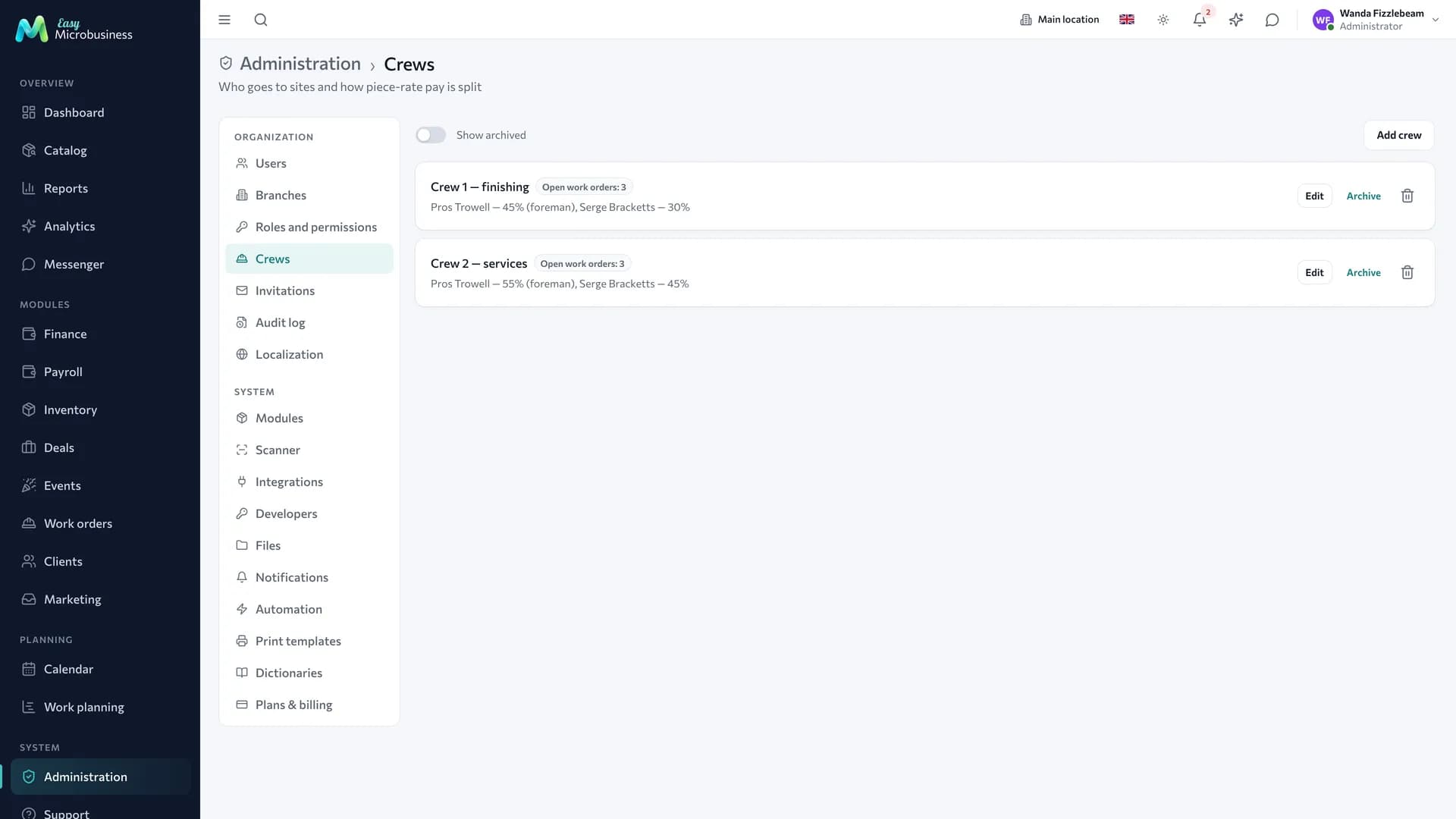
A crew is a working group that receives work orders and splits the piece-rate pay between its members. The section is needed where more than one person goes to a site: finishers, installers, construction companies, field services.
Crews open in the Administration section, the Crews tab. Administrators and directors create them, and managers pick a crew when issuing a work order.
How to create a crew
- Open Administration → Crews and start a new one.
- Name it the way it is called on site: "Petrov's crew", "Installation 2". This name appears on the work order.
- Appoint a crew lead — they will see the crew's work orders on their own screen.
- Add members from the company employee list.
- Set shares as percentages or leave them empty — then the pay is split evenly.
- Save. The crew is immediately available when issuing a work order.
Crew names are unique: a second crew with the same name will not be created.
What a crew holds
| Field | What it is for |
|---|---|
| Name | How the crew is called on site |
| Lead | The senior member: sees the crew's work orders and is responsible for marking work |
| Members | Company employees between whom the pay is split |
| Share, % | How much of a closed work order each member gets |
| Comment | A note for yourself: specialisation, area, shift |
How the pay is split
- Shares not set — the pay for a closed work order is split evenly.
- Shares set — they must add up to 100 %. The form shows the running total and prompts when it does not.
- The amount is split down to the kopeck. The rounding remainder goes to whoever has the larger fractional part.
For example, a 30 000 ₽ work order with three members on 50 / 30 / 20 gives 15 000, 9 000 and 6 000 ₽.
The lead receives a share when they are listed among the members. A crew with only a lead and no members works too: the whole amount goes to them.
Departures and blocking
Employees who left or were blocked receive no accruals: their shares are redistributed proportionally between the rest, and the total still matches the work order.
If no active members remain, the money goes to the crew lead. That is why it is worth keeping the lead inside the crew.
Archive and deletion
For a crew that is not working right now — the season ended, the line-up changed — use Archive. It stops being offered on new work orders while open work orders and past accruals stay. Bring it back with Restore from archive.
Archived crews are hidden in the list. The Show archived toggle above the list shows them alongside the active ones, marked "Archived".
Deletion is final: the crew leaves the interface while the history of work orders and accruals stays in past reports. The name is released, so a crew with the same name can be created again.
If the crew has open work orders, the confirmation says so: after deletion the members will stop seeing those work orders on their screen. Close the work orders first, or archive the crew instead.
What is visible in the list
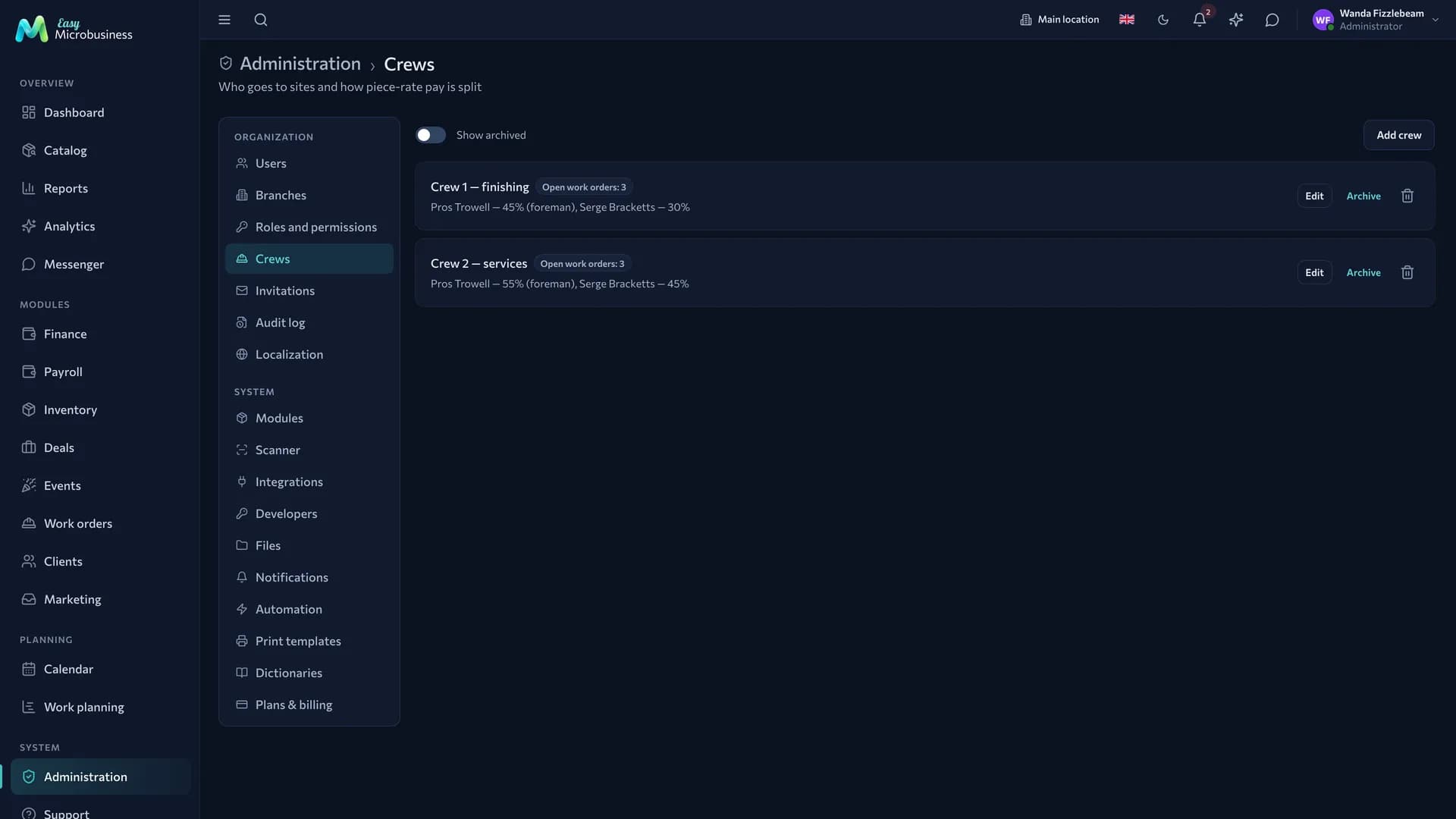
Each crew shows its members with shares and the number of open work orders. That tells you who is already loaded and who can take on work. The lead is marked inside the list — "Petrov — 60 % (lead)"; a separate row appears only when the lead is not among the members.
Crews on field jobs
Crew membership works beyond work orders. On the Dispatch board a lane appears for every crew member, even before any field jobs are assigned, so the morning has somewhere to be laid out. Next to the name you can see which crew a person belongs to.
Materials on a field job are tied to the crew too: with the inventory setting on, supplies can be written off by the job's executor or by any member of the crew holding its work order. See Field services.
Frequently asked
A worker left the crew in the middle of a site. Adjust the line-up: closed work orders stay as they are, and new ones are split by the new shares.
A work order was closed too early. Create a new one for the remaining work — that leaves a trace.
Shares were changed retroactively. The calculation is fixed at the moment a work order is closed, so accrued amounts stay. New shares apply to the next work orders.
One master works without a crew. Issue the work order directly to the employee — a crew of one is not needed.
In short
- A crew splits the piece-rate pay of a closed work order between its members.
- Empty shares mean an even split; set shares must add up to 100 %.
- People who left drop out of the calculation and their shares go to the rest.
- Use the archive for a temporary pause: it is reversible, deletion is not.
Related sections
- Construction and renovation — work orders, site materials and the output report.
- Field services — field crews and the dispatch board.
- Payroll — where the accruals for closed work orders land.
- Users — the employees a crew is assembled from.