
Loyalty
Loyalty brings a buyer back: every purchase earns points, and the next one is partly paid with them. It takes ten minutes to set up and then works at the POS by itself.
Points accumulate on a customer card, so the component is switched on together with Clients.
How to turn points on
- Open Administration → Modules and find the Clients component.
- Turn on the Points / cashback setting.
- Set Points earn percentage — how much of a purchase comes back as points.
One point equals one kopeck of discount. A rate of 5 means a 1 000 ₽ receipt gives the customer 50 ₽ in points.
How to set up tiers
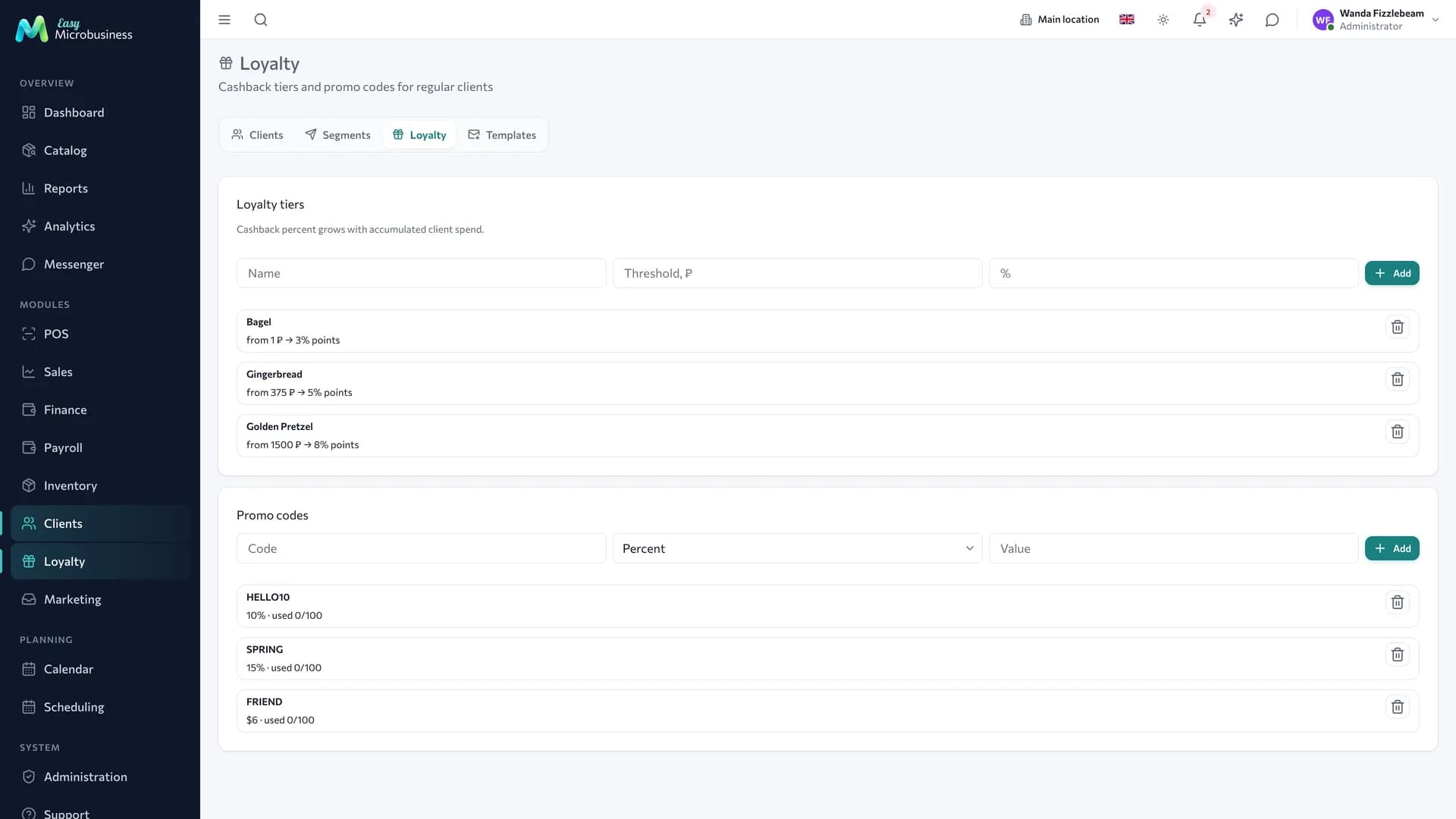
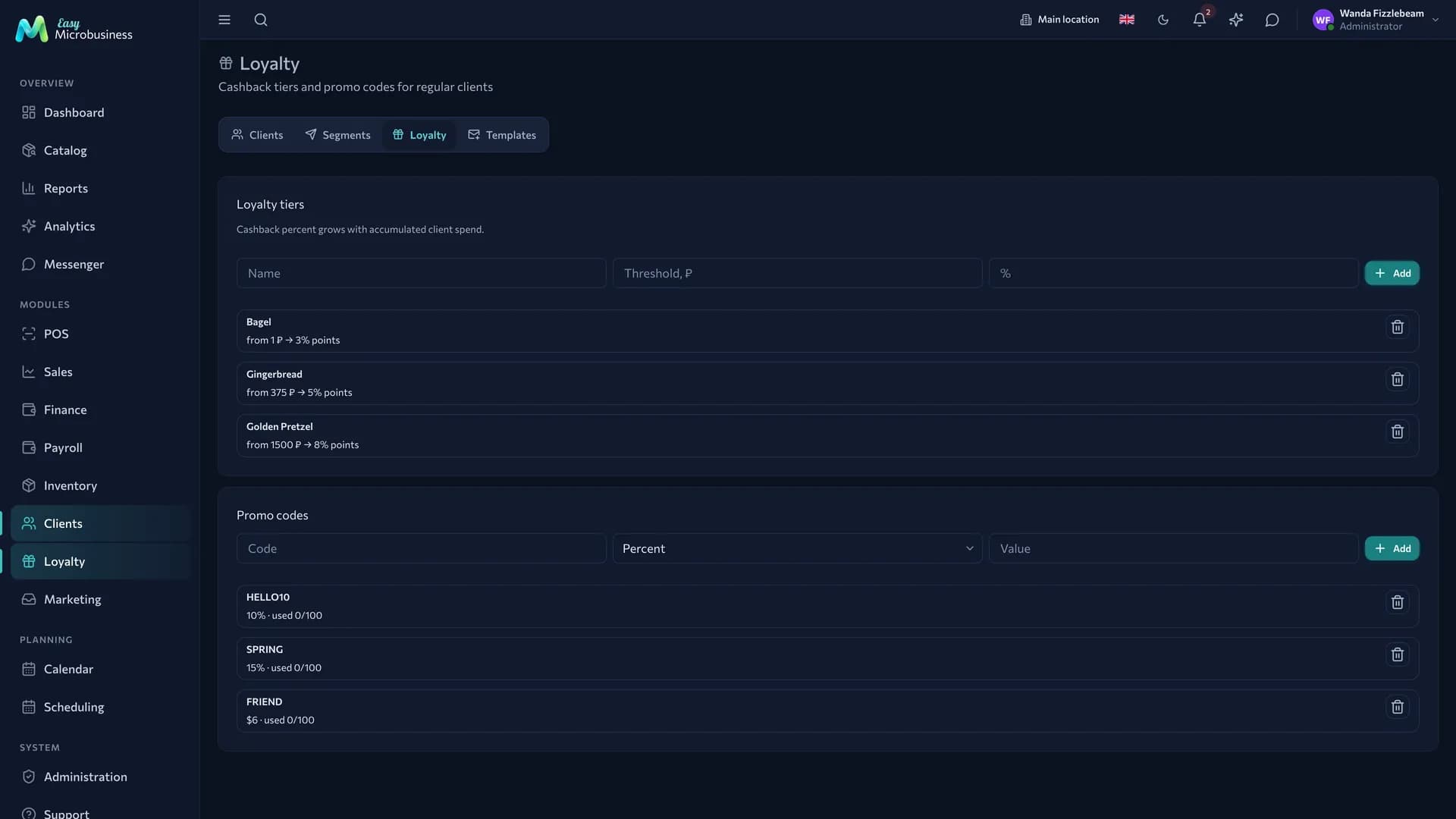
A tier raises the earn rate for those who spend more. Tiers live in the Clients → Loyalty section.
For example, in a coffee shop it could look like this:
| Tier | Threshold | Earn rate |
|---|---|---|
| Guest | from 0 ₽ | 3 % |
| Regular | from 5 000 ₽ | 5 % |
| Favourite | from 20 000 ₽ | 7 % |
To add a tier:
- Open Clients → Loyalty.
- Fill in Name, Threshold, ₽ and %.
- Press Add.
The tier is chosen by how much the customer has already spent with you. Of the tiers they qualify for, the most generous one is used; if the base rate in settings is higher, that one applies. Refunds are subtracted from the accumulated total, so the tier recalculates itself.
The threshold and the rate are yours to set; the rate is a whole number from 0 to 100.
How a customer pays with points
Redemption works at the POS when a customer is selected on the receipt.
- Pick the customer — a line appears: Points: N available.
- Enter an amount in How many points to redeem or press Redeem all.
- Take the payment — the receipt gets a Points redeemed line.
You can redeem no more than the customer has and no more than the receipt total. New points are earned on what the customer paid in money: if a 1 000 ₽ receipt is closed with 200 ₽ in points, the cashback is counted on 800 ₽.
The current point balance is visible in the customer card on the Balance and packages tab.
Promo codes
Promo codes are created in the same Clients → Loyalty section. A code comes in three types:
| Type | What it gives |
|---|---|
| Percent | A percentage discount off the total |
| Amount | A fixed discount in currency |
| Points | Points credited to the customer |
To create a promo code:
- Type the code itself in the Code field — for example
SPRING10. - Pick the type and set the Value.
- Press Add.
The list shows how many times each code has been used. Codes are checked through the external interface, which suits handing them out through your site or your own campaigns. How to reach it is described in the Developers section.
Who works with this
Tiers and promo codes are set up by an administrator. A cashier only picks the customer on the receipt — the POS does the rest.
Where this lands
- Clients — the card where points accumulate.
- Point of sale — earning and redeeming on a receipt.
- Marketing — sending a promo code to a segment.
- Reports — revenue with discounts and redemptions taken into account.
In short
- Points are switched on by the "Points / cashback" setting of the Clients component.
- One point is one kopeck of discount; the rate is yours to set.
- Tiers raise the rate for those who have spent more.
- The cashier picks a customer and enters the points to redeem — the POS counts the rest.