
Finance
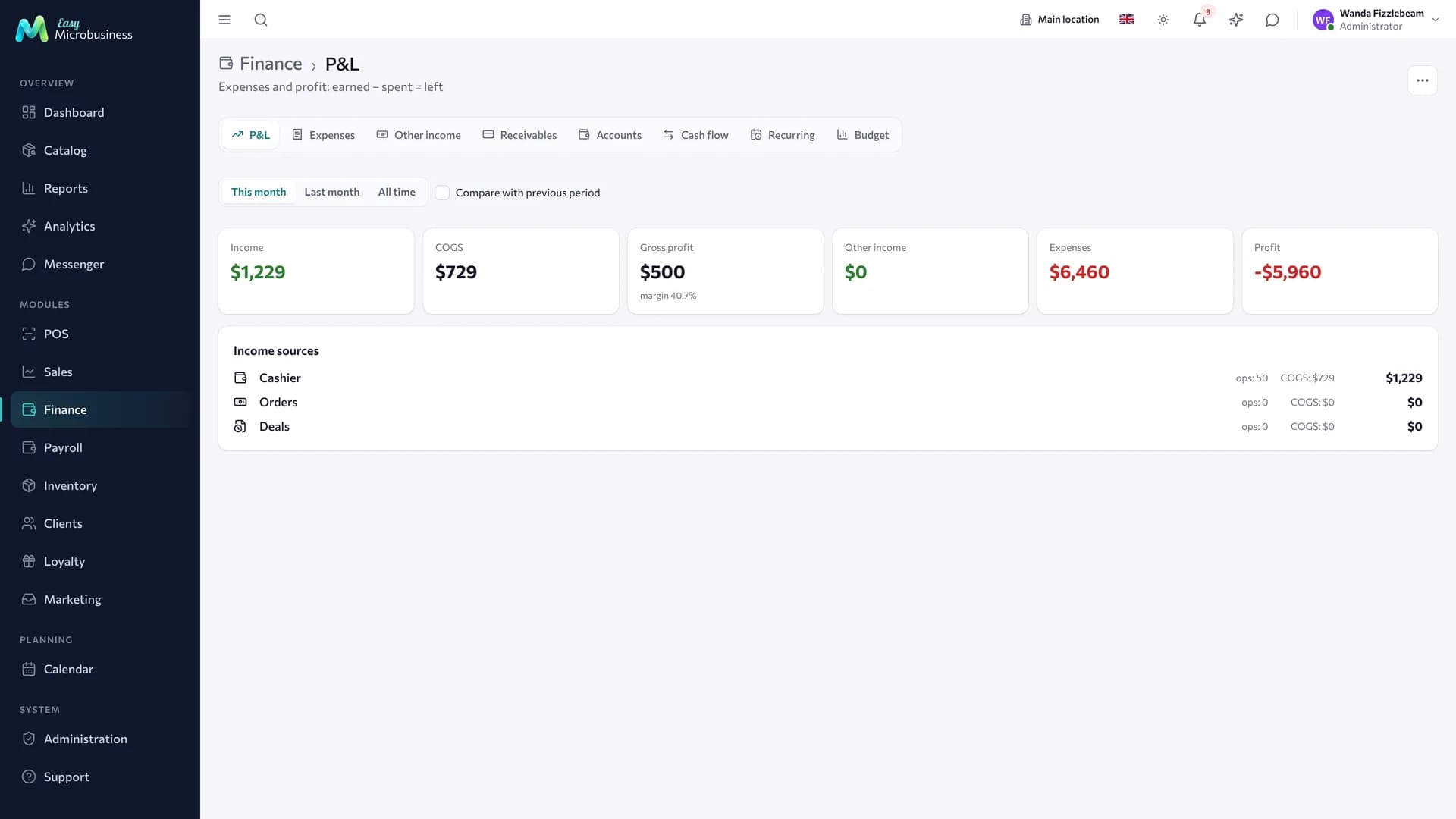
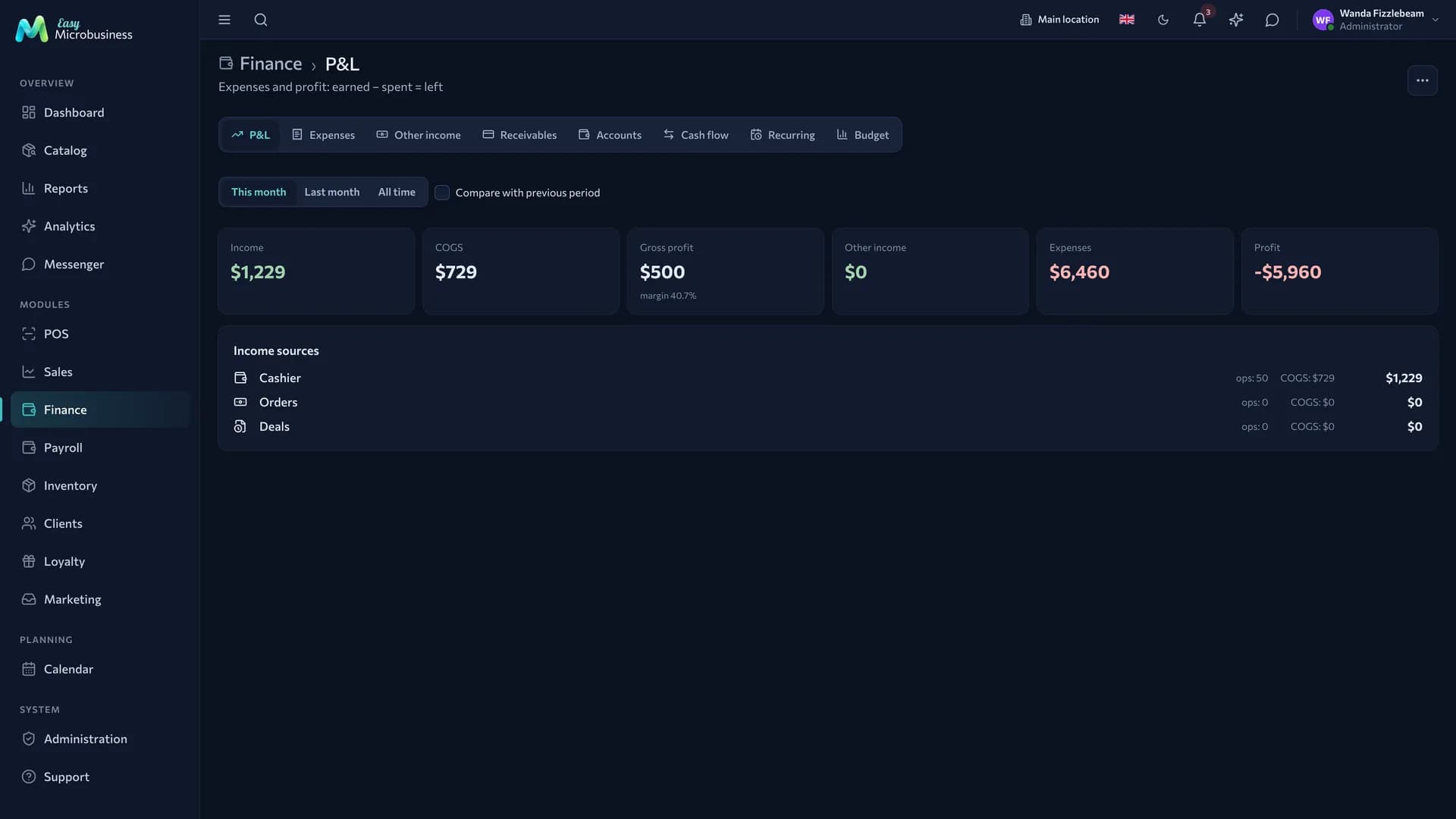
The component answers the owner's main question: earned minus spent equals what is left. It holds expenses and other income, accounts and cash movement, customer debts and budgets, with the profit report on top.
Finance is not tied to the POS. Revenue is collected from every source at once — sales, orders and deals — so it works for those who never ring up a receipt: a CRM, an online store, a wholesaler.
What is inside
| Tab | What it is about |
|---|---|
| Profit and loss | Revenue, cost of goods, expenses and profit for a period |
| Expenses | The spending log: amount, category, date, supplier, comment |
| Other income | Money outside sales: a supplier refund, a retained deposit, compensation |
| Receivables | Who owes and how much: debts on orders and deals with overdue days |
| Accounts | Where the money is: the cash drawer, the bank account, a card |
| Cash movement | Incoming, outgoing and transfers between accounts |
| Recurring | Monthly payments: rent, subscriptions, internet |
| Budget | Planned limits by category and actuals against the plan |
The profit report
Profit is calculated for the chosen period: revenue minus cost of goods minus expenses. Revenue comes from three sources, each on its own line:
- POS — completed sales;
- orders — fulfilled customer orders;
- deals — won deals with an amount.
Cost of goods is pulled from written-off products and materials, so the profit is real rather than "turnover minus expenses".
Cancelled and refunded operations do not enter revenue: a refund reduces revenue on the day it was made.
How to record an expense
- Open the Expenses tab and create an entry.
- Enter the amount, the date and the category: rent, purchases, advertising, payroll, taxes.
- Add a supplier and a comment if needed.
Some expenses appear by themselves:
- a payroll payout creates an expense in the "payroll" category;
- a recurring payment is created on schedule on its day;
- a purchase from a supplier is recorded when goods arrive in stock.
Recurring payments
Rent, internet, subscriptions and anything else that leaves every month is set up once: amount, category, day of the month. After that the expense is created automatically.
Accounts and cash movement
Accounts are where the money sits: the cash drawer of a location, a bank account, a card. Every operation is tied to an account, so you can see not only "how much we earned" but "how much is on which account right now".
A transfer between accounts — a cash collection, a withdrawal from the bank — is a separate operation. It moves money and leaves profit unchanged.
Receivables
A list of debtors: customer, debt amount, due date, days overdue. A debt appears when an order or a deal is placed but not paid in full. For a wholesaler this is the main screen: shipped, waiting for payment.
Budget
A planned limit by category for a period and the actuals against it. An overrun is visible immediately rather than at the end of the quarter.
For example, an advertising limit of 30 000 ₽ a month: 26 400 ₽ spent shows both the amount and what is left.
Who sees this
The section is open to administrators, directors and managers. It is closed to ordinary employees: it shows company profit, expenses and debts.
How to connect
Finance is an optional component: it is offered in every business module and switched on at will. Turn it on in the first-run wizard or later in Administration → Modules. There is no separate charge for the component.
Frequently asked
Why is profit lower than the sum of receipts? The cost of what was sold and the period expenses are subtracted from revenue. Turnover and profit are different numbers.
An expense was entered twice. Delete the extra row in the expense log: profit recalculates at once.
Does the section work without a POS? Yes. Revenue is collected from orders and deals, and expenses and budgets do not depend on the POS at all.
Where did a transfer between accounts go? It is visible on the Cash movement tab and stays out of profit: the money moved from one pocket to another.
In short
- Revenue is collected from the POS, orders and deals, and each source is visible separately.
- Cost of goods is pulled automatically, so the profit is real.
- Recurring payments are set up once and created on schedule.
- Transfers between accounts move money and leave profit unchanged.
Related components
- Point of sale — revenue and payments in profit and cash movement.
- Orders and Deals — the second and third revenue lines; what is unpaid becomes receivables.
- Inventory — the cost of written-off goods and purchases.
- Payroll — a payout creates an expense.
- Reports — profitability by branch, product and deal.