
Online store
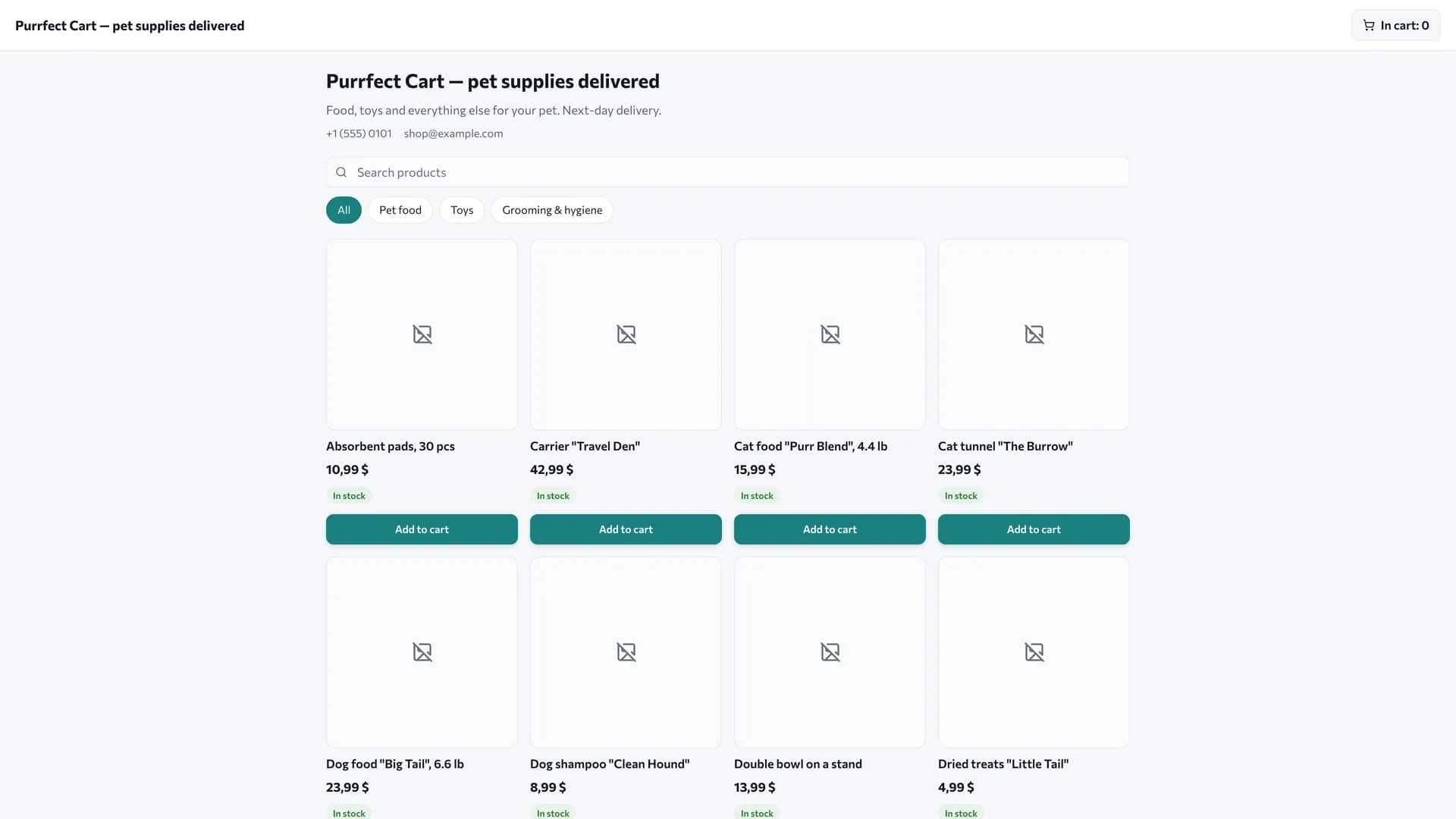
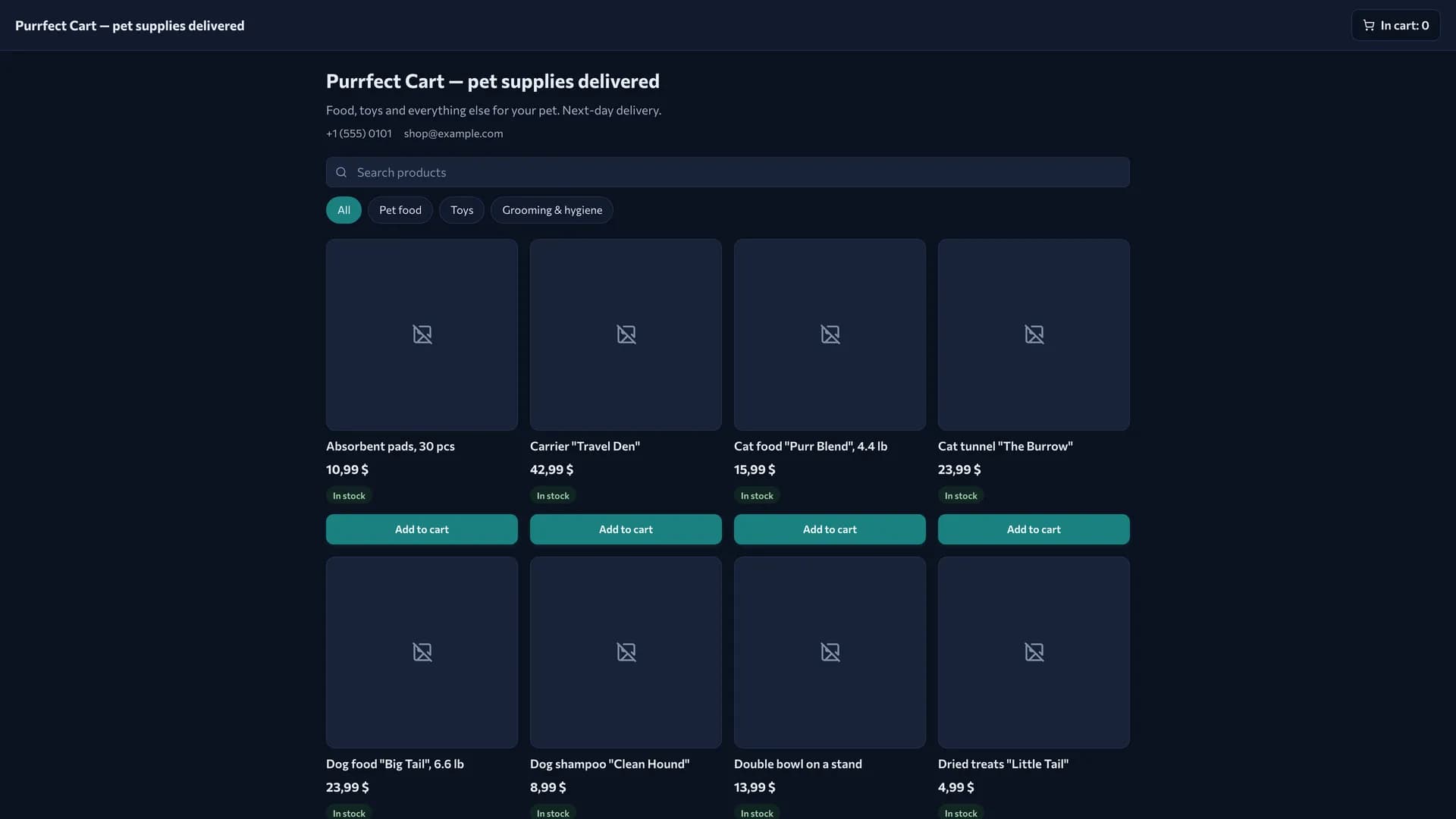
An internet shop with a storefront, a cart, order intake, online payment and delivery. The customer places the order themselves, and you carry it from checkout to handover — in the same system that holds the POS, inventory and customers.
What is included
Core components
- Online storefront — public catalog, cart, checkout without registration, delivery zones, online payment.
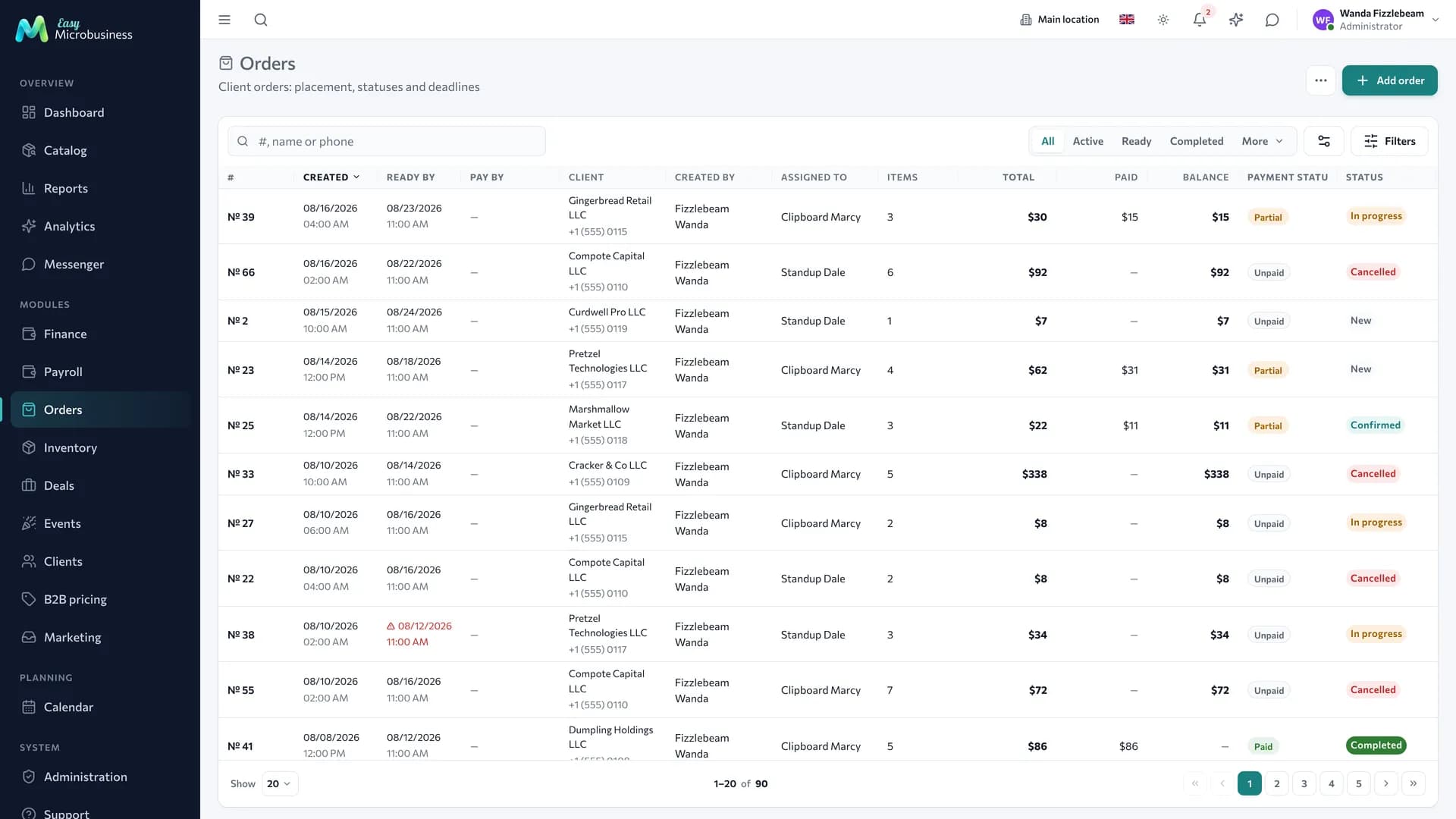
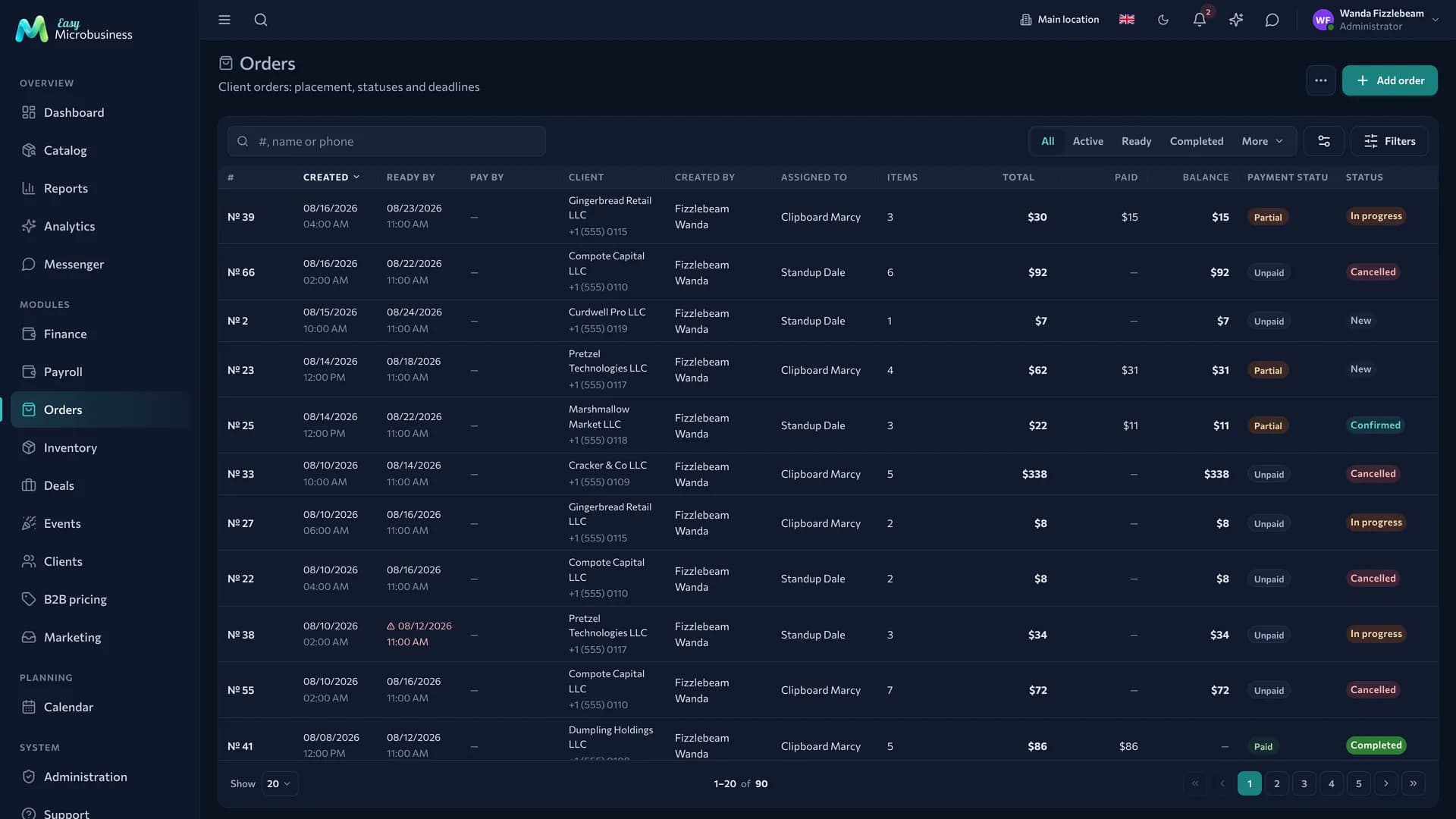
- Orders — the order queue, assembly and handover statuses.
- Clients — buyers, addresses, order history.
Optional components
- Inventory — real availability on the storefront and a reserve for what is sold.
- Loyalty — points on purchases, tiers and promo codes.
- B2B pricing — price lists with volume tiers and the buyer cabinet.
- Payroll — a commission for a manager or a courier.
- Finance — expenses, profit and customer debts.
- Marketing — requests from capture forms, segments and campaigns.
Catalog, reports, calendar, messenger, integrations and the AI assistant are available right away.
Three scenarios
| Scenario | Who it is for | What it sets up |
|---|---|---|
| 🚚 Goods delivery | Selling ready goods from stock | Switches on inventory, shows availability, hides what is gone, enables delivery |
| 📦 Backorder and pre-order | Goods assembled or brought in for a customer | Allows ordering at zero stock, requires a prepayment |
| 💻 Digital goods and services | Files, consultations, certificates | Turns delivery off, keeps online payment |
How the day goes
- The buyer places an order on the storefront: picks products, enters an address and a phone, pays online or chooses payment on delivery.
- The order lands in the queue with contents, amount and collection method. A notification arrives.
- Assembly. The manager marks assembled items. With inventory connected, goods are reserved and written off after handover.
- Delivery. The cost is calculated by zones: area, free-delivery threshold, pickup.
- Closing. A handed-over order turns into a sale, and the money joins revenue alongside POS receipts.
Order and delivery statuses
An order has two independent axes.
| Axis | Values | What it tells you |
|---|---|---|
| Order status | New → confirmed → in progress → ready → completed | What is happening with the order contents on your side |
| Delivery status | Pending → handed over → in transit → delivered | Where the parcel physically is |
Payment is a third, separate characteristic: an order can be paid online in advance, paid on delivery or awaiting payment. So "paid" does not mean "shipped", and "ready" does not mean "paid".
What to set up after connecting
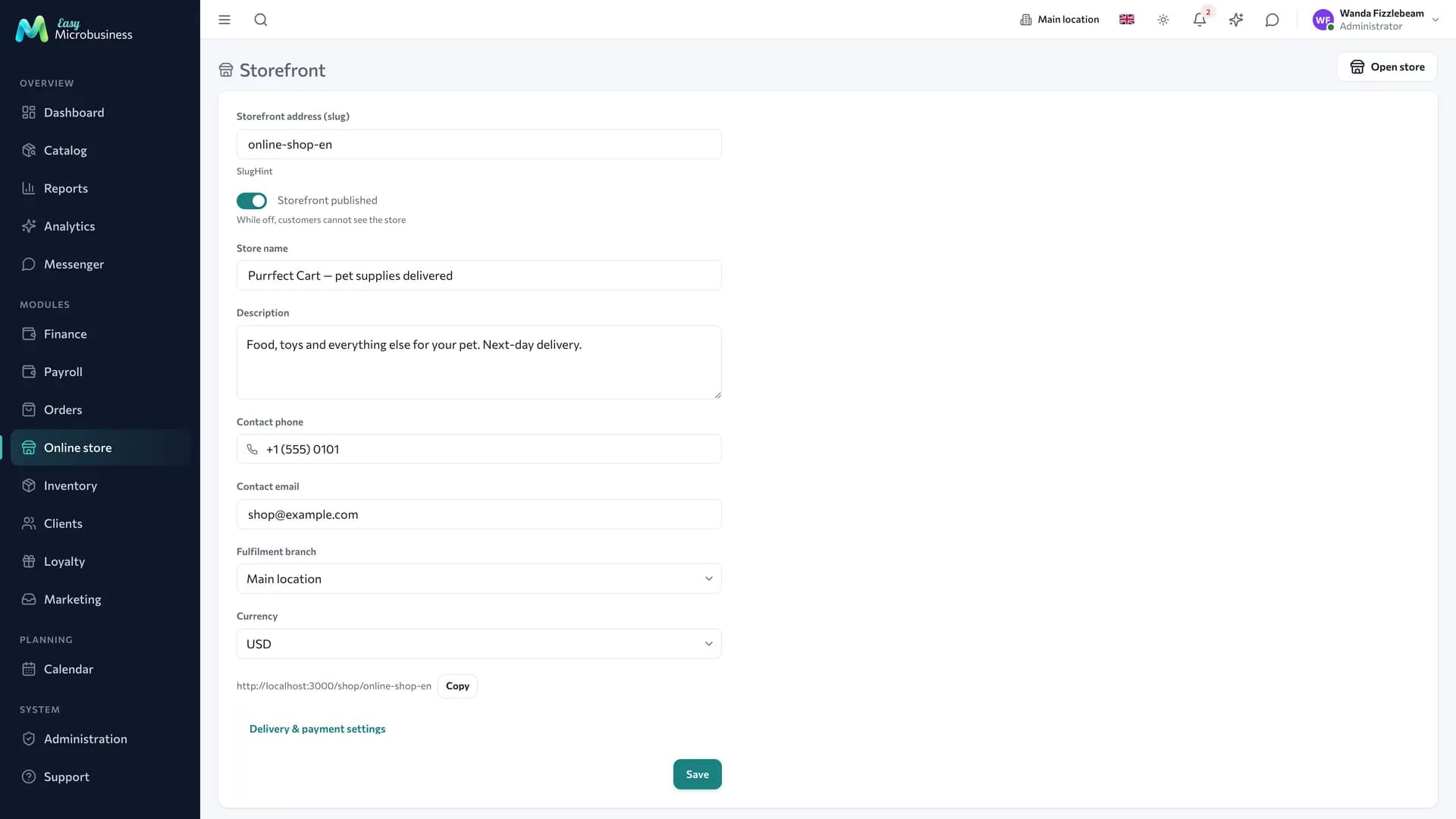
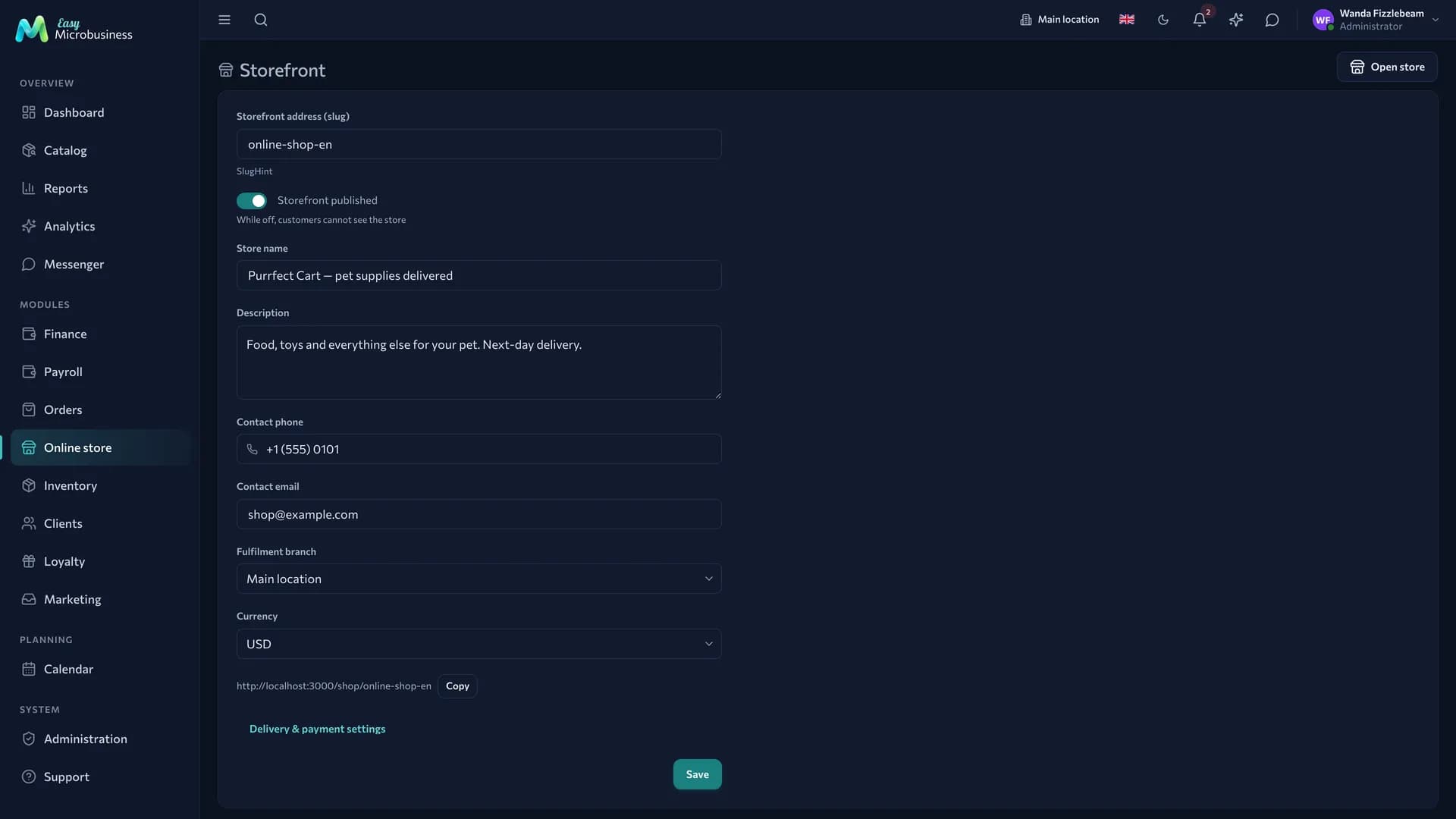
- The storefront — name, description, contacts, cover: this is what the buyer sees.
- The assortment — which catalog items to show. Not everything sold at a location belongs on a storefront.
- Delivery zones — areas, prices, free-delivery threshold, pickup.
- Payment — connect a payment provider; until then payment on delivery works.
- Notifications — who to tell about a new order and where.
Frequently asked
Do we need a separate website? The storefront lives at its own link: put it in social media, in a messenger or print it as a QR code. If you already have a site, add the link as an "Order" button.
What about stock? With inventory connected, the storefront shows availability and keeps orders within stock. In the "Backorder" scenario zero stock is no obstacle.
What about prices? There is one price, from the shared catalog, so the storefront and the POS do not diverge. To sell cheaper to specific buyers, use personal prices and price lists.
The buyer asks where their order is. From the letter they open a status page that updates as the order is assembled and delivered. No cabinet or password needed.
Buyers do not receive letters. Check the company mail channel in Integrations: letters to customers go out in your name.
What about abandoned carts? The reserve is placed on confirmed orders, so an abandoned cart blocks nothing.
In short
- The storefront opens through a link and needs no separate website.
- Price and stock are shared with the POS and inventory.
- Order status, delivery status and payment are three independent things.
- The reserve is placed when an order is confirmed.
Similar modules
- Main sales at a location with a website on the side — Retail store.
- Selling to businesses with payment terms and partial shipments — Wholesale and distribution.
- Food delivery from your own venue — Restaurant.