
Studio
The module for studios and production teams: booking a session, a project by stages with an advance, and handing finished materials to the client through a link. It fits photo studios, video production, design studios and anyone shooting on location.
What is included
Core components
- Clients — clients, project history, contacts and agreements.
- Deals — the project by stages: brief, preparation, production, post-production, delivery.
- Scheduling — sessions, rooms, equipment, team availability.
Optional components
- Point of sale — payment on the day of the session.
- Field service — shooting at the client's location.
- Work planning — project stages with dates and a schedule.
- Payroll — fees and percentages for the team.
- Finance — expenses, profit and customer debts.
- Marketing — requests from capture forms, segments and campaigns.
Catalog, reports, calendar, messenger, integrations and the AI assistant are available right away.
Four scenarios
| Scenario | What you deliver | What it sets up |
|---|---|---|
| 📸 Photo studio | A session and the shots | 50 % advance, "Shoot type", "Retouching", "Shots delivered" fields, the client portal, switches on the POS |
| 🎬 Video production | A finished video | 30 % advance, "Runtime" and "Delivery format" fields — built for a long post-production |
| 🎨 Design studio | Layouts and source files | 50 % advance, "Revisions included" and "Source format" fields |
| 🚐 On-location shooting | Work at the client's site | "Locations per project" and "Site access" fields, address and brief in the booking form |
How a project goes
- Request and brief. The client sends a request, and you record the task, the date and the budget.
- Advance. The project starts after a prepayment — the percentage comes from the scenario and fills in itself.
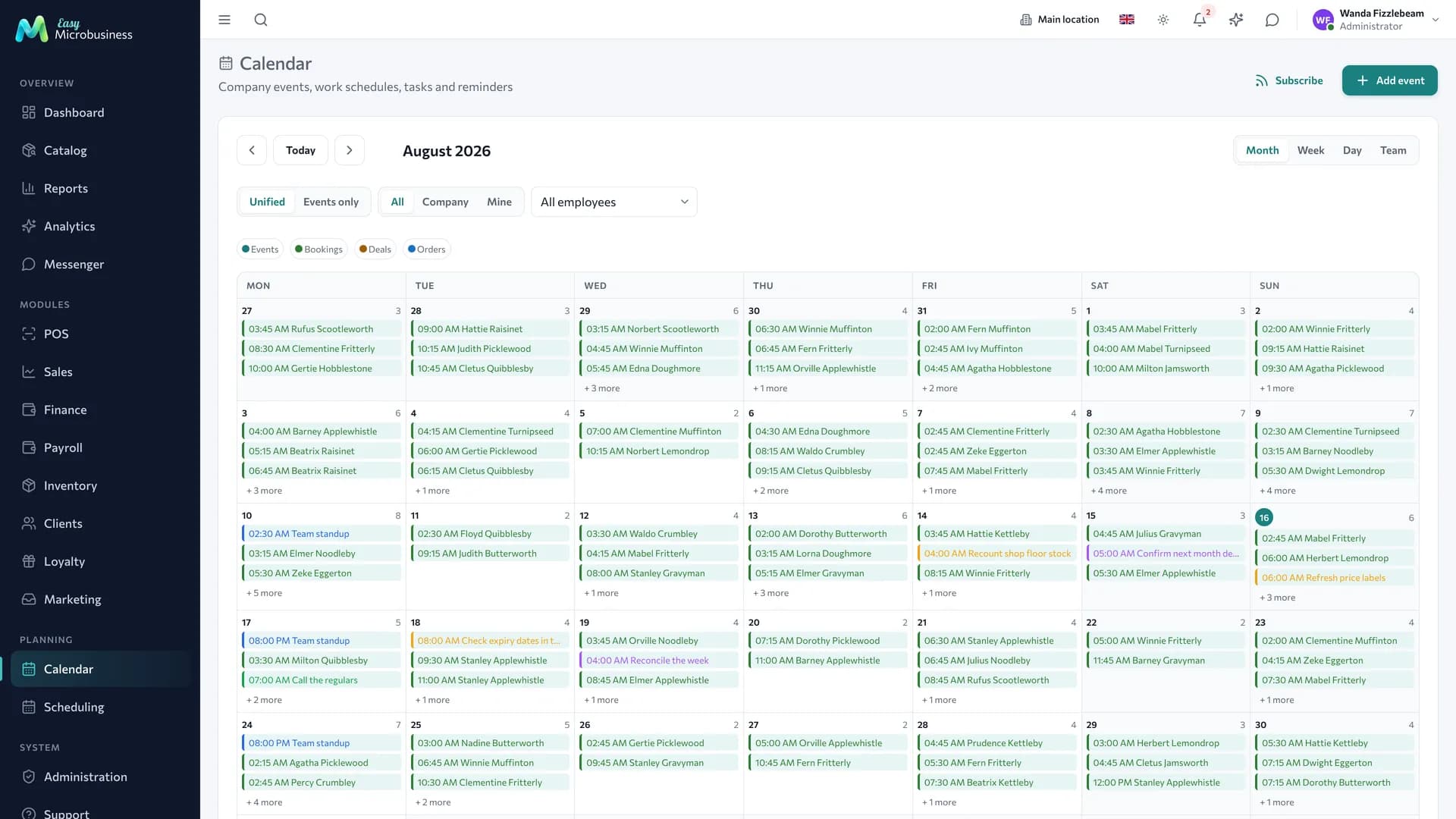
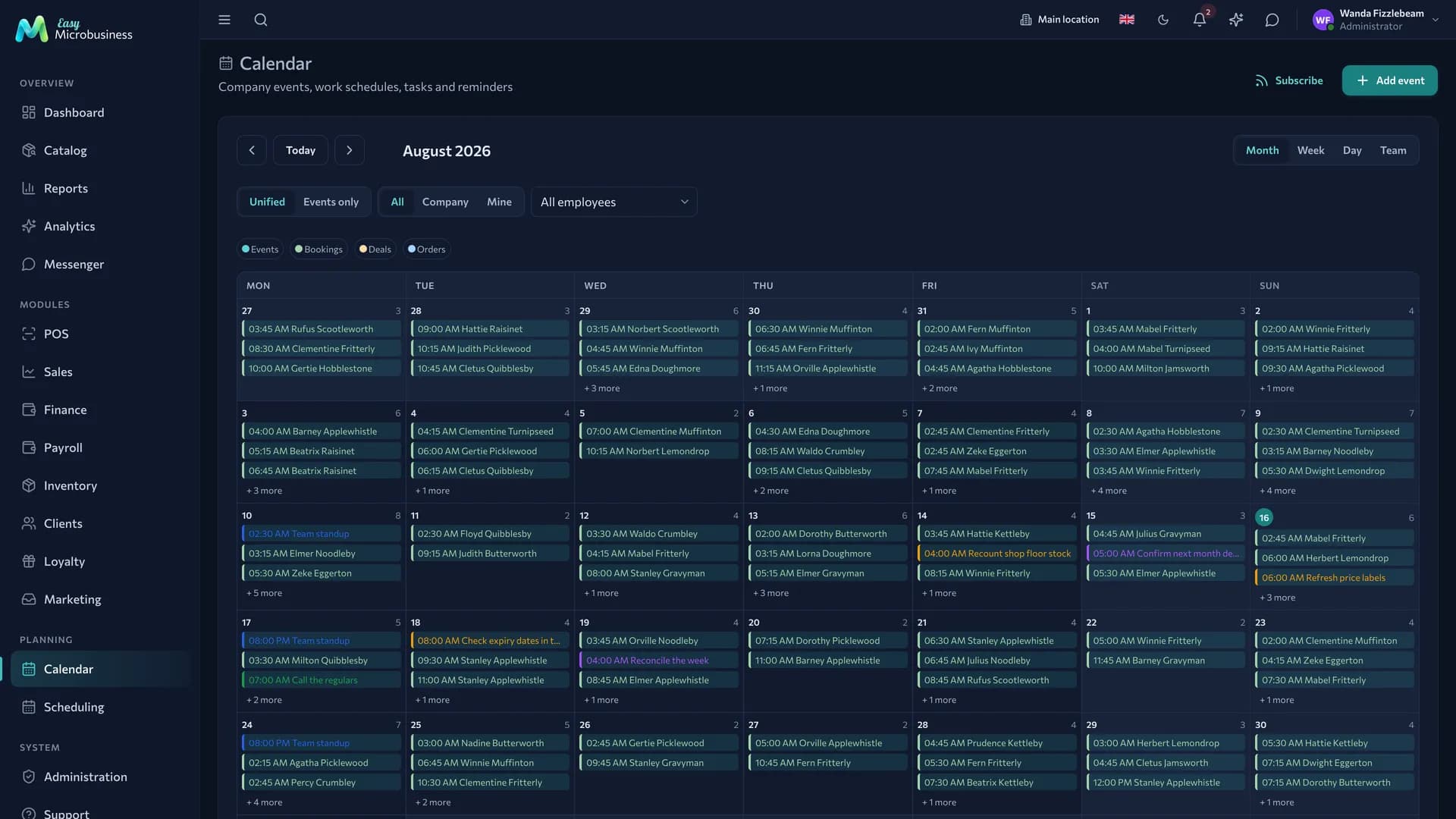
- Session. The date and the room are booked in the calendar, and the whole team sees the availability.
- Post-production. The project moves through stages, each with a deadline and an owner.
- Delivery. Materials go to the client through a link, a delivery act is signed and a contract is printed if needed.
The day of a session
- In the morning open the calendar: which rooms are taken, who from the team is on site.
- Before the client arrives, check the advance — it is visible in the project payment plan.
- Move sessions by dragging: the client receives a notification.
- For an on-location shoot, check the site address in the booking: it may differ from the client's address.
- After the session mark it completed — the project moves to the next stage and the hours count towards fees.
How to hand materials to the client
- Turn delivery on in the project — the system issues a personal link.
- Mark the files the client should see. Unmarked ones stay internal.
- Send the link: the client opens the page without registration and downloads files one by one or as an archive.
- Send debatable layouts for approval — the client answers "accepted" or "needs work", and the answer and the time are recorded.
- After delivery the link can be revoked; the approval history stays.
The delivery link is separate from the other public links of the project, so revoking it does not touch anything already printed or sent.
Project money
| What | Where it is counted |
|---|---|
| Advance | The project payment plan, the percentage comes from the scenario |
| Balance | The final payment on delivery, recorded in the same plan |
| Team fees | Piece-rate pay or a rate per session hour |
| Expenses | Location rental, transport, props — attached to the project |
| Profit | The estimate minus fees and expenses, per project |
What to set up after connecting
- A price list — a shooting hour, packages, extras for retouching and urgency.
- Rooms and equipment — as bookable resources.
- The advance percentage — if the scenario default does not fit.
- Contract and act — the module creates them at connection; check your terms about rights to the materials.
- The client portal — the link the client uses to see the project status and collect files.
What to look at in reports
- Room and team load by day of the week.
- Profit per project with fees taken into account.
- How many projects have been stuck in post-production past the deadline.
- Repeat orders from clients.
Frequently asked
A client is moving the shoot for the third time. Moving is a change of booking, and the project history stays. If reschedules become a problem, add a non-refundable advance.
How do we show previews without giving away the source files? Mark only the previews as visible: the source files stay in the project attachments, available to the team.
The shoot is at the client's site. Use the on-location scenario: the address is asked in the booking form and lands in the booking.
One person works without an administrator. Give clients the online booking link: free slots and the brief gather themselves.
In short
- A project is run as a deal, and a session as a booking of a room and a team.
- The advance percentage comes from the scenario and fills into the payment plan.
- The client collects finished files through a personal link, without cloud storage or archives by email.
- Profit per project is counted with fees and expenses included.
Similar modules
- Renting a hall without shooting in it — Rental.
- A long sales cycle without production — CRM.
- Printing a run from a layout — Printing and advertising.