
Delete company
You can close the company yourself, together with all of its data. Deletion takes two confirmations and does not finish instantly: the data is kept for a month, and for the first week you can bring the company back on your own.
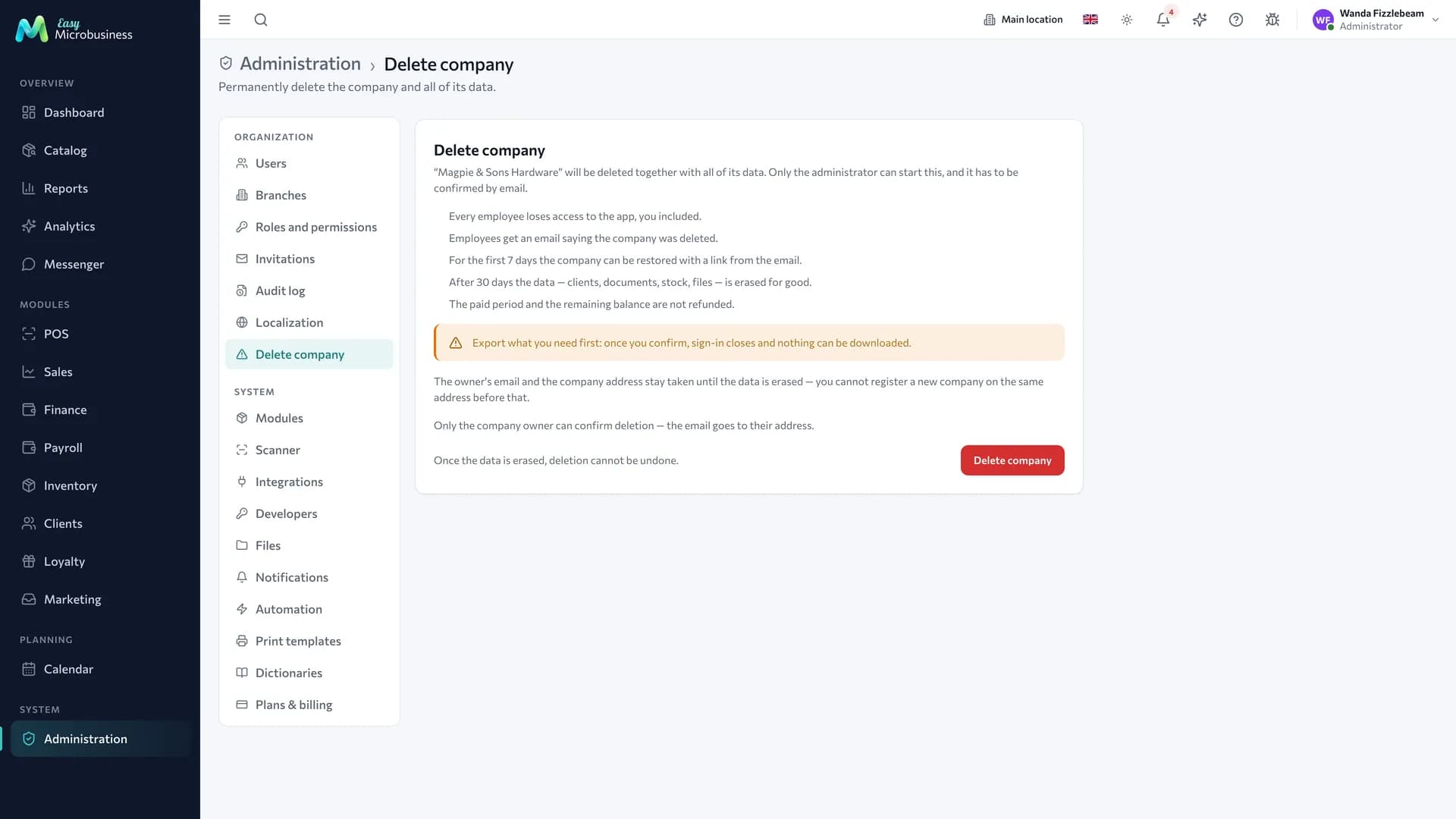
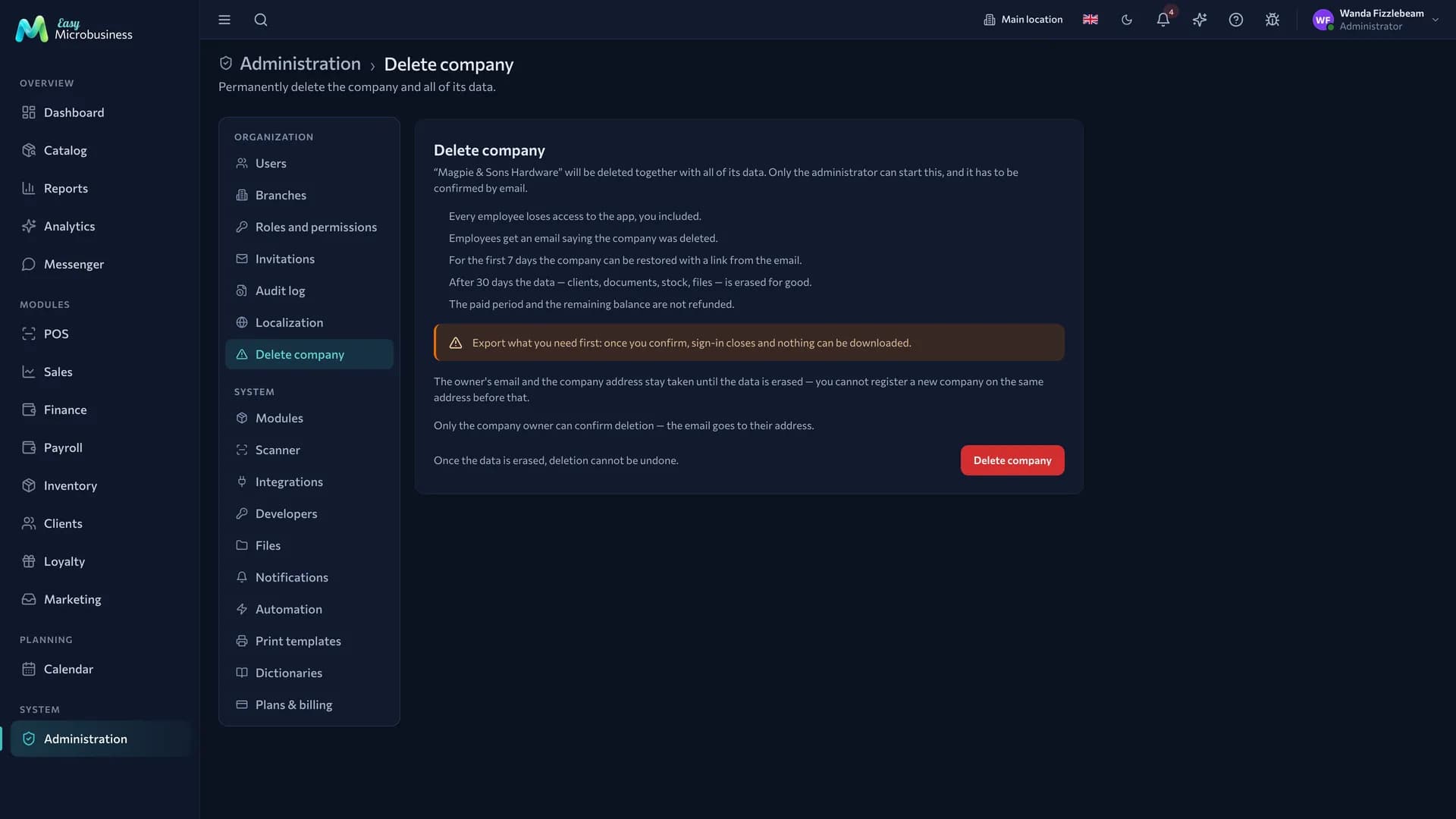
The section opens from Administration → Delete company in the «Organization» group. Only the company administrator sees it.
How to delete the company
Two steps: a request in the section and a confirmation link from the email.
- Open Administration → Delete company.
- Press Delete company.
- Type the company name in the window and press Send confirmation. Case and extra spaces do not matter: «Lenina Coffee» and «lenina coffee» both work.
- Open the confirmation email and follow the link in it.
- On the page that opens, press Confirm deletion.
Emails about the deletion arrive in Russian.
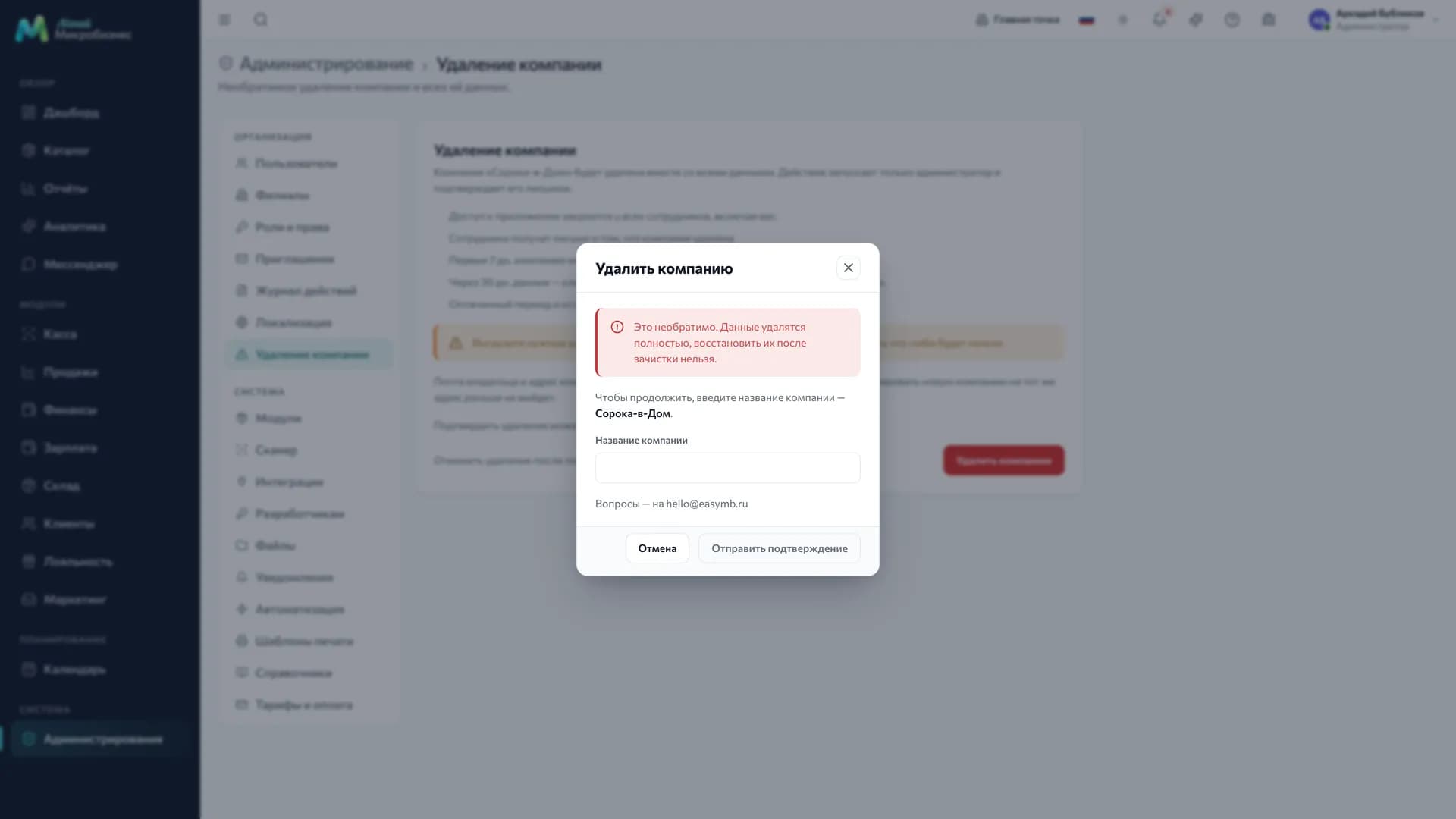
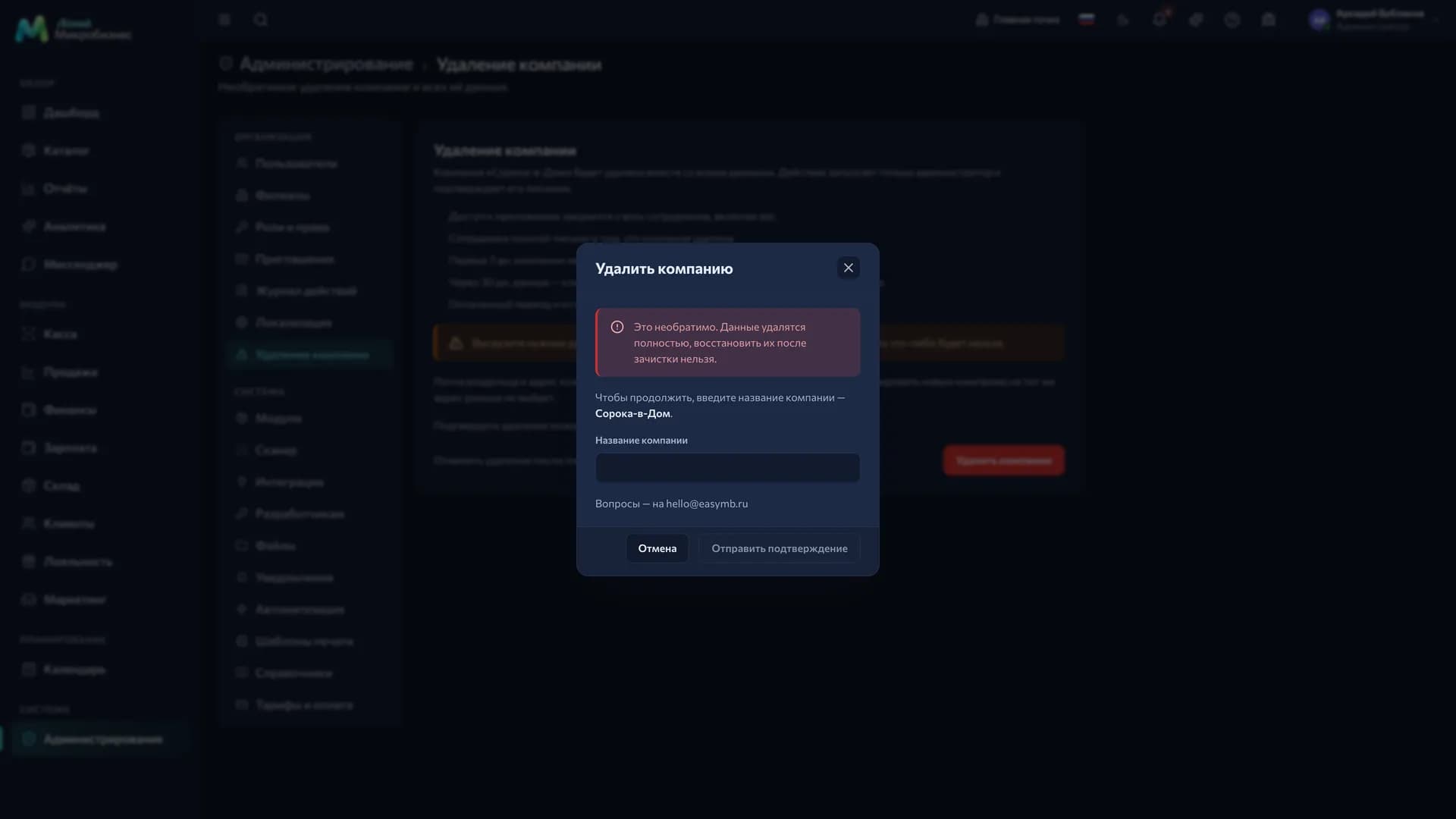
The email goes to the address of the administrator who made the request. The link in it works for 24 hours.
What happens while the request is not confirmed
Nothing is deleted. The section shows the Waiting for email confirmation warning with the recipient address and the link deadline, and the company keeps working and keeps being billed.
Two buttons sit next to it:
- Send the email again — for a letter that never arrived, went to spam or expired. A new link is issued and the previous one stops working.
- Withdraw request — the request is cancelled and the link stops working.
Export what you need first. Once you confirm, sign-in closes and nothing can be downloaded.
What happens right after the confirmation
The company goes to the archive, and everyone sees it the same minute:
- every employee loses access to the app, the administrator included;
- open sessions end, and sign-in reports that the company was deleted;
- employees receive an email telling them access to the company is closed;
- the administrator receives an email about the deletion with a «Restore» link.
Everything that faced the outside world goes silent with the app: the online shop storefront, the restaurant QR menu, the online booking page, customer portals, the buyer portal, the public repair status page and the shared work schedule, lead forms, calendar subscriptions and the external API. Emails, texts and messages to customers on behalf of the company are no longer sent, and employee access to the messenger is revoked.
Billing stops as well: the subscription and the connected business modules of an archived company are not renewed.
Right after the confirmation the «Restore» link appears on screen with a «save this link» note. The same link arrives by email. This is the only key that brings the company back without support.
How to bring the company back
For the first 7 days — on your own: open the «Restore» link from the email and press Restore company. Data and access return to their previous state, employees receive an email about the restore, and everyone signs in as before. Employees who were blocked before the deletion stay blocked.
From day 8 to day 30 — through support: write to hello@easymb.ru. The data is still intact and the company will be restored on request.
For example, a company deleted on 1 March is restored by the administrator until 8 March and by support until 31 March. On 31 March the data is gone.
When the data is erased for good
On day 30 after the confirmation the company is erased permanently: records, files in storage and messenger conversations.
Three days before that the administrator receives a warning email with the exact date, and after the purge a final email confirming the data is gone.
What stays with the platform: the payment history and partner commissions — these are the platform's own money records and hold no personal data. Plus a single row stating that such a company existed and when it was deleted.
Frequent questions
Is the money refunded? No. The paid period and the remaining balance are not refunded. More about charges — Plans and billing.
Can I register a new company on the same email right away? Not until the data is erased. The administrator's email and the company address stay taken for all 30 days. Use another address or wait for the purge.
Can a manager or a director delete the company? No, the section is open to the administrator only. Who sees what — in Roles and permissions.
What happens to invitations? An invitation to an archived company cannot be accepted: a new employee is not created there.
Is there a trace in the log? Yes, until the data is erased. The request, the withdrawal, the confirmation and the restore are written to the Audit log.
In short
- Only the administrator starts the deletion and confirms it with a link from the email; the link lives 24 hours.
- Until the request is confirmed the company works and is billed as usual, and the request can be withdrawn.
- After the confirmation access closes for everyone, and public links and the external API stop working.
- For the first 7 days the administrator restores the company with the link from the email, until day 30 support does.
- On day 30 the data is erased for good; the money and the paid period are not refunded.
Related sections
- Company and branches — the organisation data that is deleted with it
- Users and invitations — employee statuses and access
- Plans and billing — what is charged and when